

Adding keys for new energy vehicles can be challenging due to their advanced immobilizer systems. In this tutorial, we demonstrate how to match keys for a 2025 Li Auto L6 using KEYDIY KD-X4 with the KD 52P dedicated CAN adapter cable.
Required Equipment
- KD-X4
- KD 52P dedicated CAN adapter cable
- Two original vehicle keys
Key Matching Procedure
1. Connect the Adapter Cable
First, disconnect the vehicle power supply.
Remove the two trim panels under the steering wheel, then unplug the blue connector.
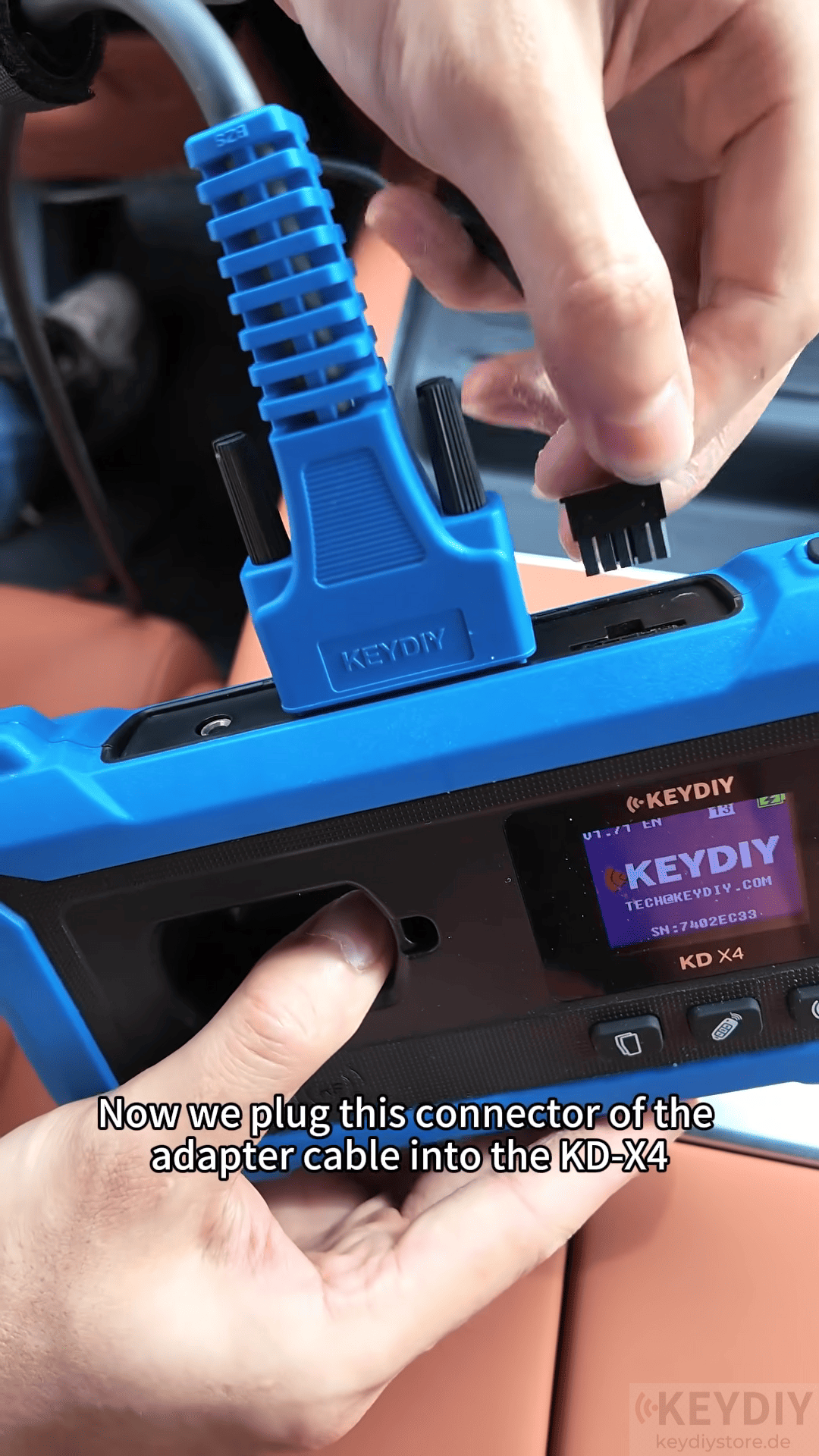
Connect the unplugged connector to the KD 52P adapter cable, and connect the other end of the adapter cable to the original vehicle connector socket.
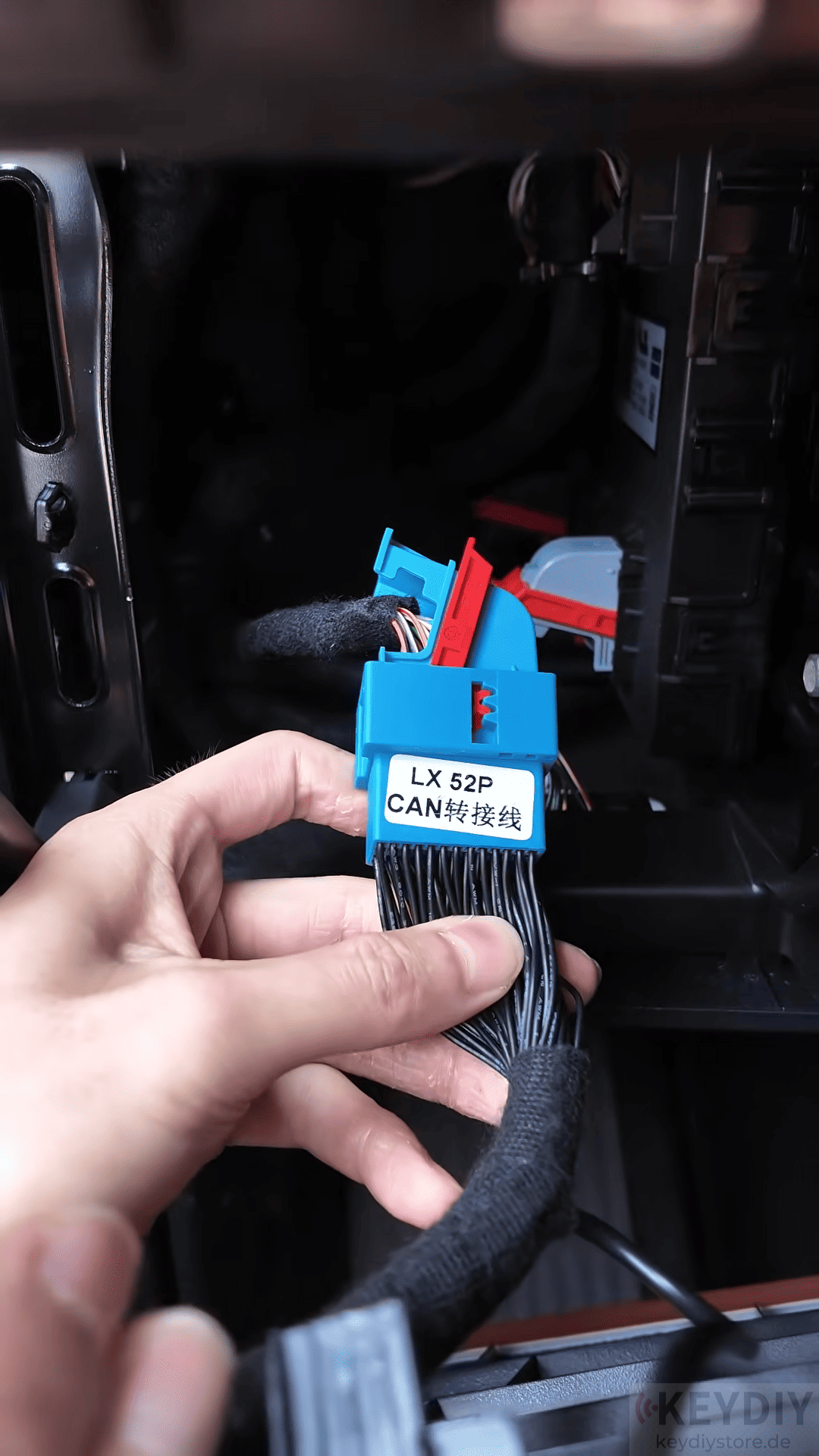
Then connect the adapter cable to KD-X4 key programmer and plug in the OBD connector.
Turn on the vehicle power.
2. Enter IMMO Programming
Open the Palm KD app and select [IMMO Programming] → [Li Auto] → [Corresponding Vehicle Model]
Check the current number of stored keys.
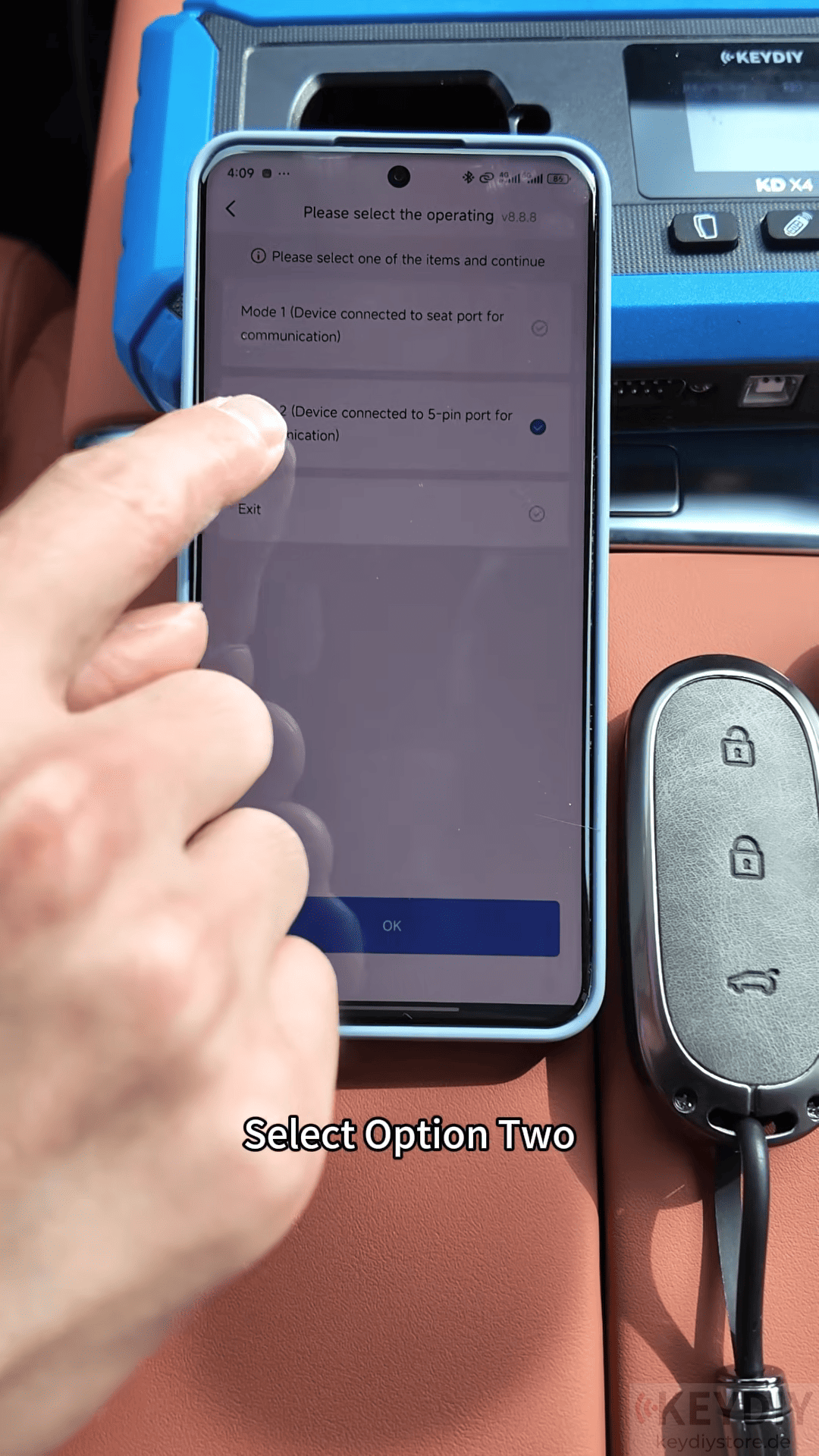
For this vehicle, the system shows that two keys are already stored, and the vehicle supports a maximum of two keys.
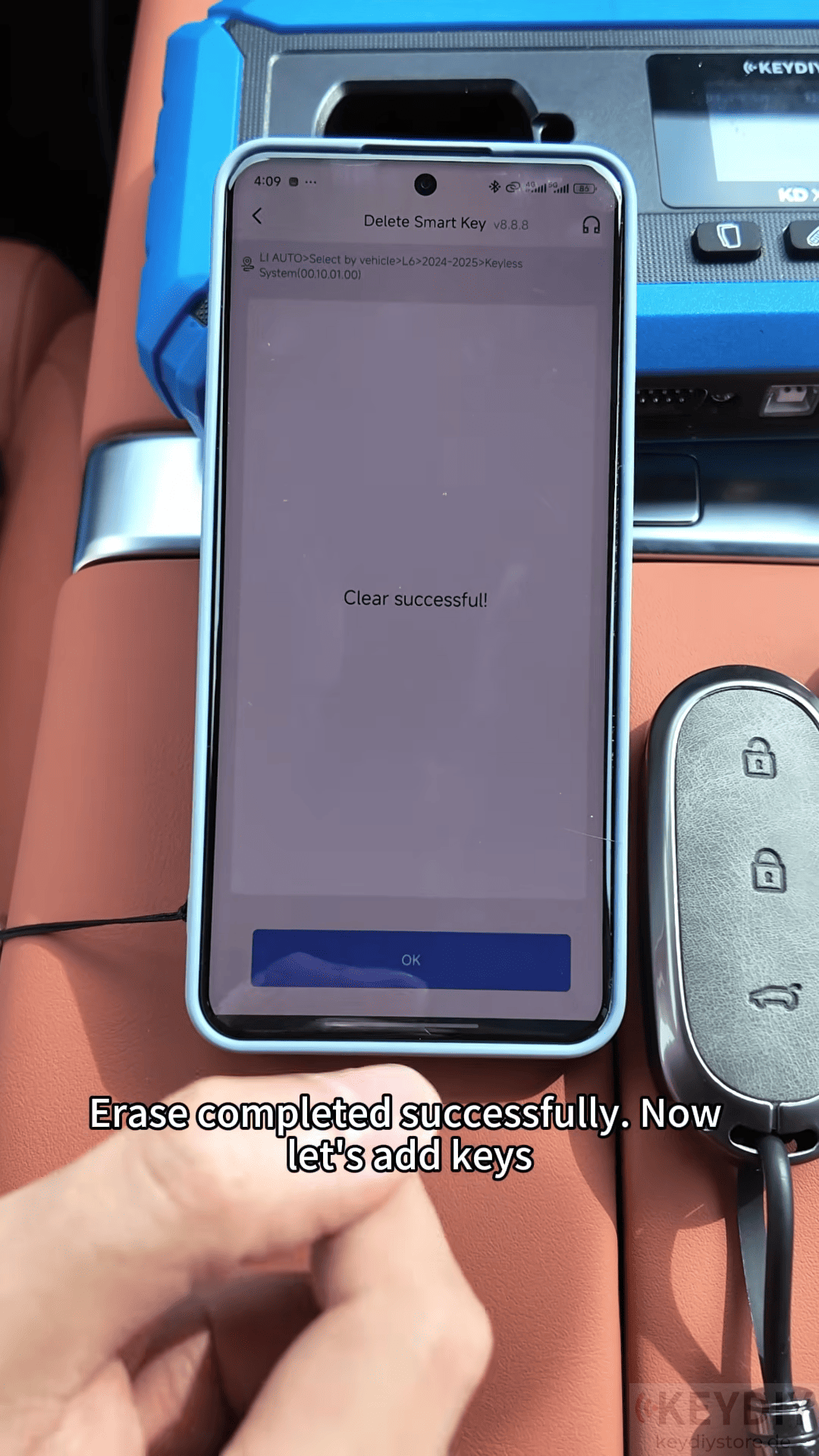
Therefore, the existing keys need to be erased before adding new keys.
3. Add New Keys
After erasing the old key data successfully.
1. Place the key to be matched in the induction area.
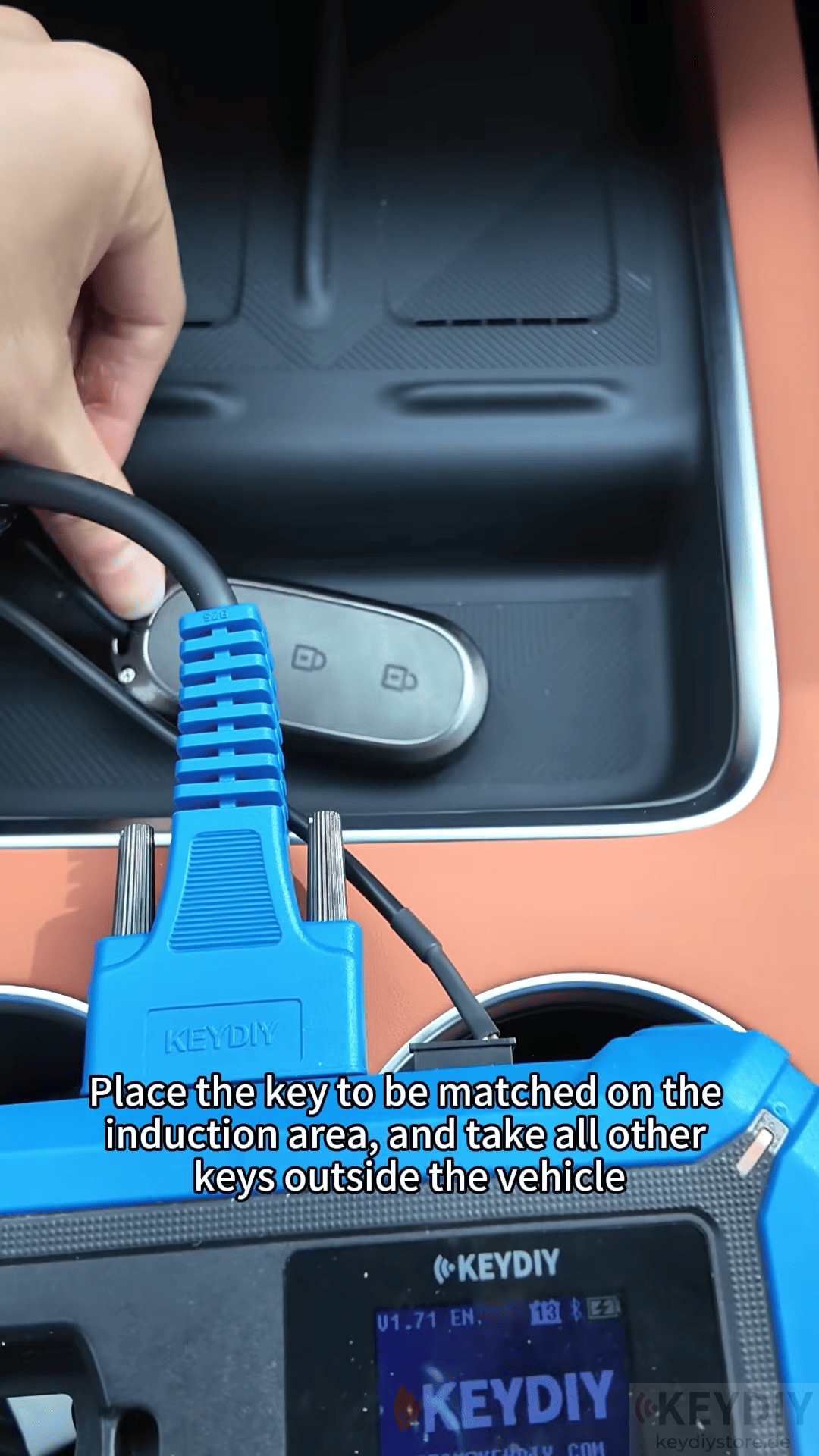
2. Keep all other keys outside the vehicle.
3. Follow the instructions to complete key matching.
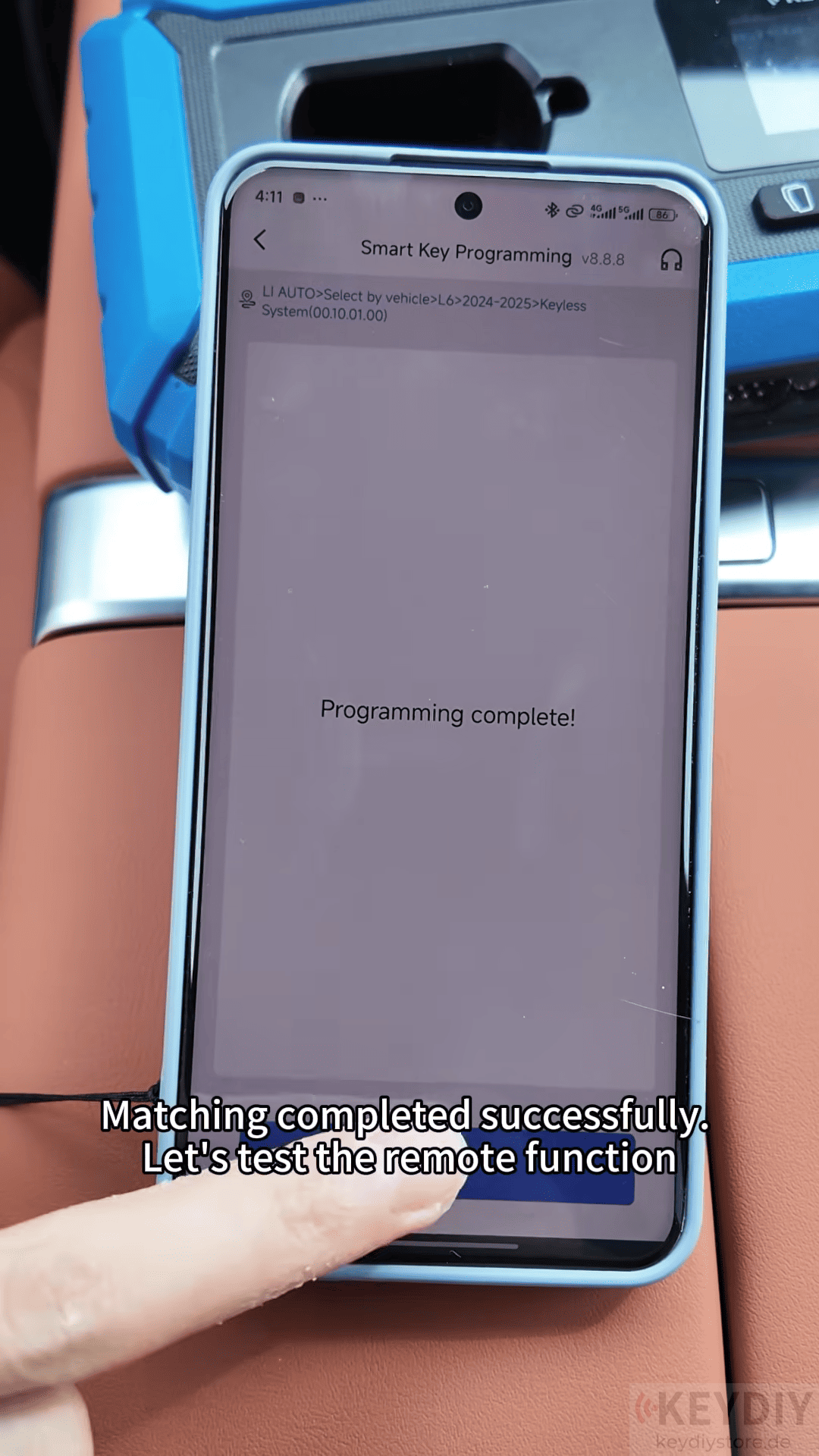
4. Repeat the process for the second key.
After programming is completed, test the remote functions.
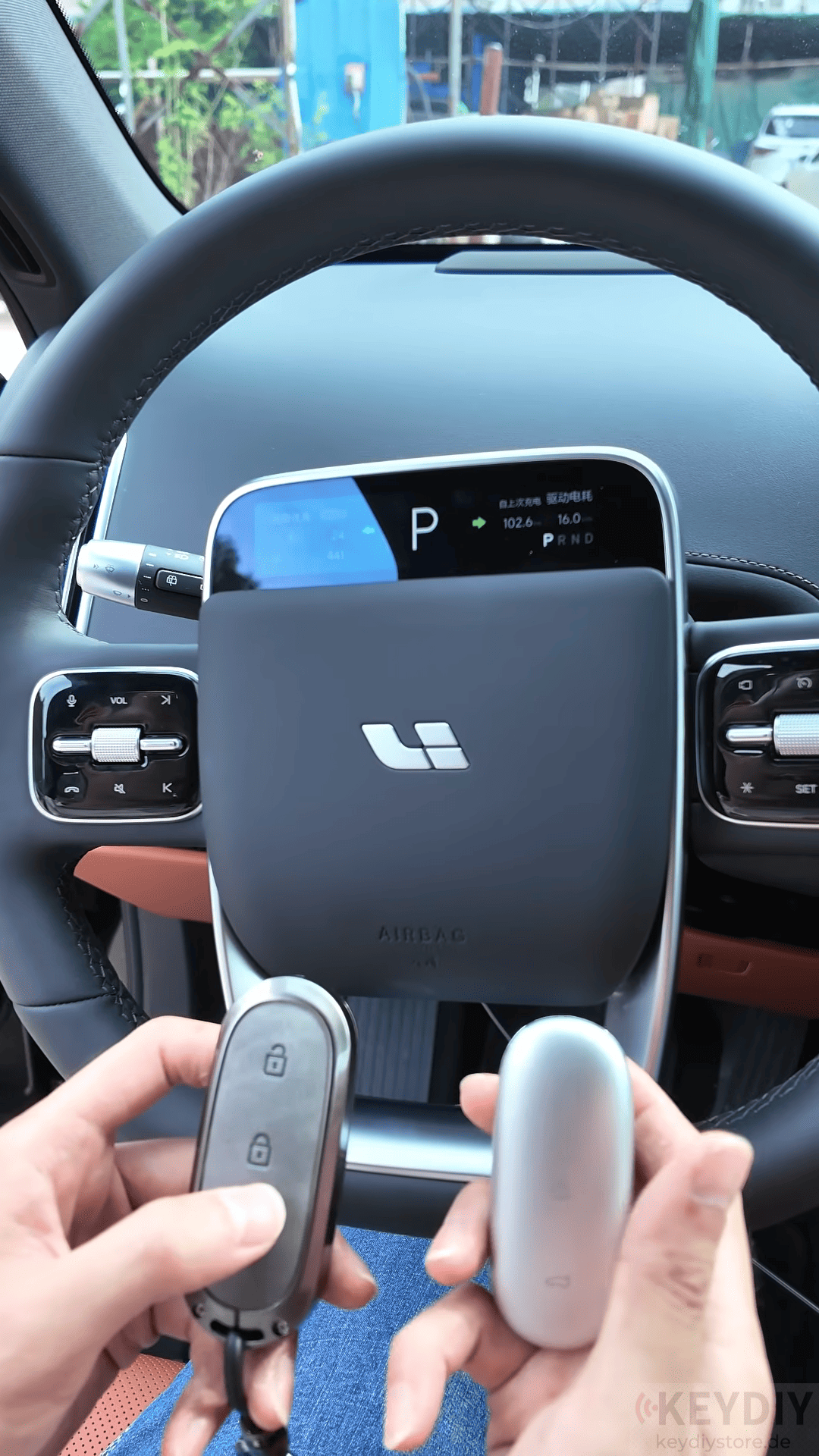
The key functions work normally, and the matching process is complete.
Read also:
How to Add Smart Key for Leapmotor C01 Using KEYDIY KD-X4
Leave a Reply