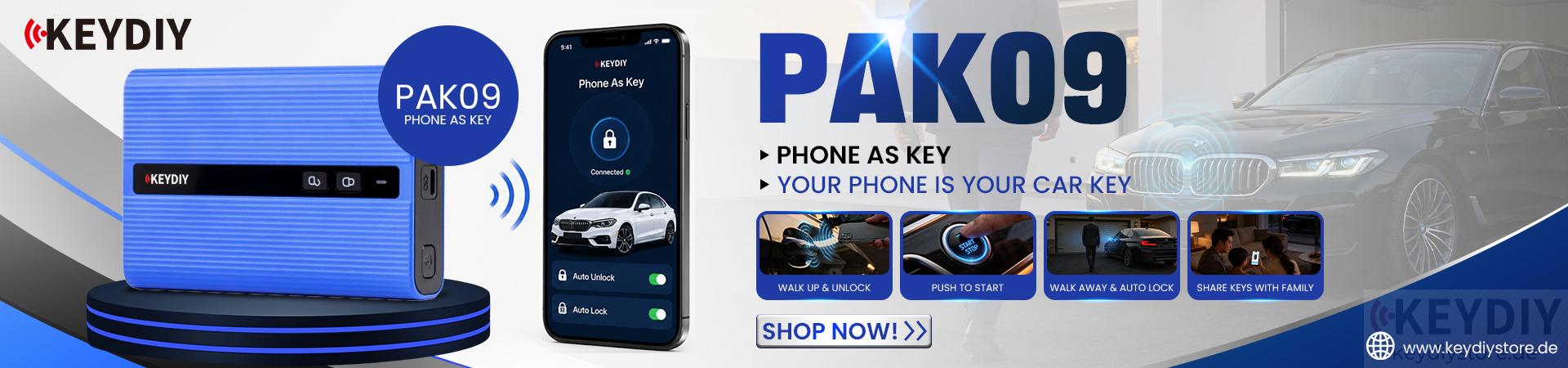

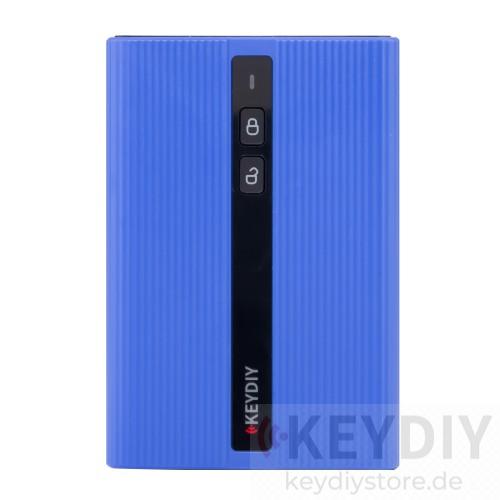
I am interested in purchasing KEYDIY PAK09 Phone as Key system for my BMW G20 330d (2019).
I already have two original BMW keys, and I am willing to leave one of them permanently inside PAK09 module.
Before placing my order, I would like to ask a few questions:
1. If I use one of my original BMW keys inside the PAK09 module, do I still need a KD-MAX or KD-X4 to set up the system, or can everything be configured without a programming device?
2. If a KD-MAX or KD-X4 is required, do you know of any dealer or installer in Germany who can install and program the PAK09 for my BMW G20?
3. Will the PAK09 provide automatic unlock/lock (comfort access) and allow me to start the vehicle using my iPhone?
Thank you for your questions.
Regarding the KEYDIY PAK09 Phone-as-Key system, please kindly note:
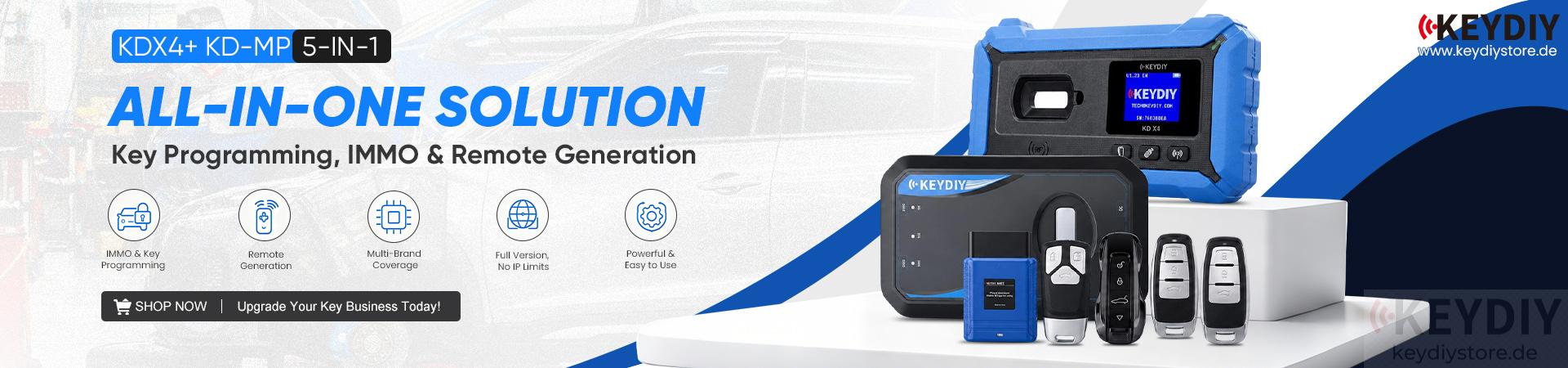
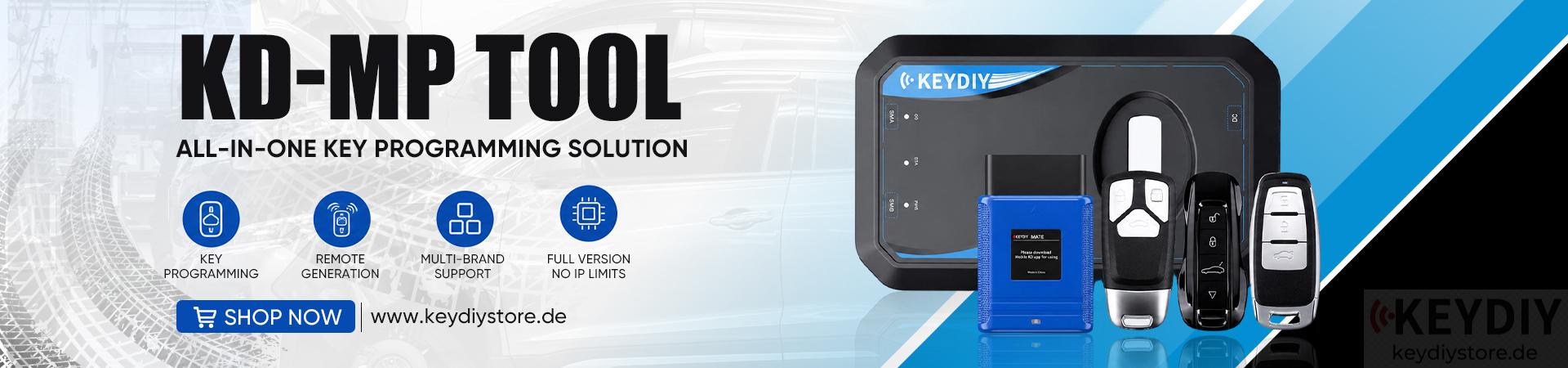
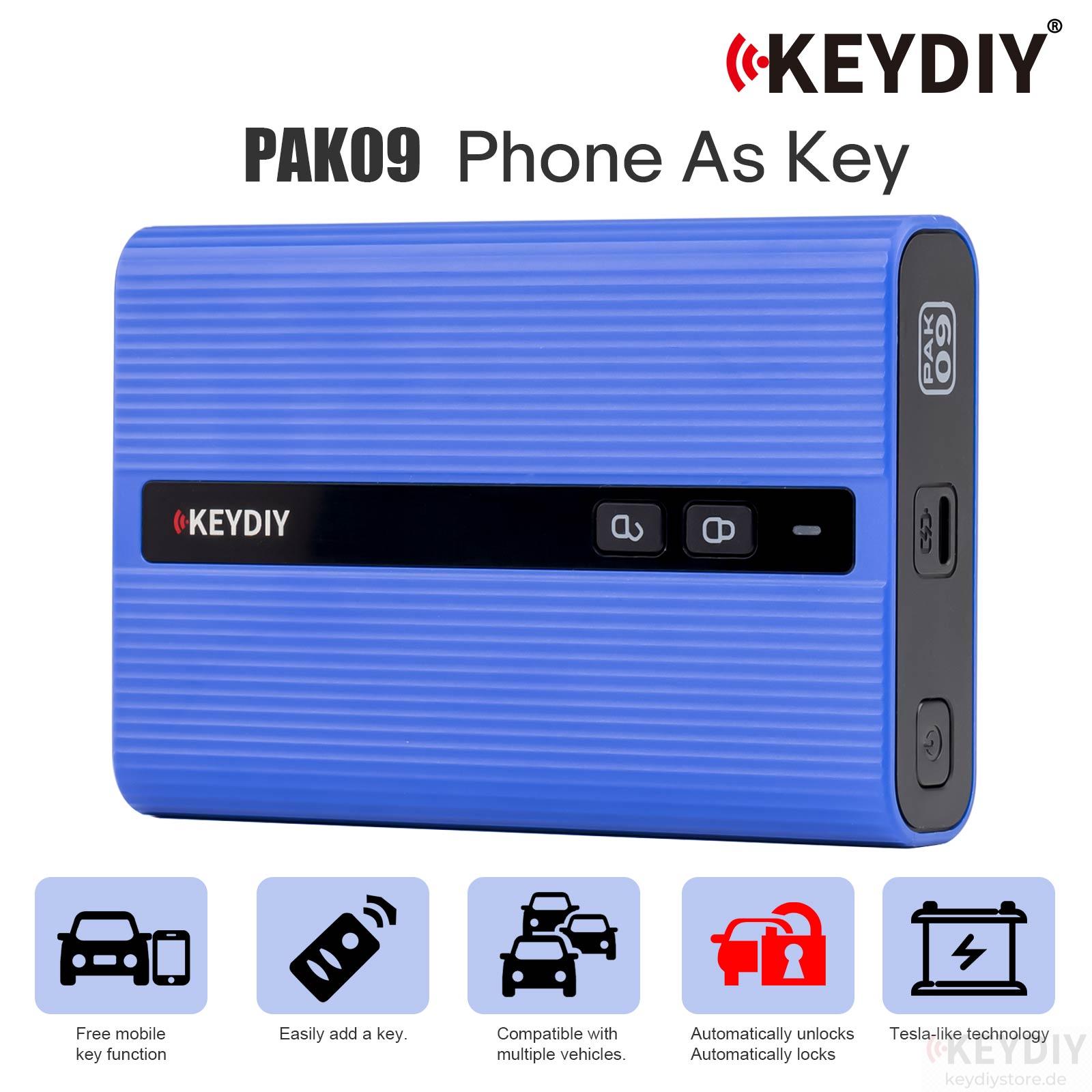
If you only want to use your iPhone as a vehicle key, and do not need to add any additional key fobs, you do not need KD-MAX Remote Generator or KD-X4 key programmer. The PAK09 can work with your original BMW key placed inside the module. If you want to add an additional KEYDIY remote/key fob, the new key needs to generate the PAK09 program, and in this case you will need a KD-MAX or KD-X4 device for programming. For the functions you asked about:
- Automatic unlock/lock (comfort access) is supported.
- Start the vehicle with your iPhone is supported.
However, we would like to mention that for BMW vehicles with G chassis / U chassis, we do not recommend using PAK09. For these models, we suggest using the generation-type FGB smartphone key systems, such as KEYDIY PAK01 / KEYDIY PAK06, which are more suitable and provide better compatibility.
Please add our WhatsApp: +86 15271813909 for online chat
Read also:
KEYDIY Product Frequently Asked Questions July 2026
Leave a Reply