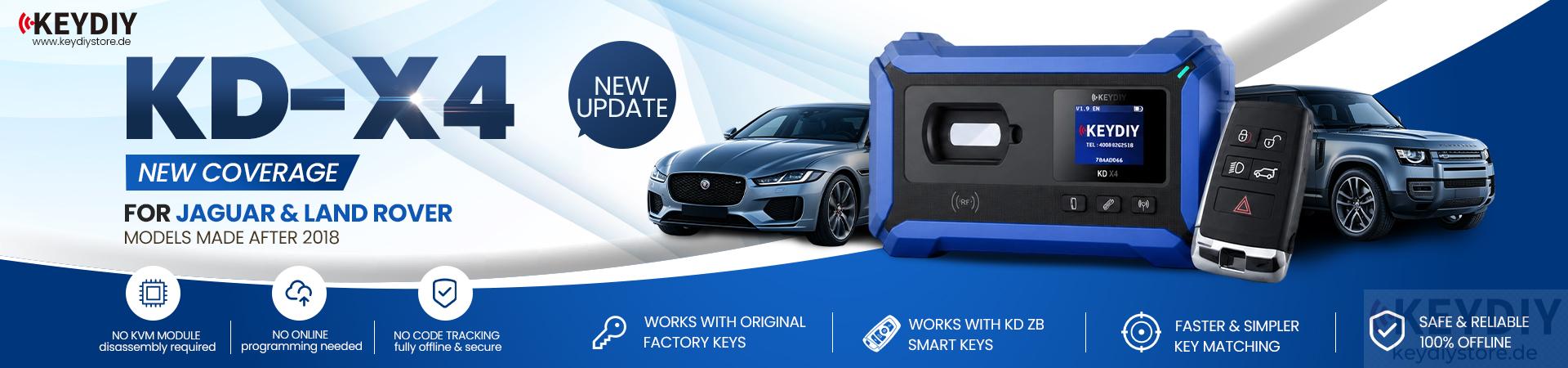

In this guide, we will show how to use KEYDIY KD-X4 key programmer to complete key matching for a 2020 Range Rover.
The procedure includes reading the original key data, generating a new KD remote, and testing the programmed key after completion.
Make sure the vehicle communication connection is stable before beginning the operation.
1. Connect the Vehicle and Start Programming
First, connect the OBD cable to the vehicle.
Open the KD Mobile App and select [IMMO Programming] → [Land Rover]
Then click [Start Execution] → [Copy Key Matching]
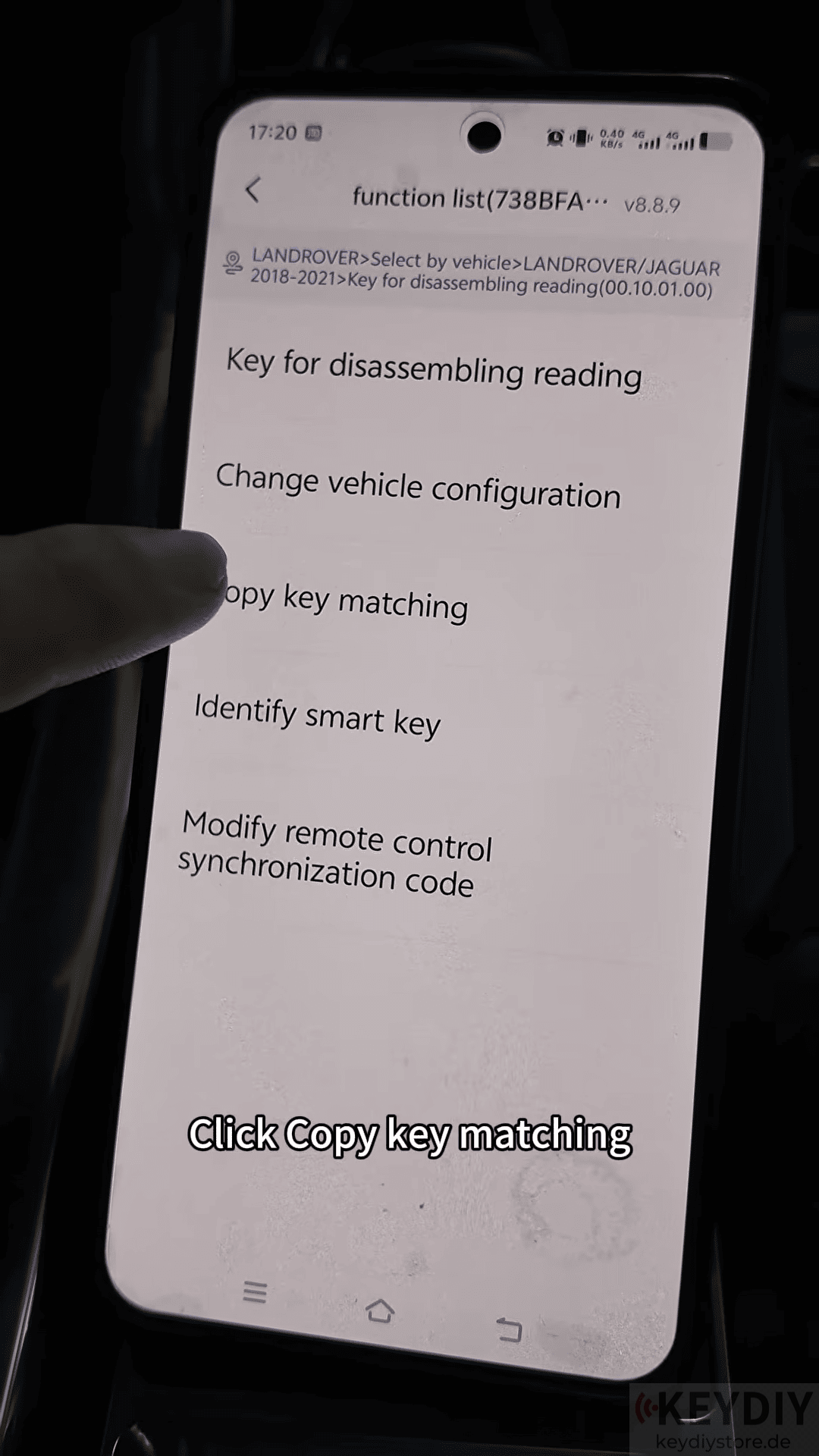
Confirm the operation by selecting OK and Yes.
2. Read Original Key Data
Next, connect the original key according to the wiring diagram shown in the app.
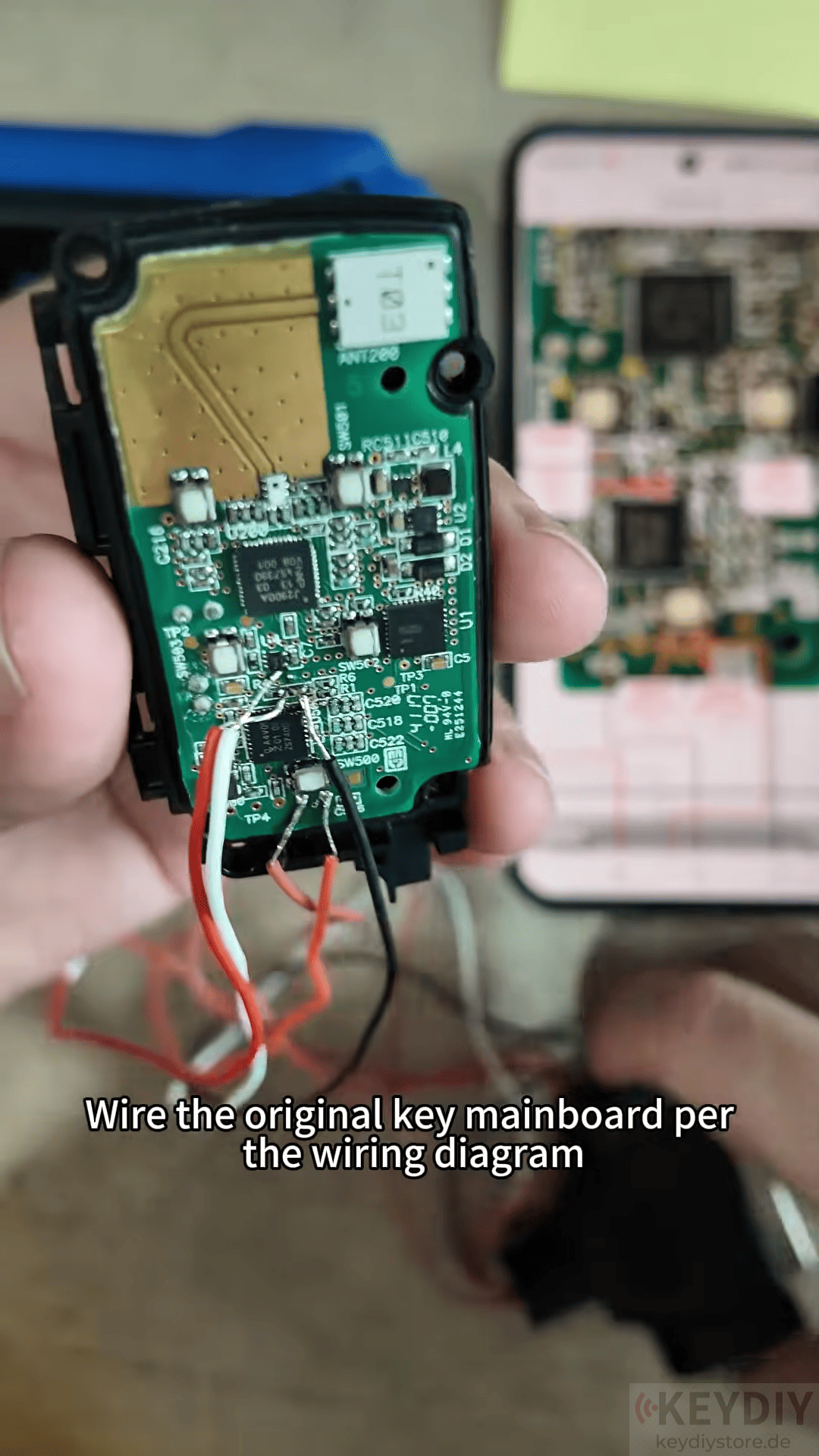
Open the wiring diagram and use KEYDIY DB25 cable to connect the original key PCB.
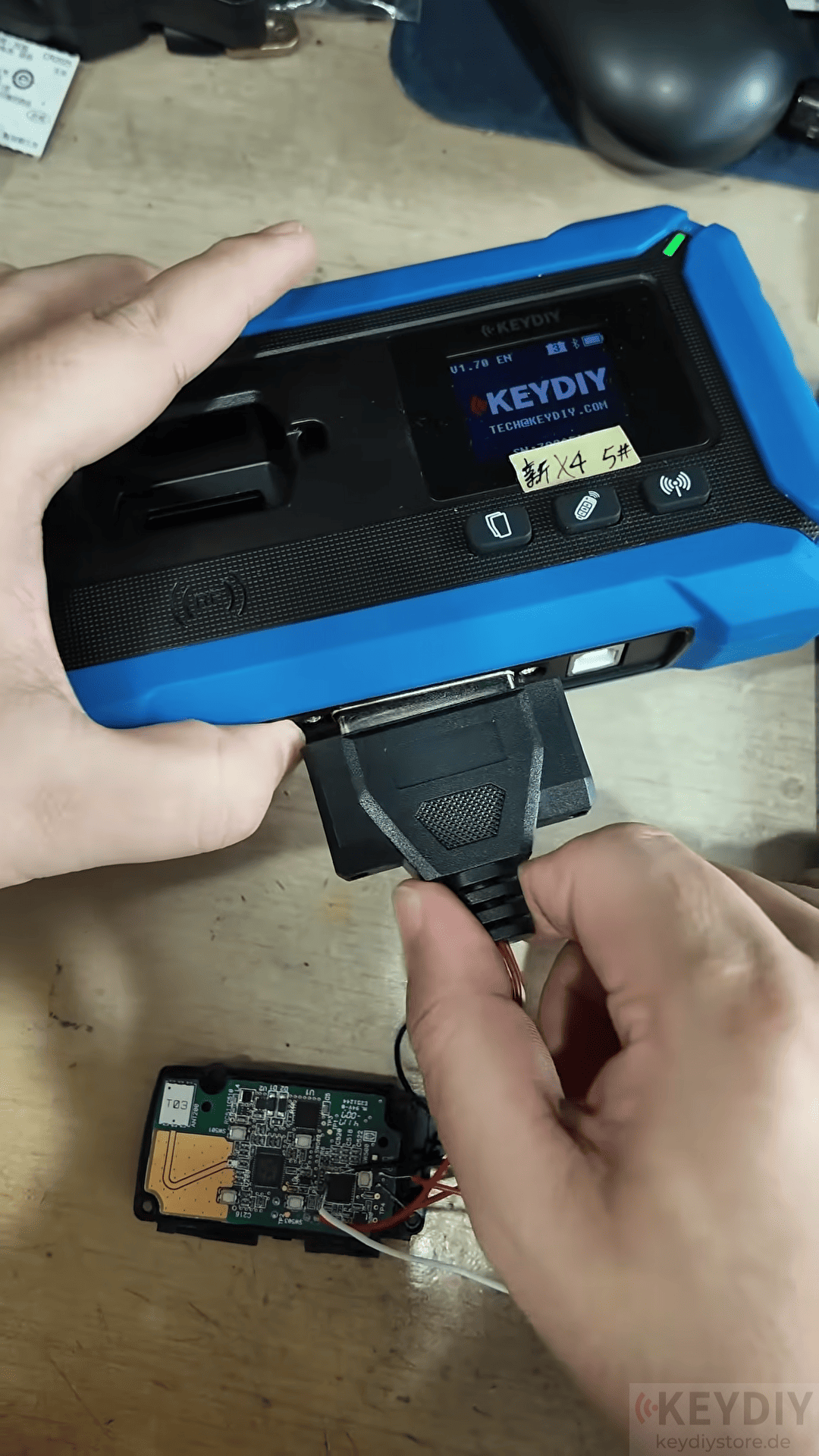
After completing the connection, check the wiring carefully, connect the key programming cable to KD-X4 port
Then select [Read Chip Data]
The system will read the original key information and save the data successfully.
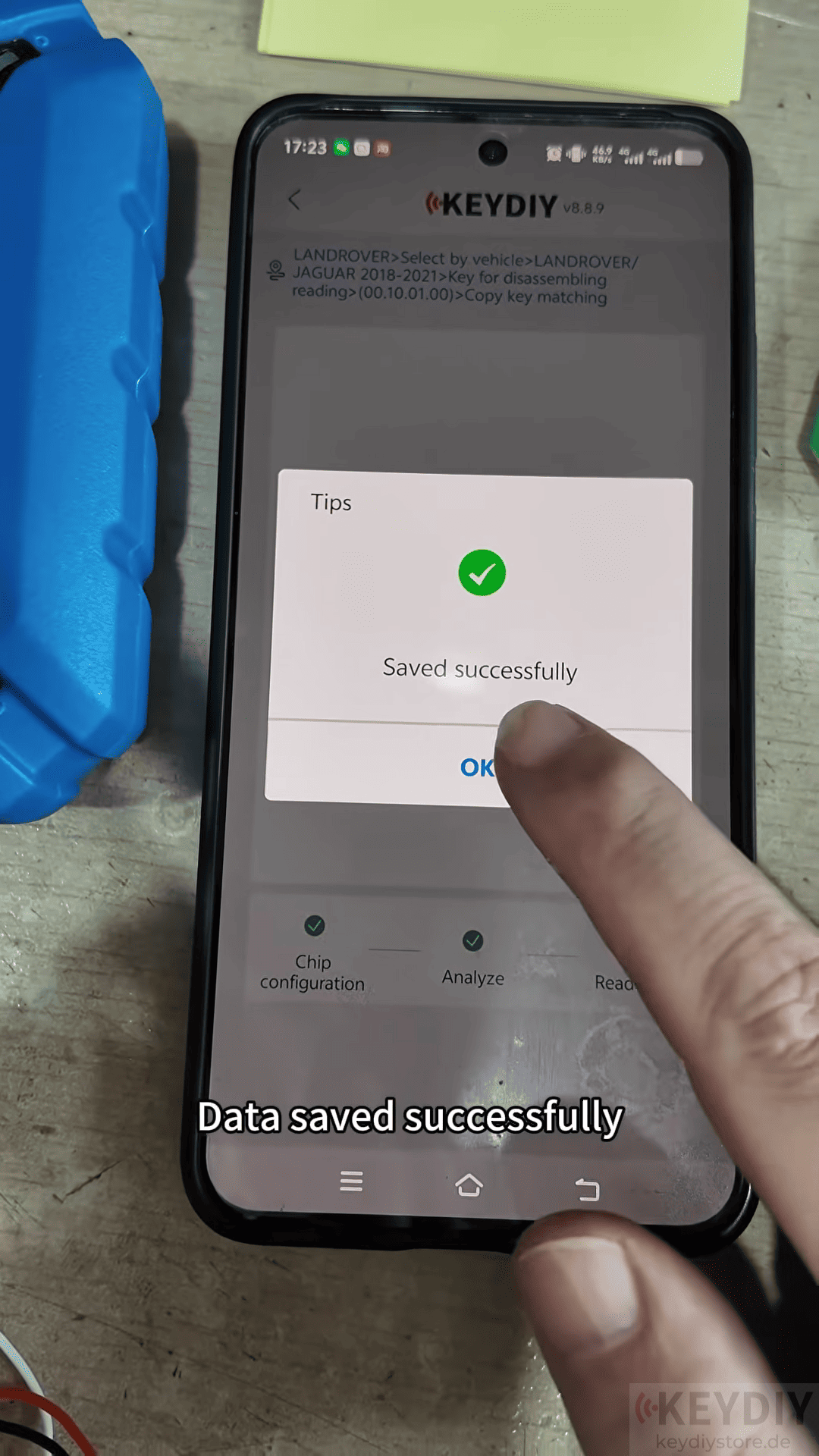
3. Generate New KD Remote
After reading the key data Select the key ID → Click Generate Key → Select KD Remote → Choose 433 MHz
The KD X4 will generate the new key according to the original key information.
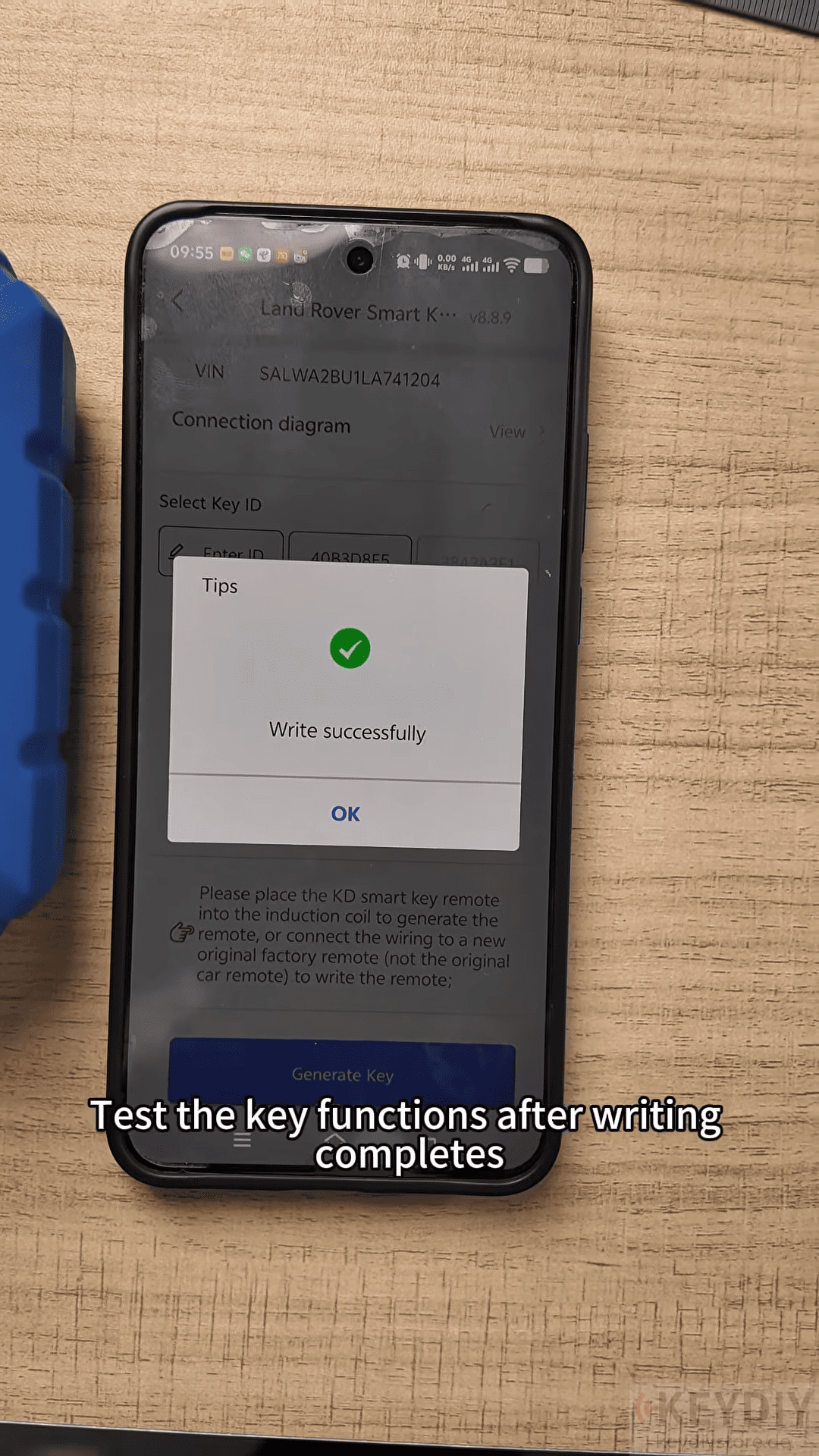
4. Test the New Key
Once key generation is completed, test all key functions to confirm that the programming process was successful.
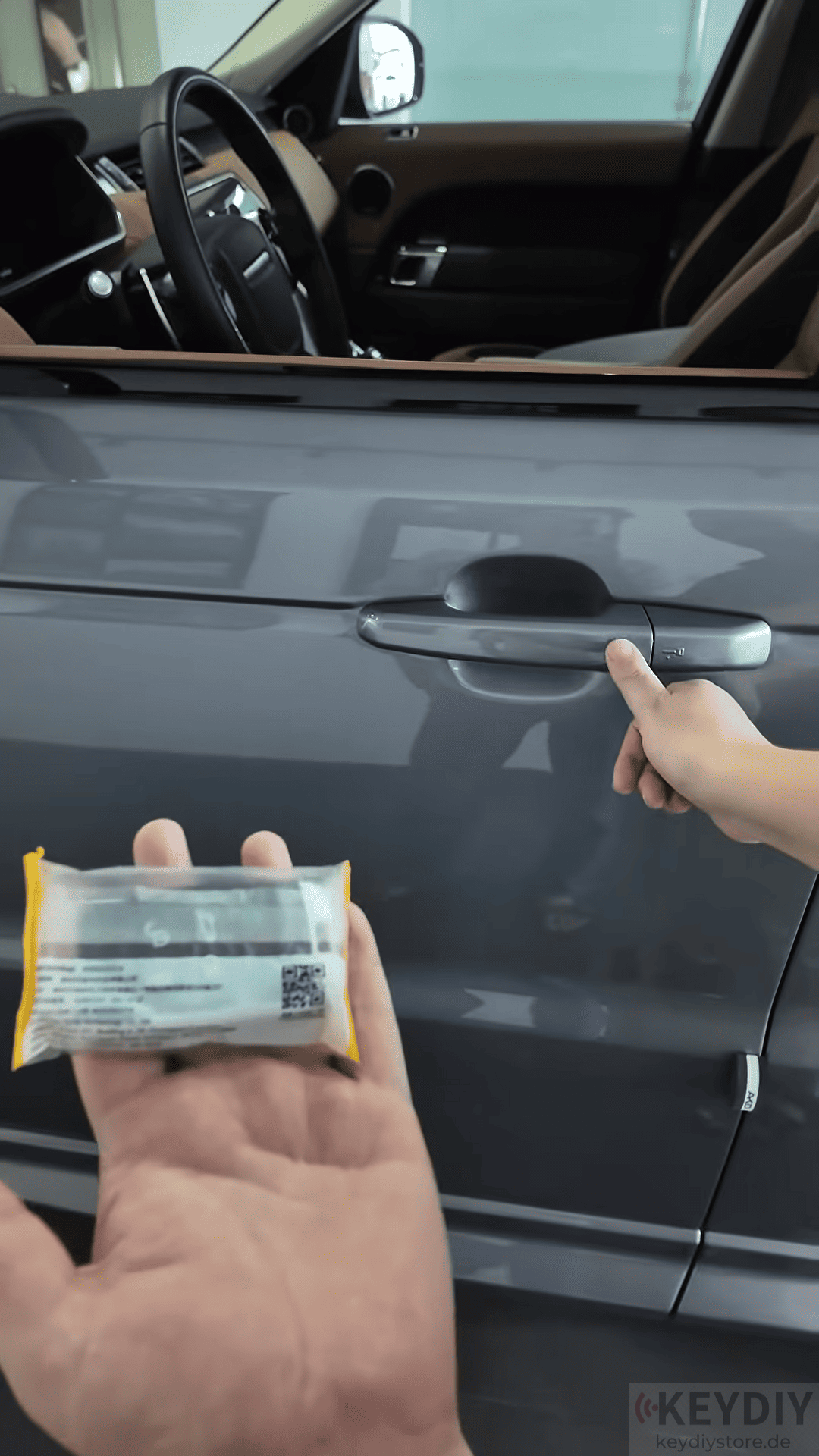
Read also:
How to Add a Key for 2024 Ford Mondeo Using KEYDIY KD-X4
Video Guide:
Leave a Reply