



In this guide, we demonstrate how to use KEYDIY KD-X4 to get an MQB48 immo file without the original key.
This feature saves valuable time and simplifies the key programming process for supported MQB48 vehicles.
What You’ll Need
KD-X4 Locksmith’s Universal Tool
A programmed KD MQB48 key
A smartphone with the KEYDIY app
Note: This method requires a programmed KD MQB48 key. The original vehicle key and dashboard disassembly are not required.
1. Identify the Key
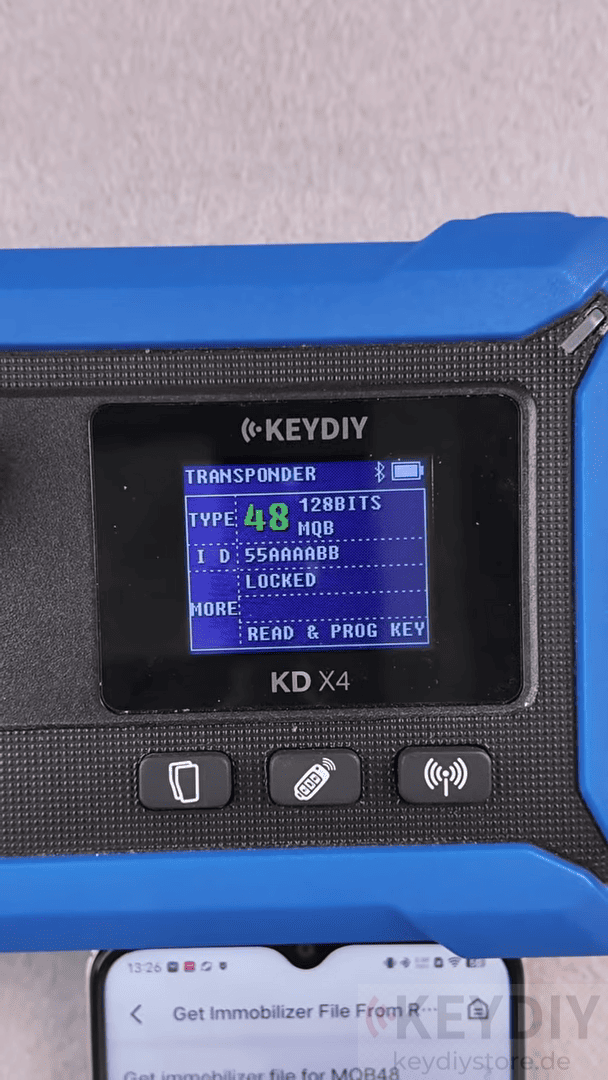
Power on KD-X4 and place the programmed MQB48 key on the device.
The KD-X4 will identify the key information automatically.
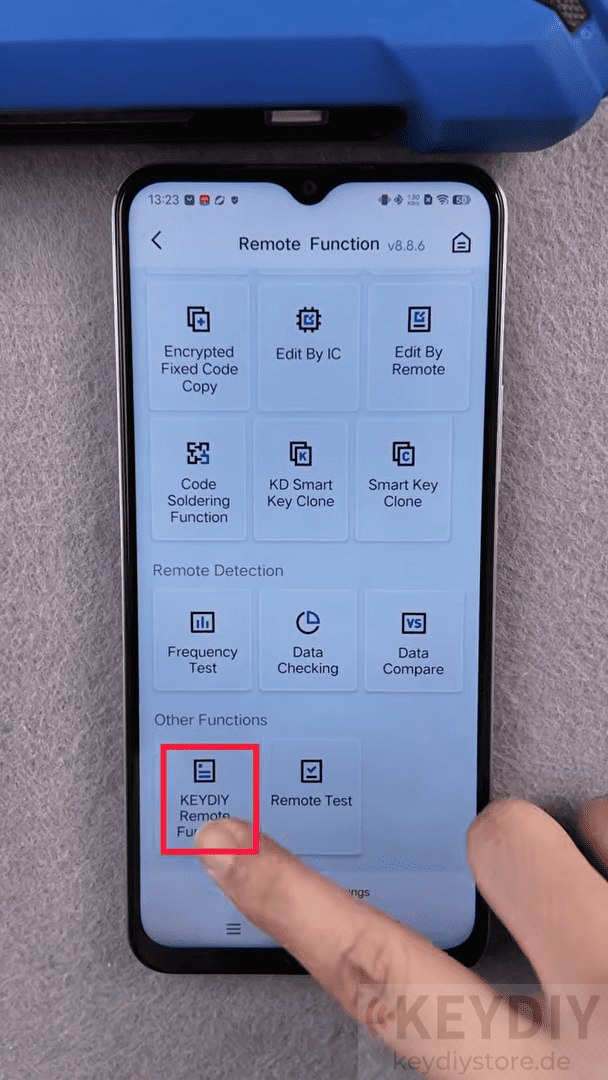
Then scroll to the bottom of the menu and tap “Key Remote Function”
2. Generate the Immobilizer File
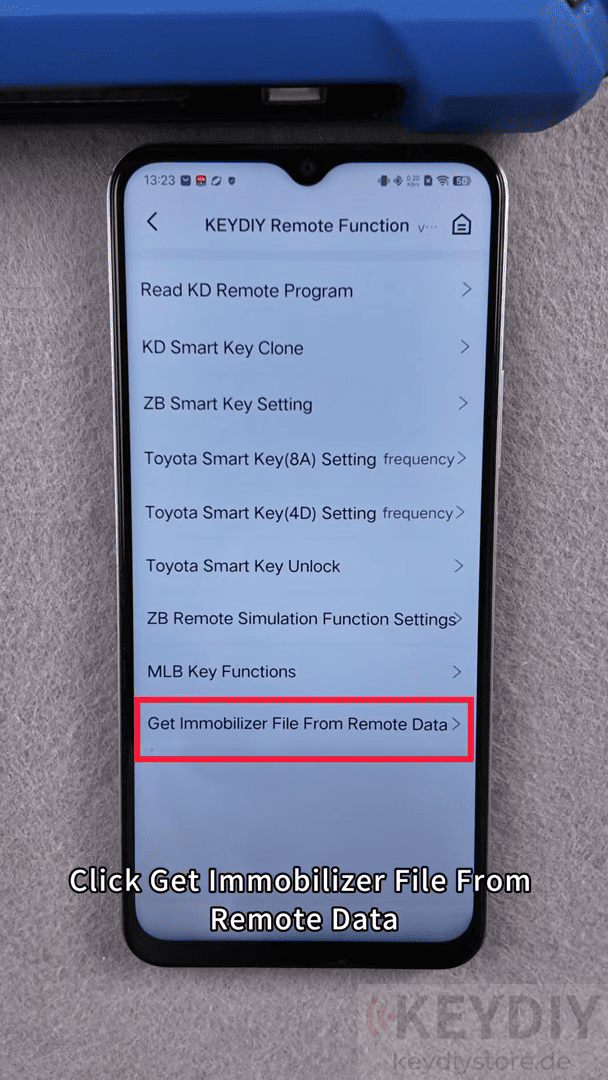
Select Get Immobilizer File from Remote Data
Then click “Get immobilizer file for MQB48”
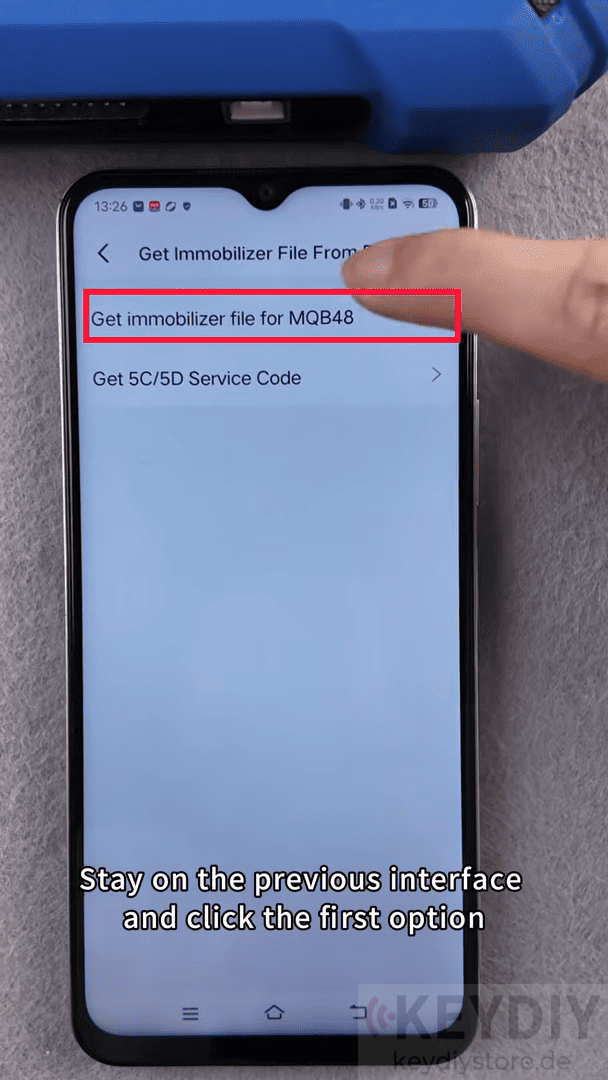
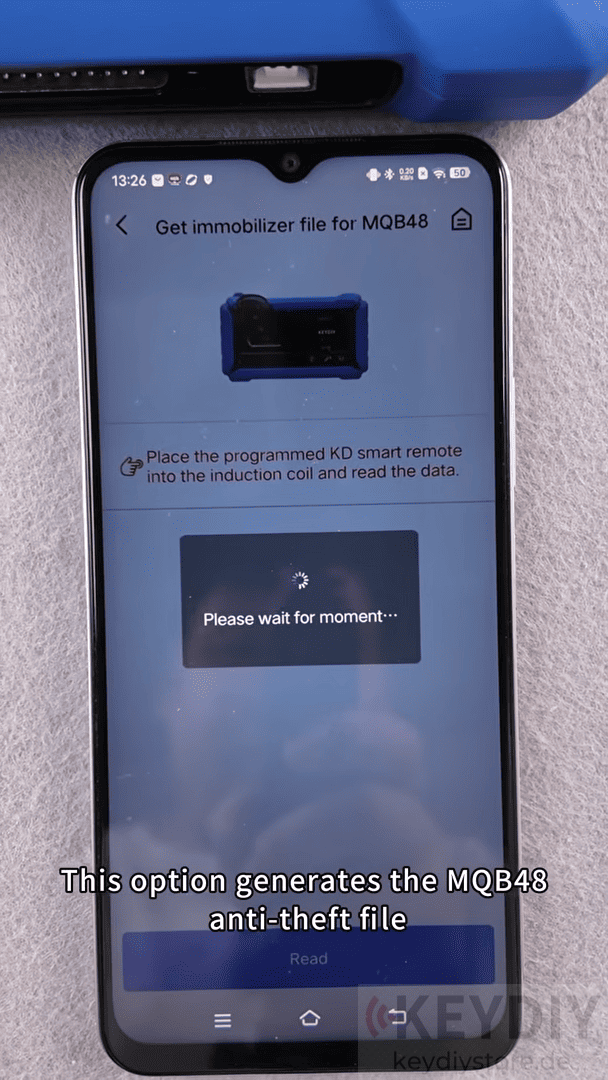
The KD-X4 key programmer will begin generating the MQB48 immobilizer file directly from the programmed remote data.
Once the process is complete, save the generated immobilizer file.
The file can be found in the corresponding save path on your mobile device, ready for the next programming step.
3. Proceed with Key Programming
After obtaining the immobilizer file, you can continue with the vehicle’s key matching or programming procedure using the appropriate tools and workflow.
Read also:
How to Add Smart Key for Leapmotor C01 Using KEYDIY KD-X4
How to Add a Spare Key for 2021 Chevrolet Onix Using KEYDIY KD-X4
Leave a Reply