
In this guide, we’ll explain the three main Hyundai and Kia key types and demonstrate how to program a smart key using KEYDIY KD-MAX + KEYDIY KD-MATE.
Understanding Hyundai and Kia Key Types
Before programming begins, it’s important to identify the vehicle’s key type.
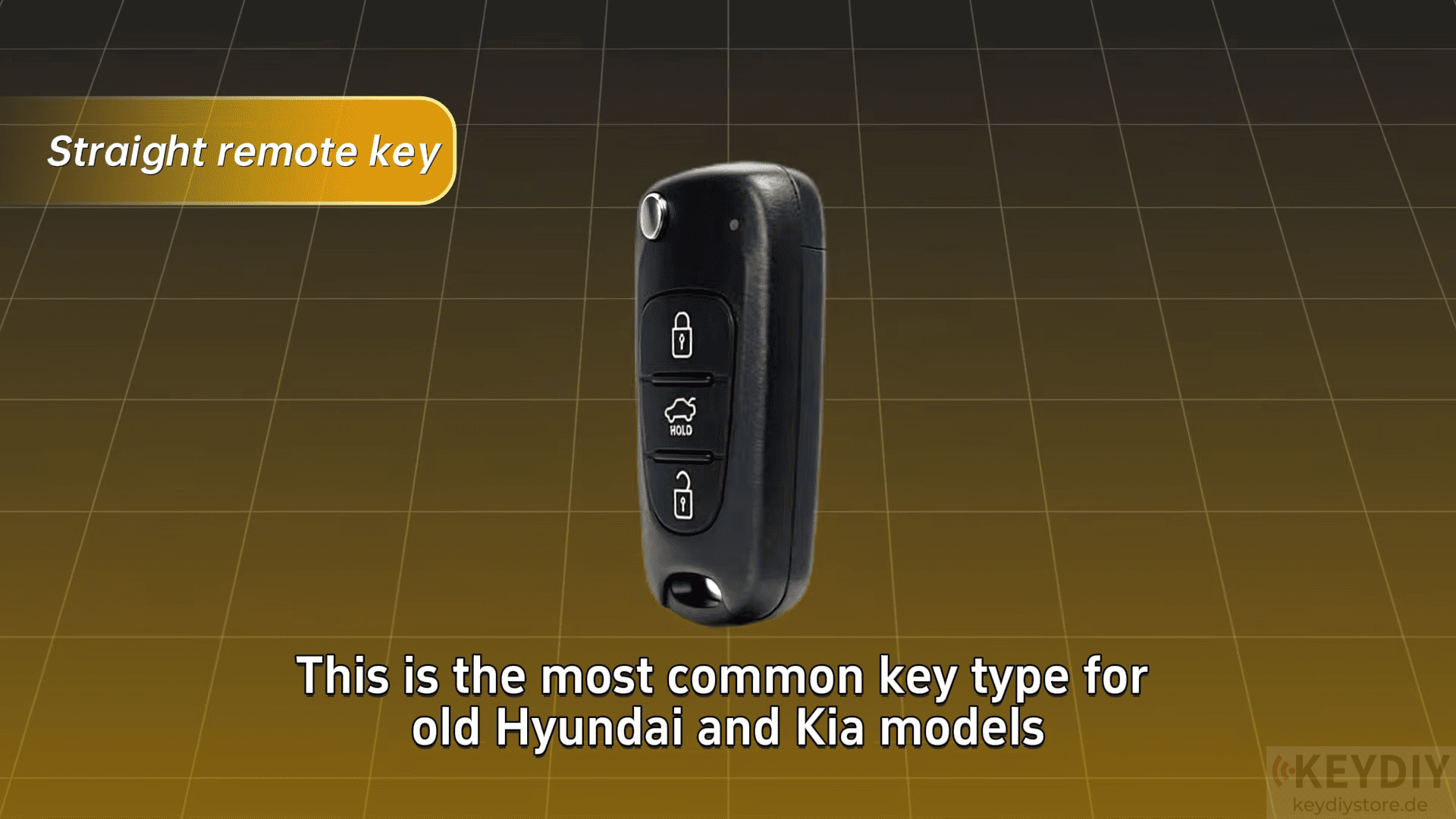
Type 1 Mechanical Remote Key
This is the most common key found on older Hyundai and Kia vehicles.
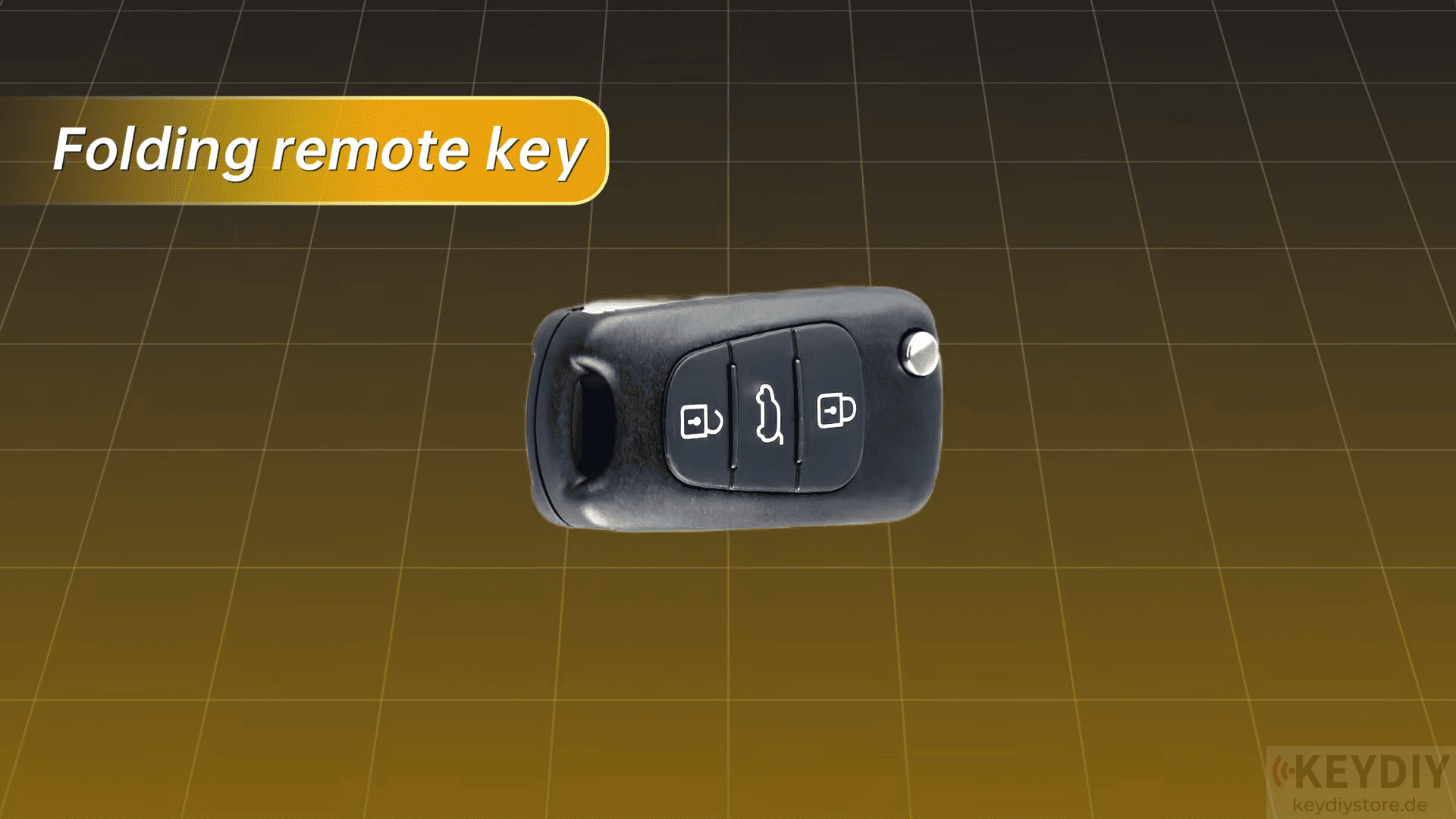
Type 2 Folding Remote Key
Folding remote keys are widely used on mid-generation Hyundai and Kia models.
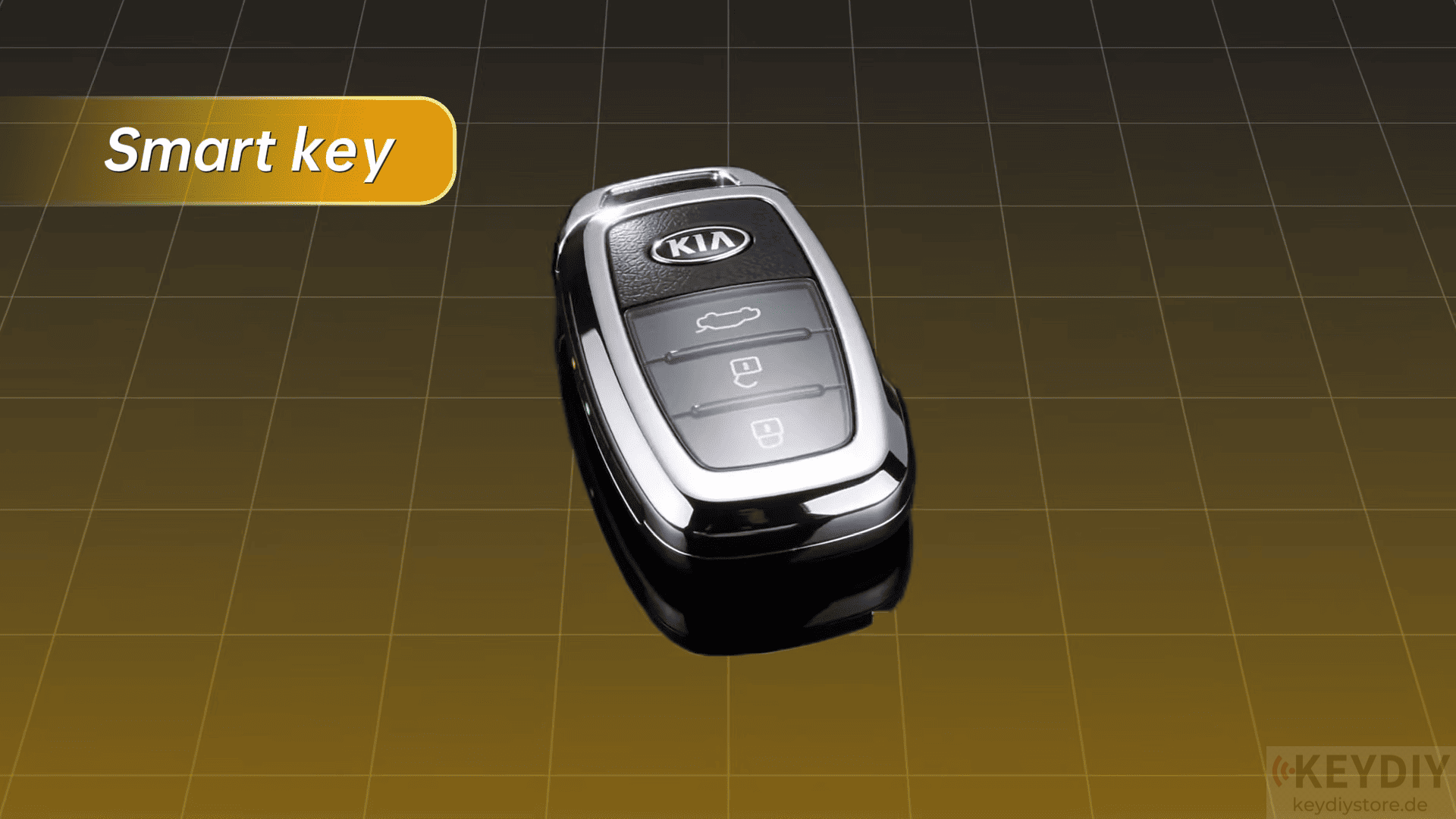
Type 3 Smart Key
Modern Hyundai and Kia vehicles use smart keys with push-button start and keyless entry.
Generate the Smart Key with KEYDIY KD-MAX
The first step is generating a compatible smart key using KD-MAX. Tap to [Remote Control] → [Hyundai] → [Vehicle Model] → [Smart Key Generation]
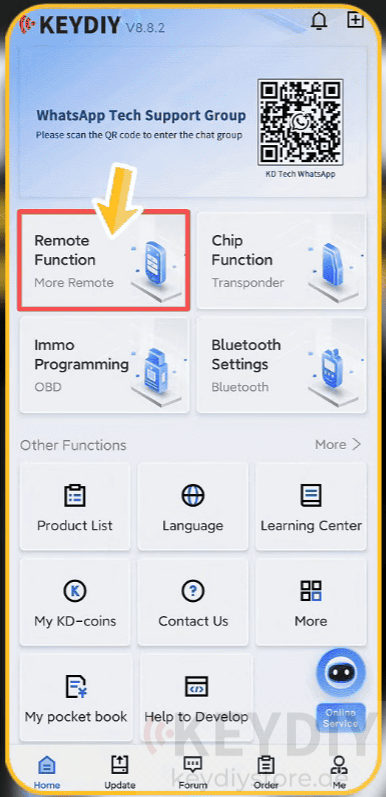
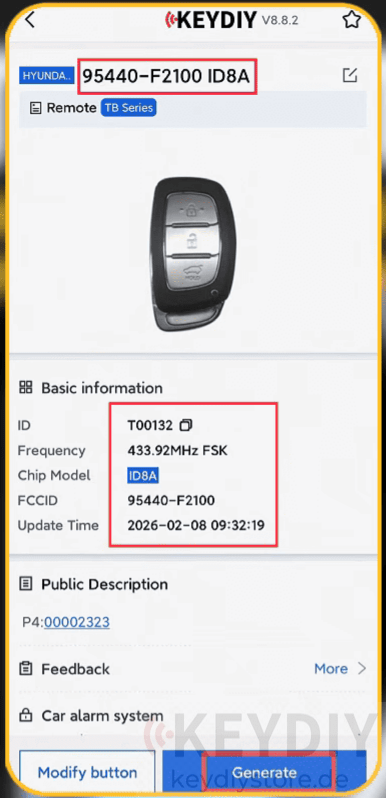
Follow the on-screen instructions to generate the remote.
Important Tip
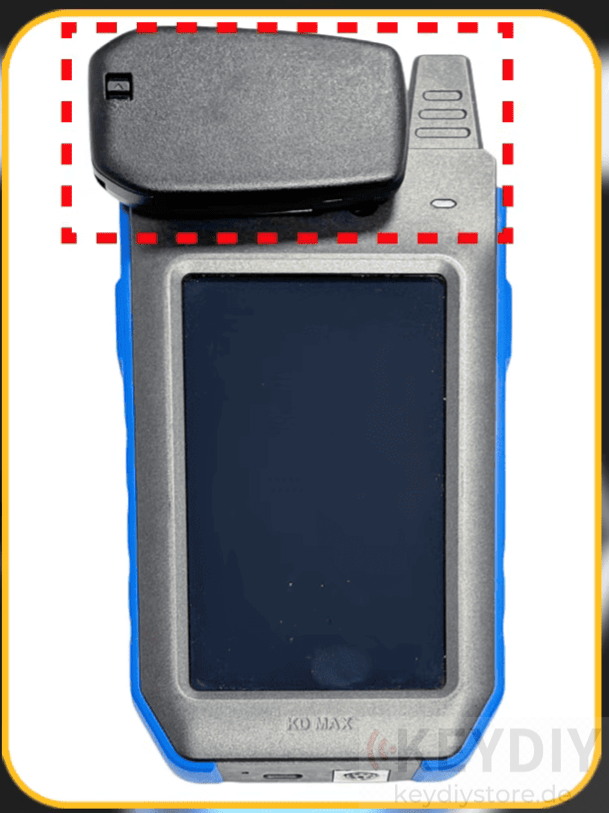
Place the smart key flat on the induction coil during generation.
Avoid standing the key vertically inside the coil, as this may reduce signal quality and cause generation failure.
Connect KD-MATE for Vehicle Programming
After generating the smart key, connect KD-MATE to the vehicle’s OBD port.
Most Hyundai and Kia vehicles have the OBD connector located beneath the driver’s side dashboard, making it easy to access.
Read the PIN Code
Before programming begins, read the immobilizer PIN code.
Keep in mind:
- Maintain a stable OBD connection throughout the process.
- Do not disconnect the device while reading.
- Ensure the vehicle battery is fully charged.
- Turn off lights, air conditioning, and other electrical loads.
PIN code reading time varies depending on the vehicle model and ECU type. Some vehicles complete the process quickly, while others may require considerably more time.
Program the Smart Key
Once the PIN code has been obtained:
- Enter Immobilizer Programming.
- Select the correct vehicle model and year.
- Input the PIN code.
- Follow the on-screen prompts.
- Turn the ignition on or off as instructed.
- Open and close the driver’s door when required.
- Place the smart key in the emergency induction area.
- Press the smart key button to complete programming.
If additional keys need to be added, simply repeat the process.
Read also:
BYD Smart Key Programming Guide with KEYDIY KD-MAX
Leave a Reply