
This guide explains the fundamentals of BYD smart key programming using the KEYDIY KD-MAX, helping new auto locksmiths understand the workflow and avoid common mistakes.
Understanding BYD Key Types
Before programming a key, it is important to identify the type of key used by the vehicle.
Remote Keys
Older BYD gasoline vehicles typically use traditional remote keys. These keys must be inserted into the ignition to start the engine and can remotely lock or unlock the doors. Depending on the model, they may include a transponder chip or operate without an immobilizer chip.
Common examples include:
- BYD F3
- BYD L3
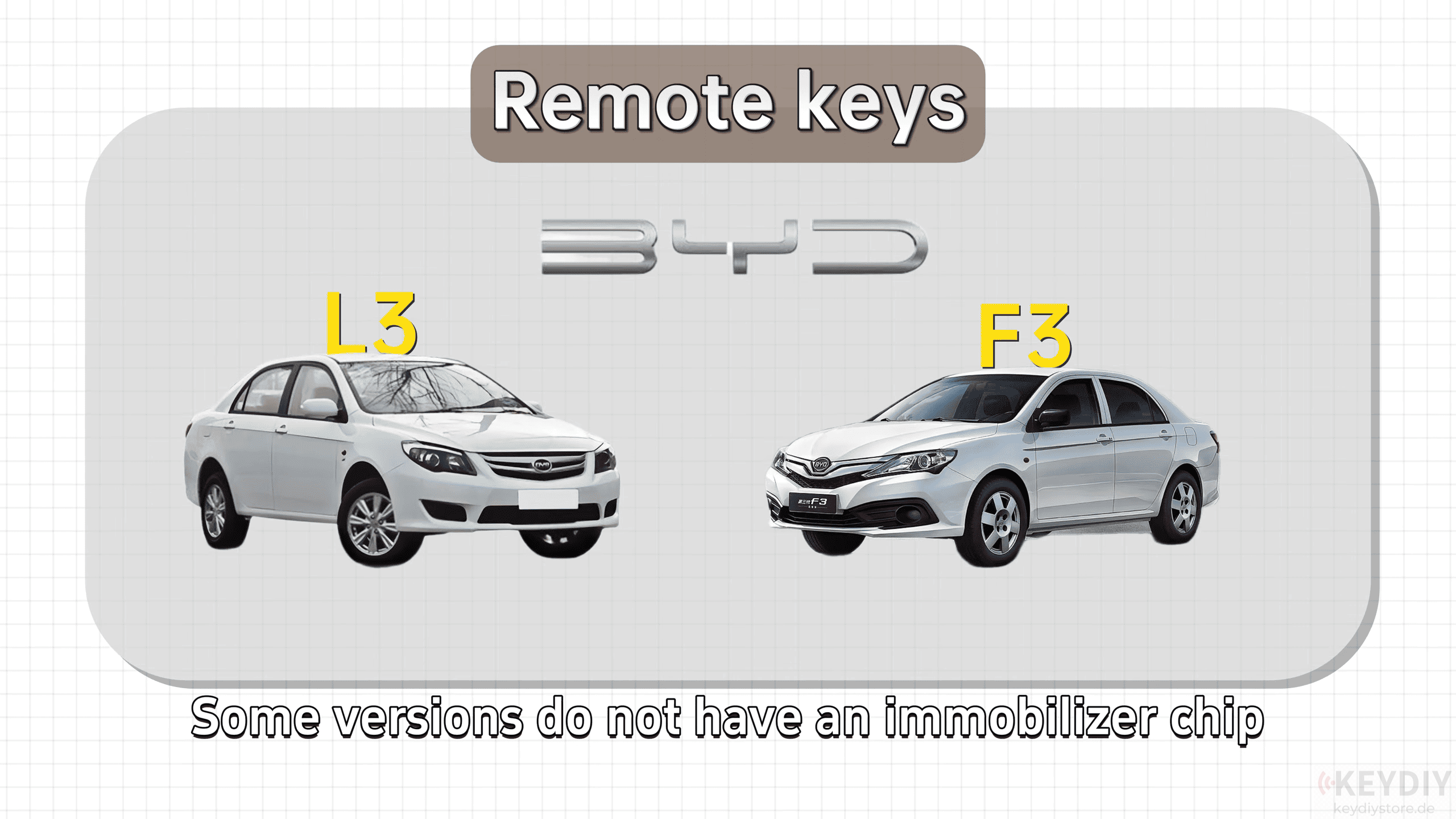
For these vehicles, successful programming requires selecting the correct transponder type and remote configuration.
Smart Keys
Modern BYD EVs and hybrid models use smart keys that support keyless entry and push-button start. The emergency mechanical key is usually hidden inside the smart key housing.
Typical models include:
- BYD Tang
- BYD Qin
- BYD Song Plus
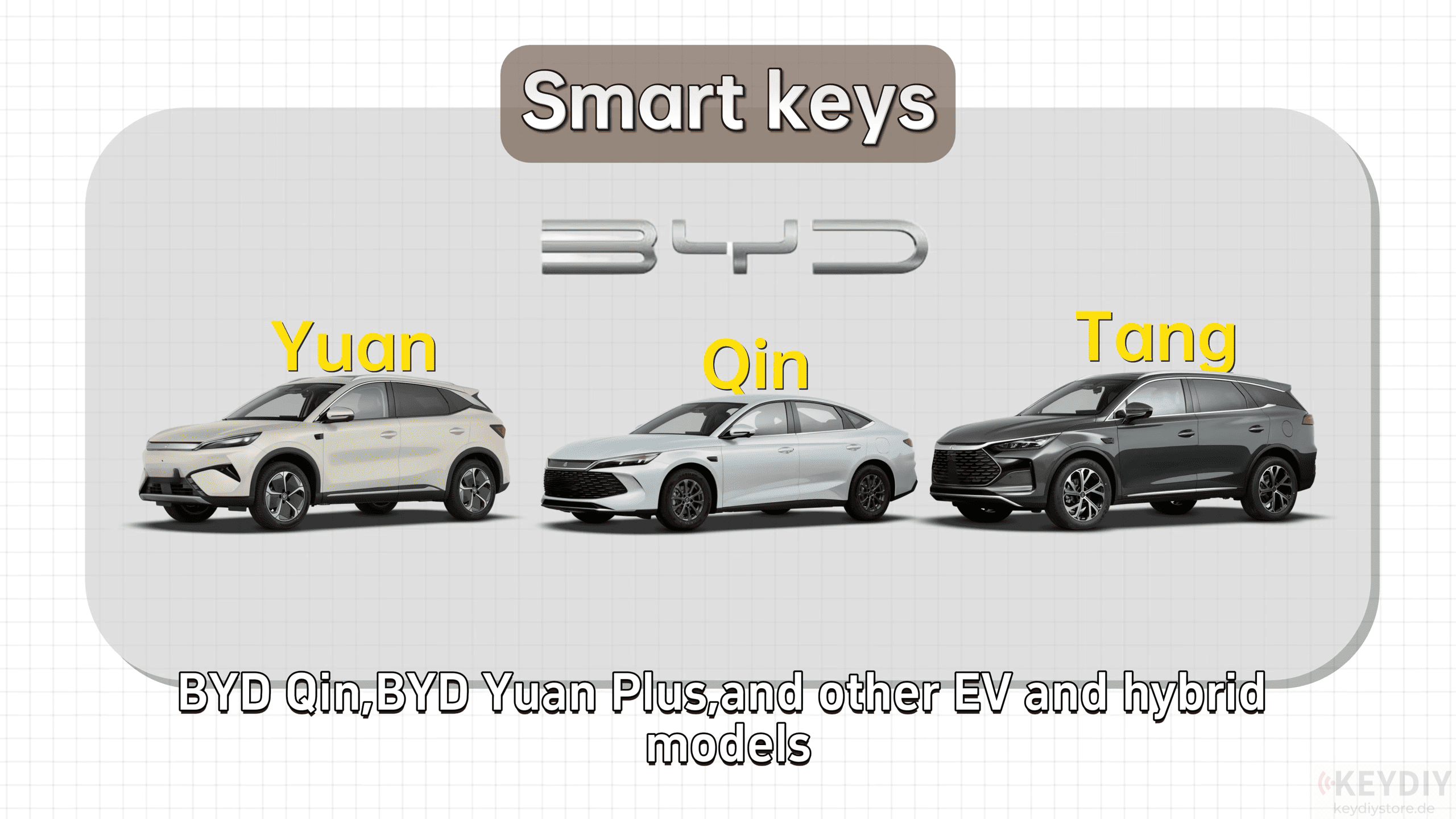
Programming these keys requires matching the correct frequency, transponder type, and vehicle model.
Generating a BYD Smart Key with KEYDIY KD-MAX
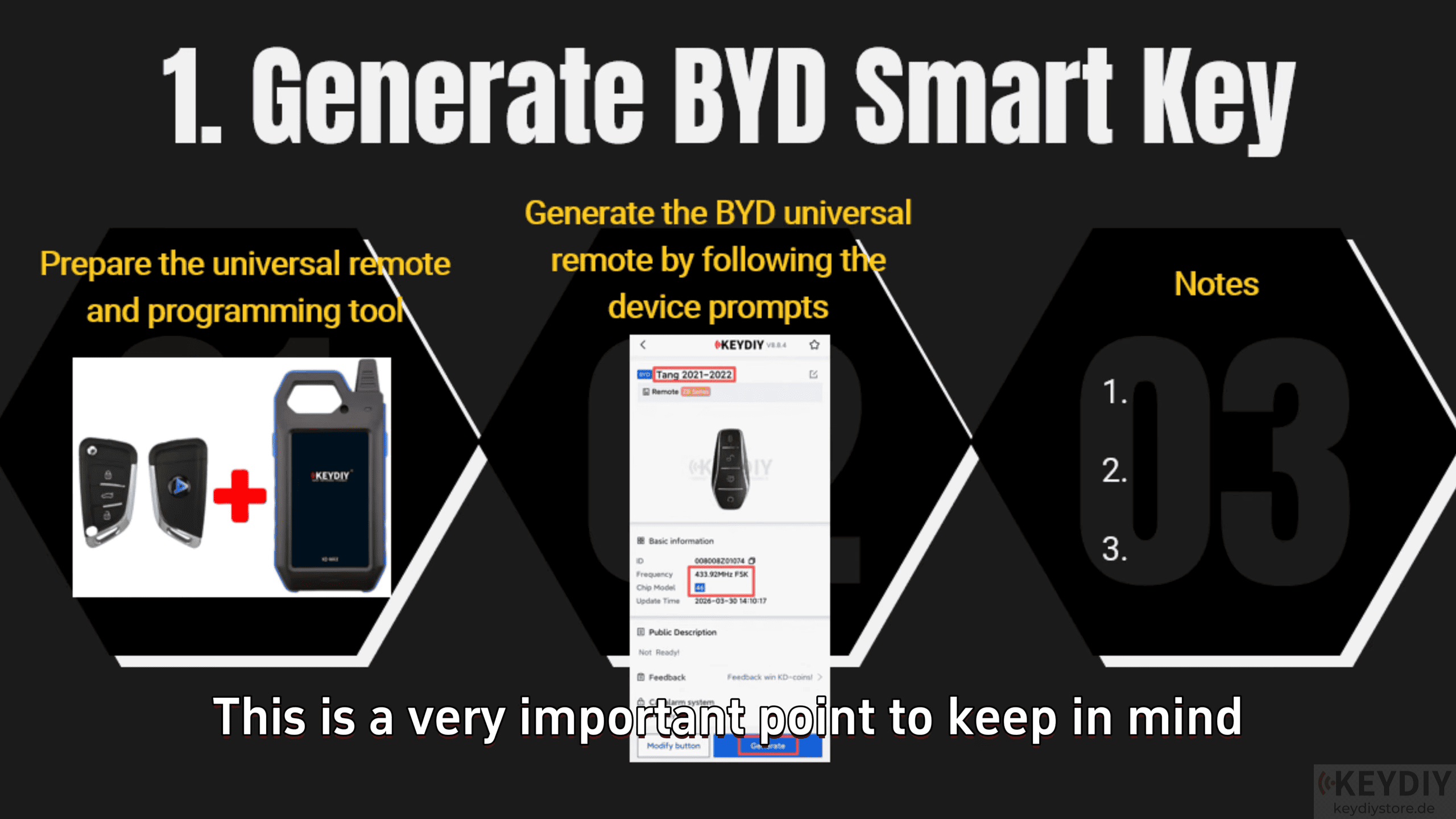
KEYDIY KD-MAX remote generator allows technicians to generate compatible universal smart keys before programming them to the vehicle.
Steps
Select [Remote Function] → [Vehicle Remote] → [BYD], generate the smart key according to the tool prompts
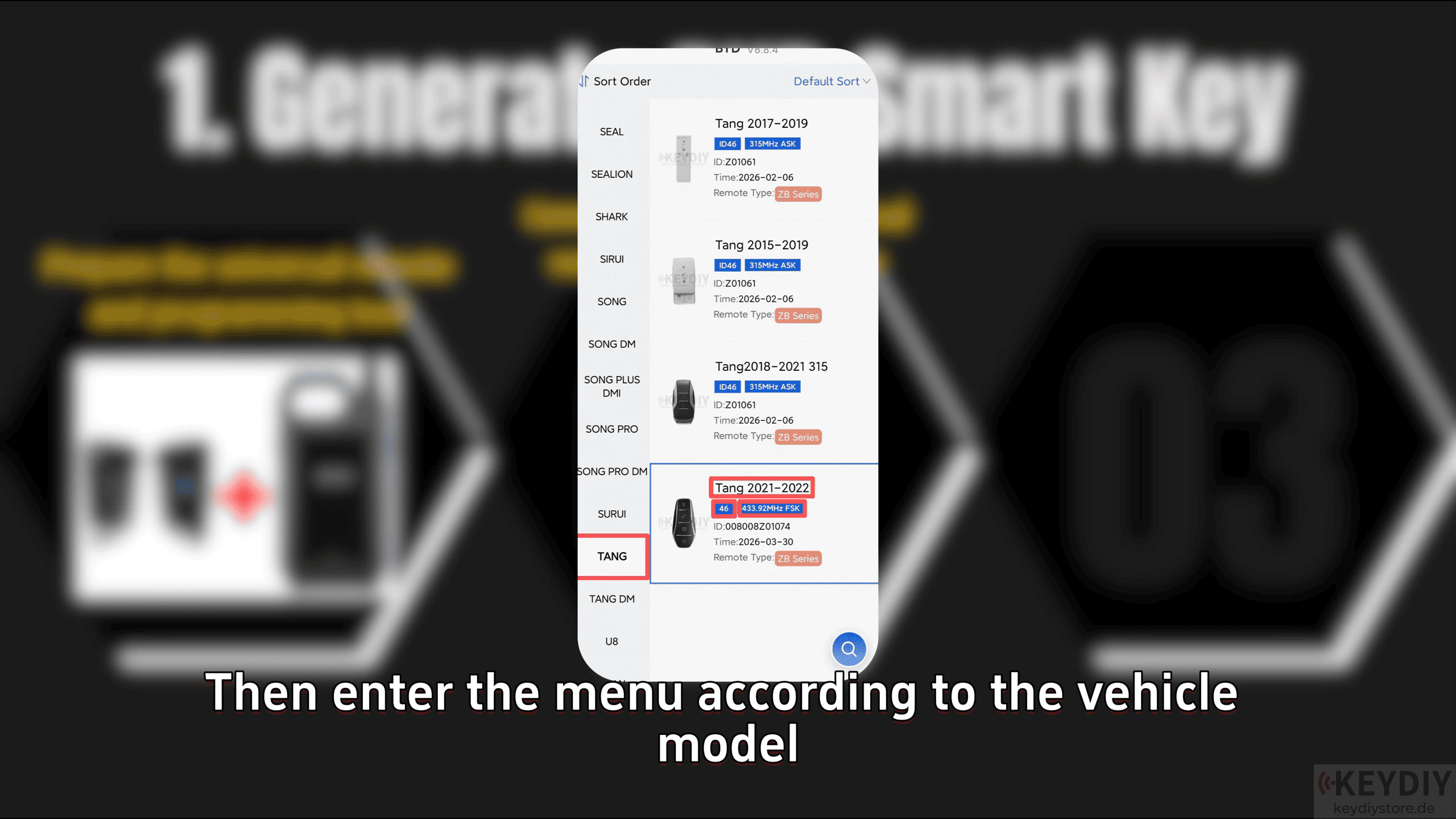
Although multiple vehicles may use the same frequency, such as 433 MHz, and the same transponder type, such as ID46, they are not always interchangeable. Always select the exact vehicle model instead of relying solely on chip type or frequency.
Smart Key Programming via OBD
Once the smart key has been generated, connect KD-MAX key tool to the vehicle’s OBD port and follow the programming instructions displayed on the device.
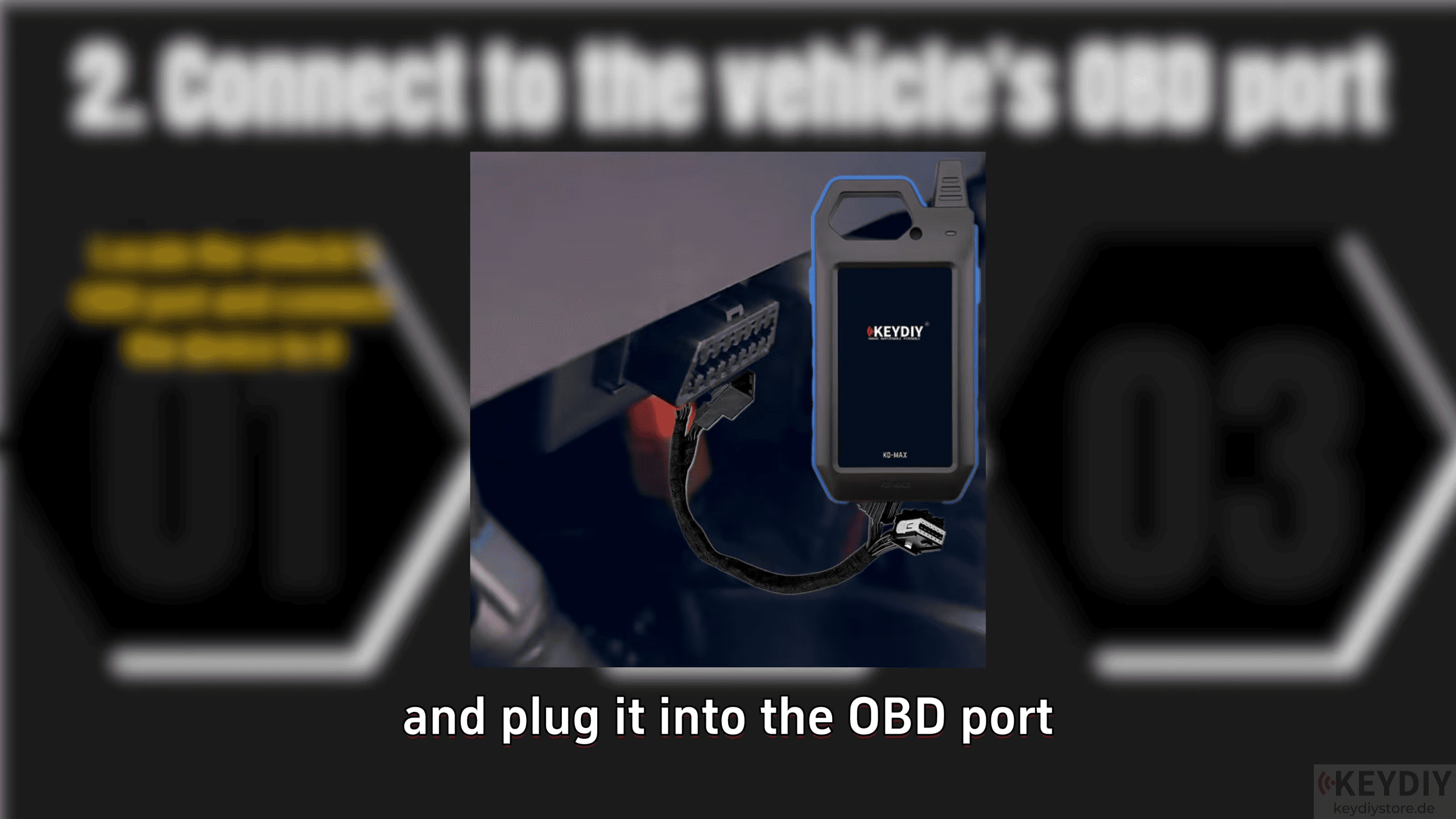
Some BYD models allow direct OBD programming, while others require a security PIN before programming can continue.
Depending on the vehicle, the PIN may be:
Read directly through OBD
Calculated using a third-party PIN code service
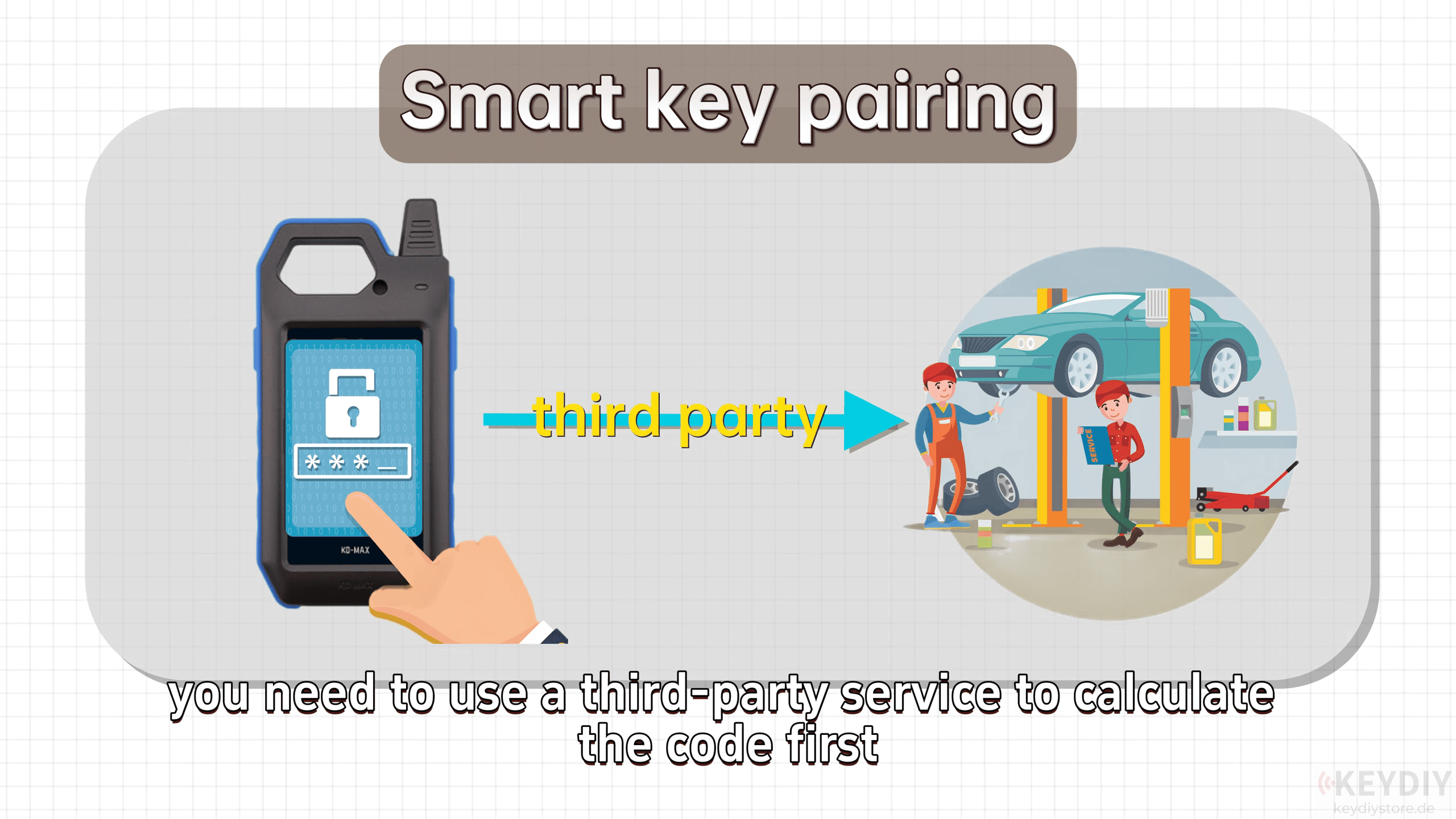
Always complete the PIN verification before continuing with the programming procedure.
Finding the Correct Emergency Key Sensing Area
One of the most common reasons for programming failure is placing the smart key in the wrong emergency sensing position.
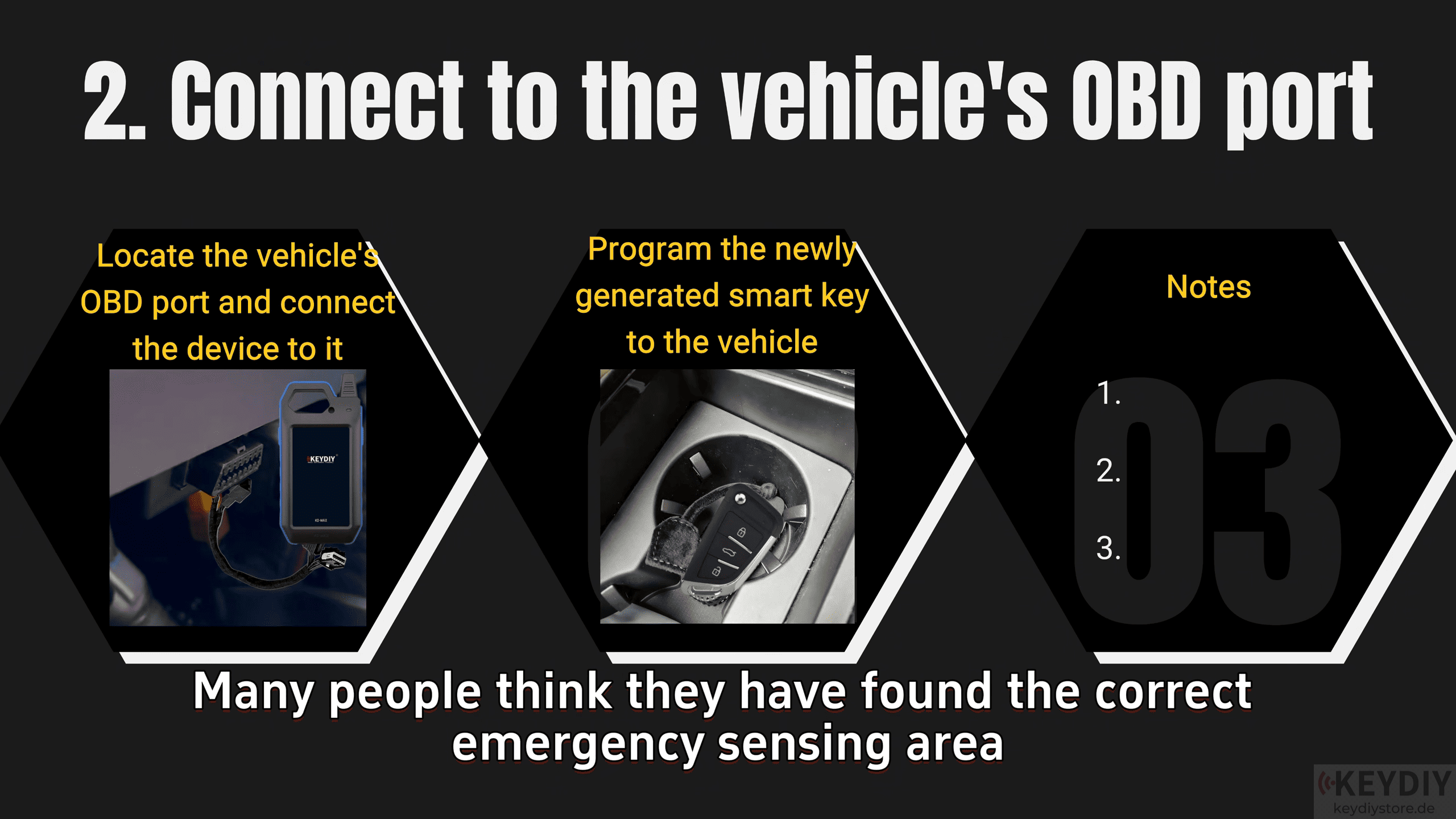
Each BYD model has a designated backup start location used when the smart key battery is depleted. During programming, the new smart key must be positioned in this exact sensing area whenever the diagnostic tool requests it.
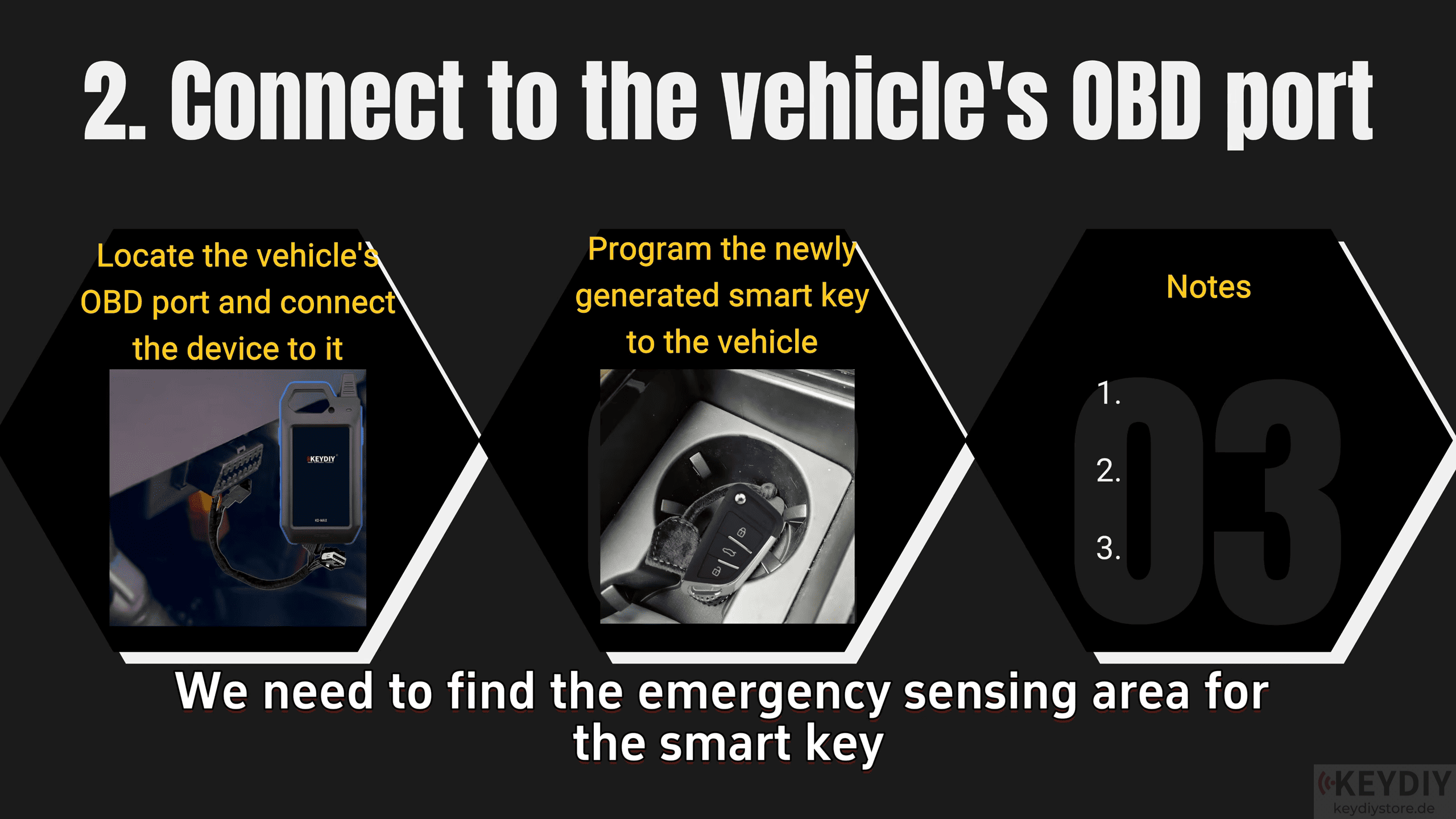
If the location is unknown, remove the battery from the original smart key and determine where the vehicle can still detect the key for emergency starting. This location is typically the same position required during programming.
Common Mistakes to Avoid
1. Select the correct BYD vehicle model before generating the key.
2. Do not assume that identical frequencies or transponder types are compatible across different models.
3. Follow every instruction shown by the programming tool, including ignition ON and OFF prompts.
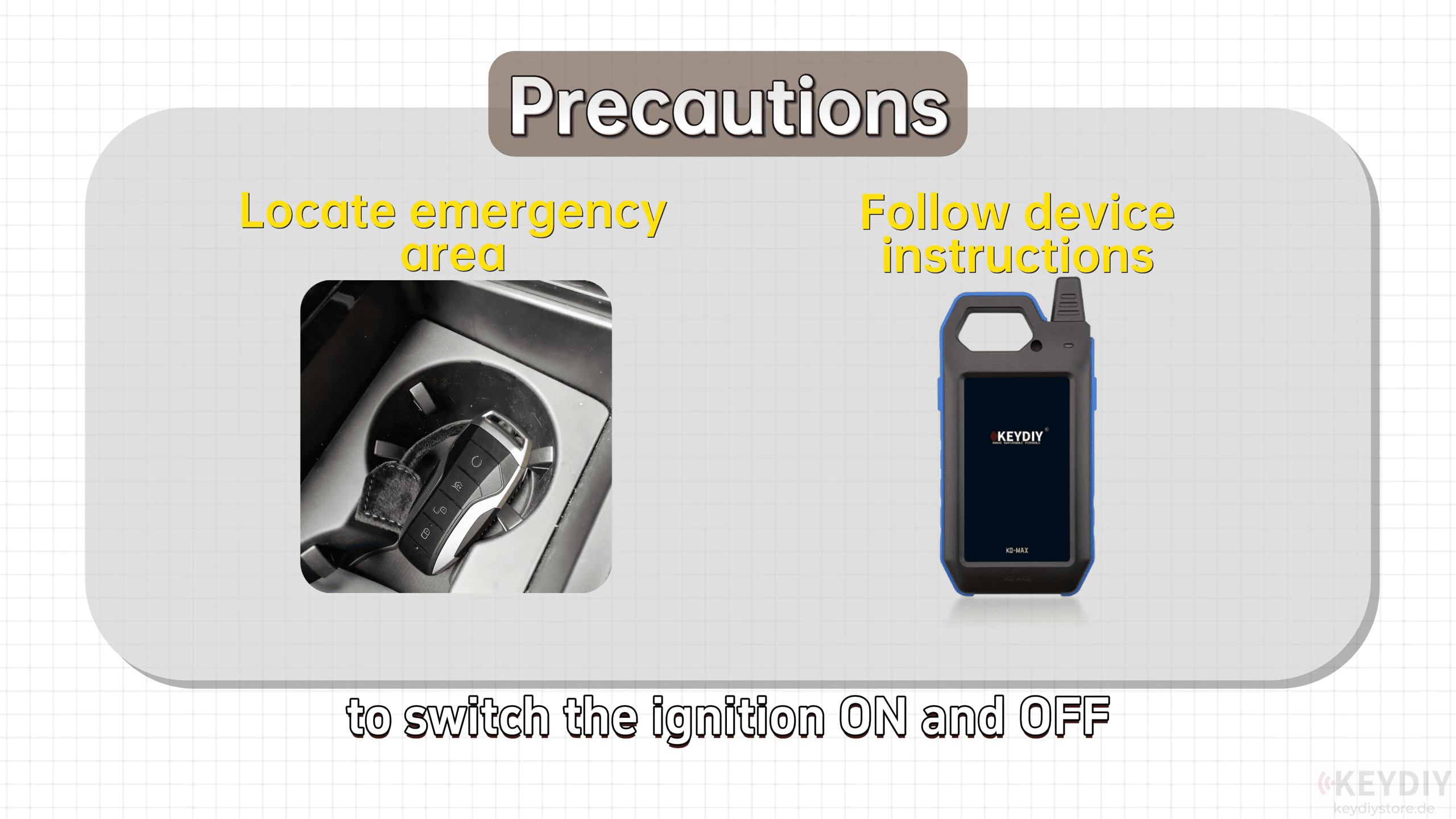
4. Use the correct emergency sensing position during programming.
5. If an incorrect key type is generated, restart the procedure with the correct model instead of continuing.
Read also:
How to Check Key Battery Voltage and PCB Leakage with KEYDIY KD-MAX
Hyundai Kia Smart Key Programming Guide Using KEYDIY KD MAX
Leave a Reply