




In this guide, we’ll demonstrate how to use KEYDIY KD-MAX to measure battery voltage and detect PCB current leakage.
Battery Voltage Detection
Start by opening the silicone cover on the side of the KD-MAX. Under the cover, you’ll find the battery test slot.
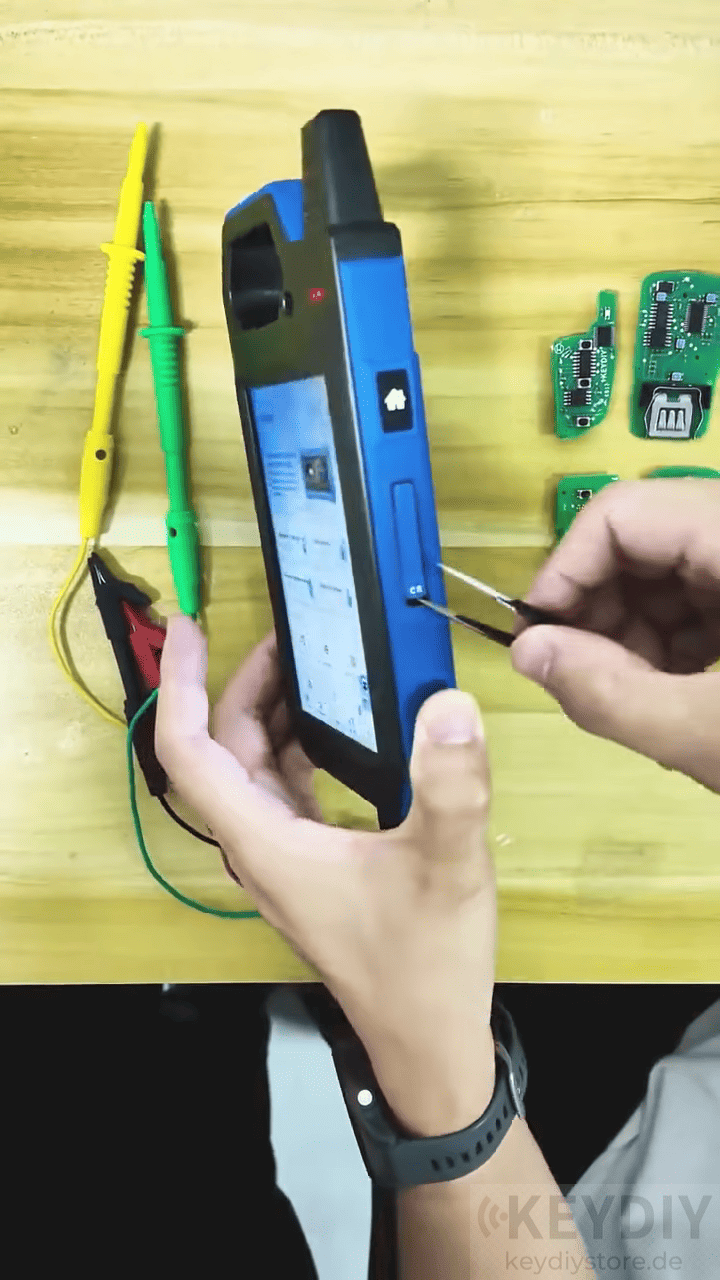
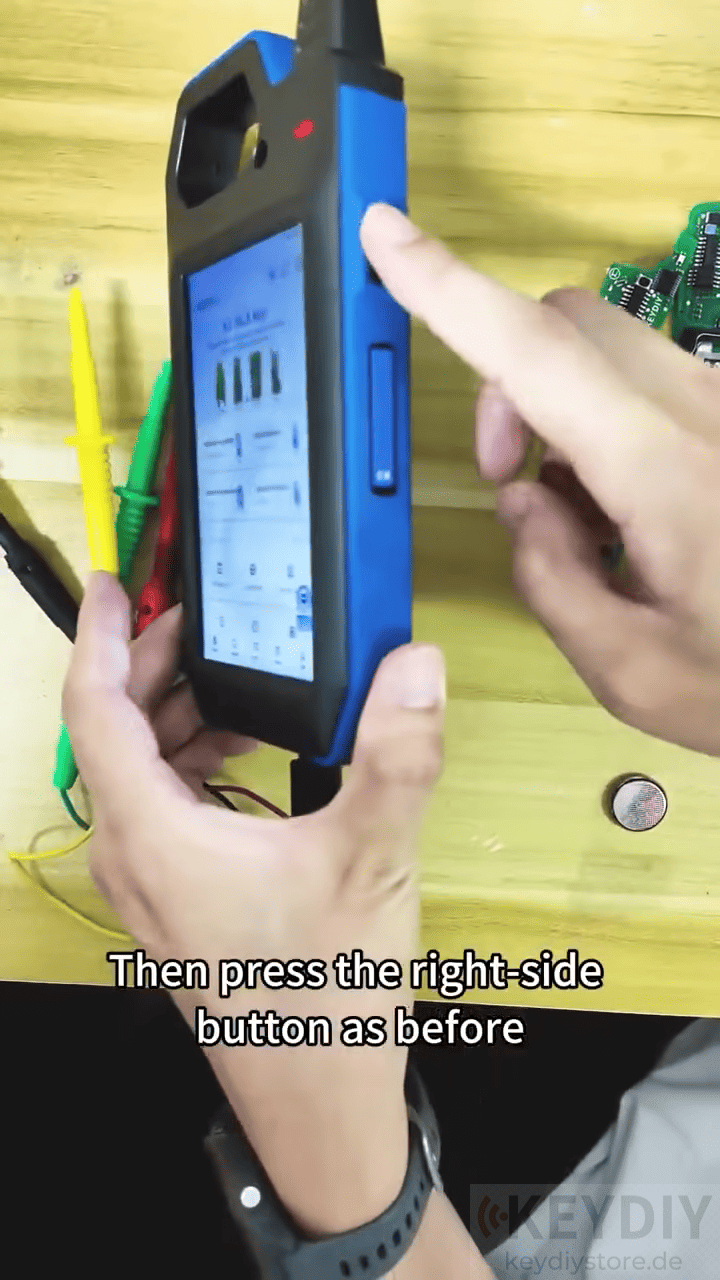
Insert the button battery into the slot, then press the button on the right side of the device and select Voltage Detection.
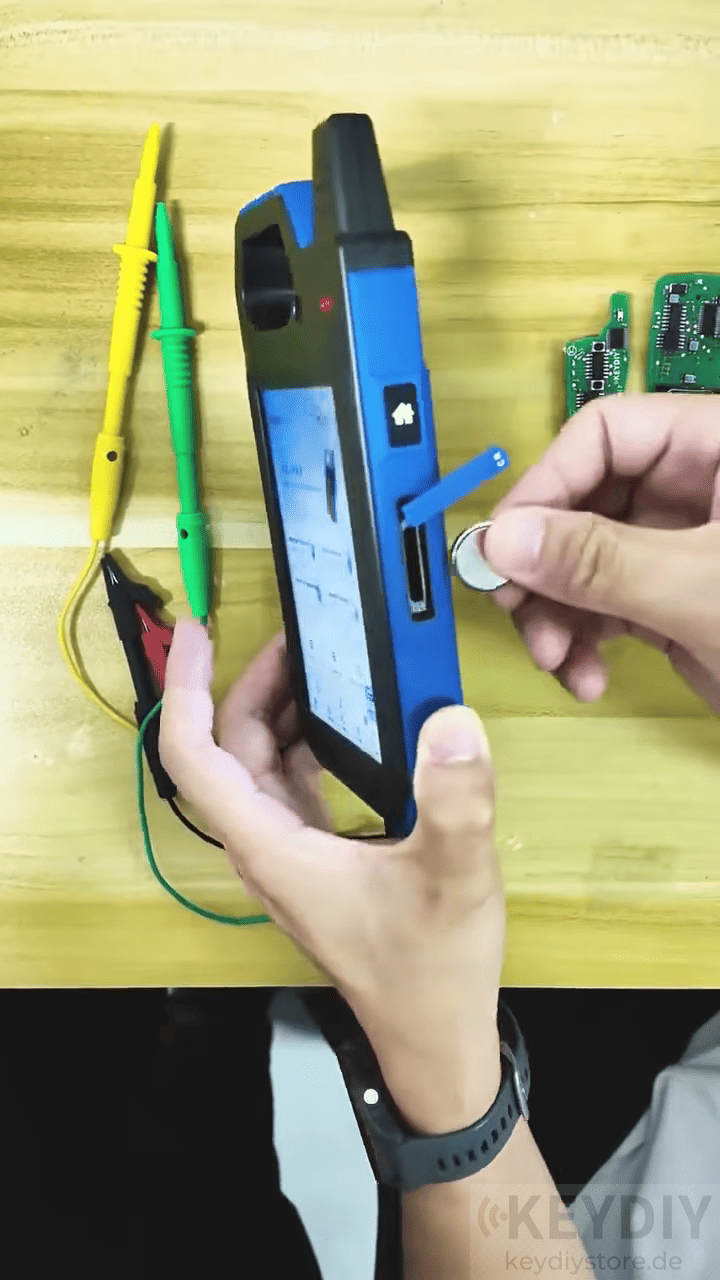
Within seconds, the device displays the battery voltage. In this demonstration, the battery measures 3.0V, indicating that it is in normal working condition.
PCB Leakage Detection
The second function checks whether a remote PCB is drawing abnormal current.
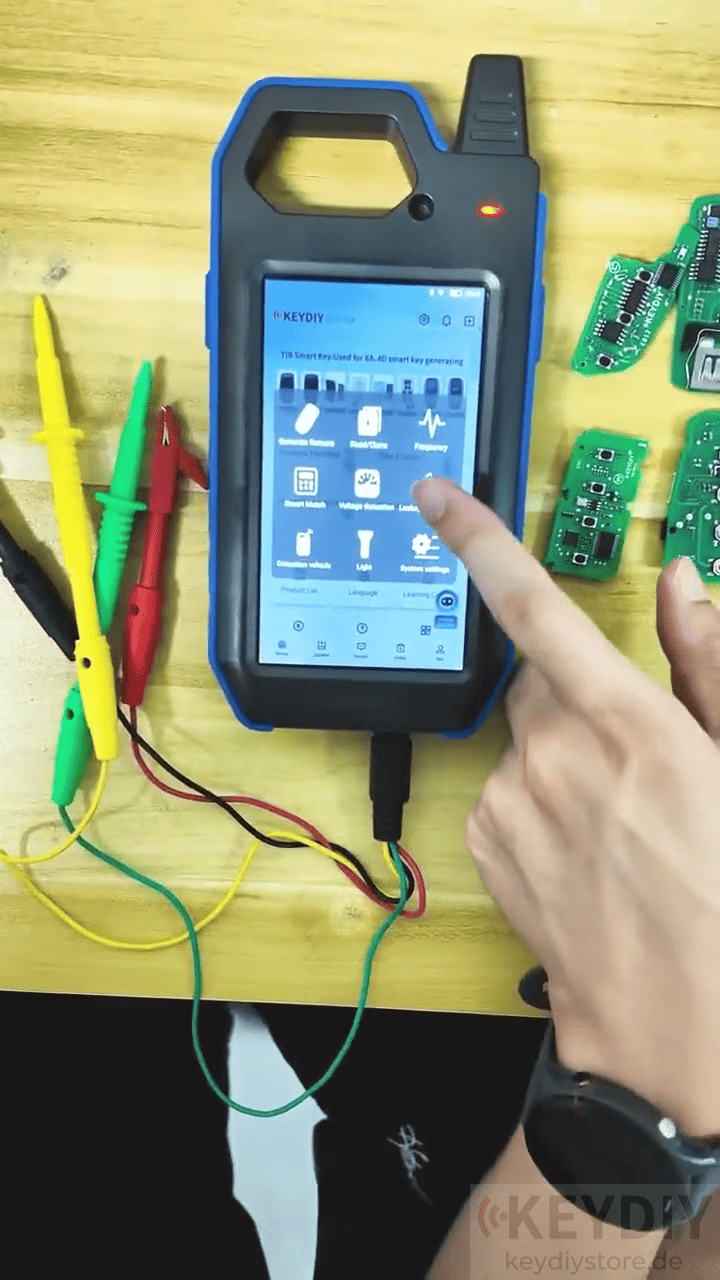
To perform this test, you’ll need the KEYDIY key unlock cable, which not only helps disassemble original key shells but also works as a PCB leakage testing cable.
Select Leakage Detection from the KD-MAX menu and connect the cable to the PCB by attaching the positive and negative clips to the corresponding terminals.
Normal PCB
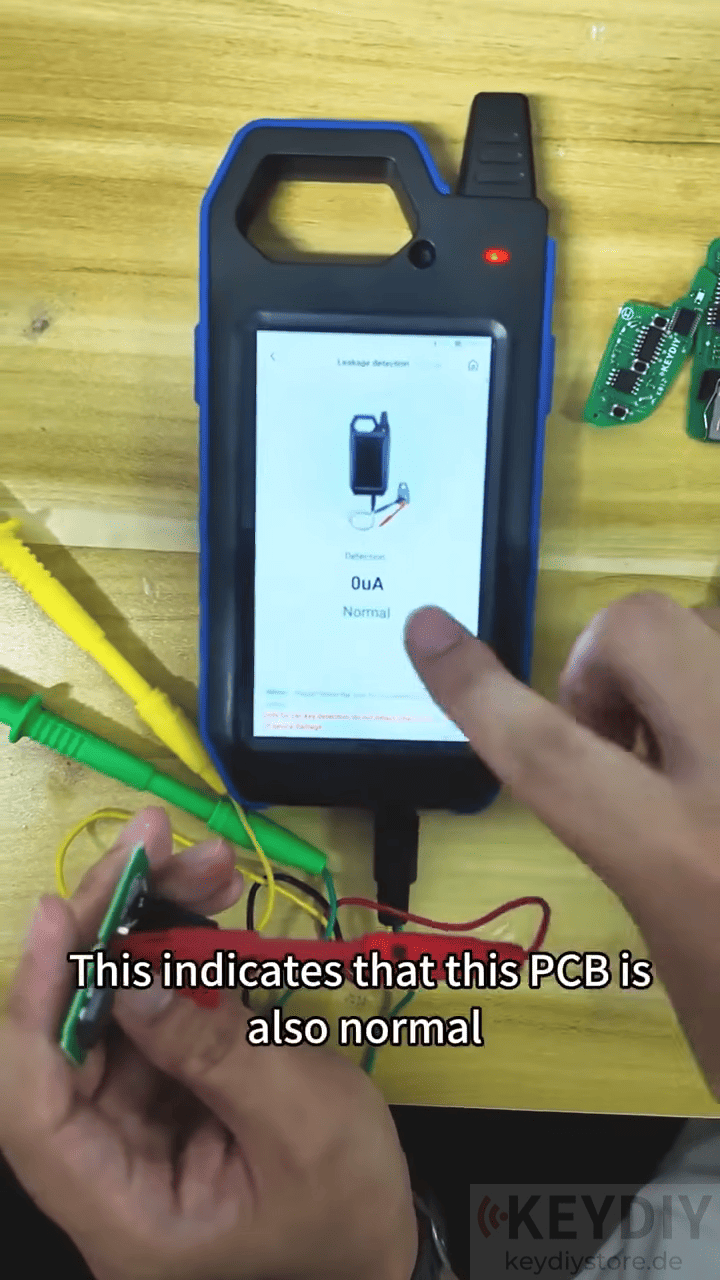
The first PCB immediately displays 0 μA, indicating there is no abnormal current consumption and the board is operating normally.
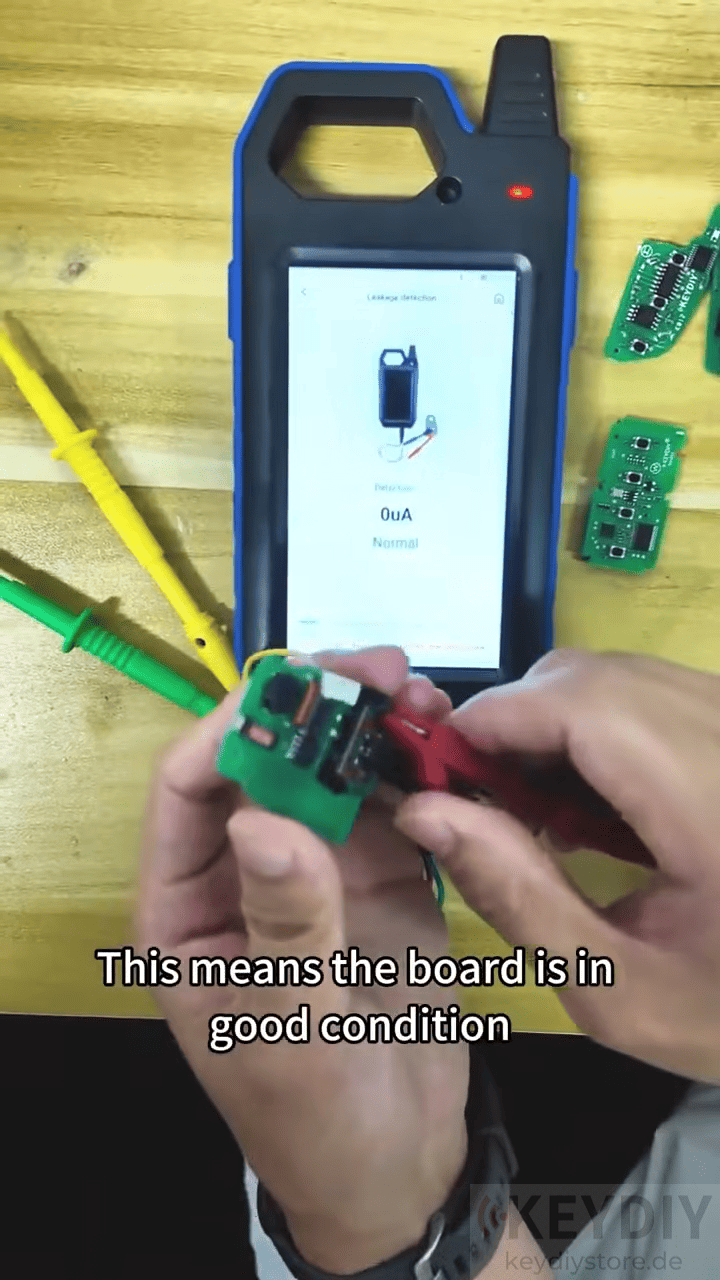
The second PCB (TDB remote) requires a few seconds to stabilize before also showing 0 μA, confirming that it is in good condition.
Faulty PCB
The next PCB displays an obvious leakage warning, indicating excessive current consumption. This is a clear sign that the circuit board is defective.
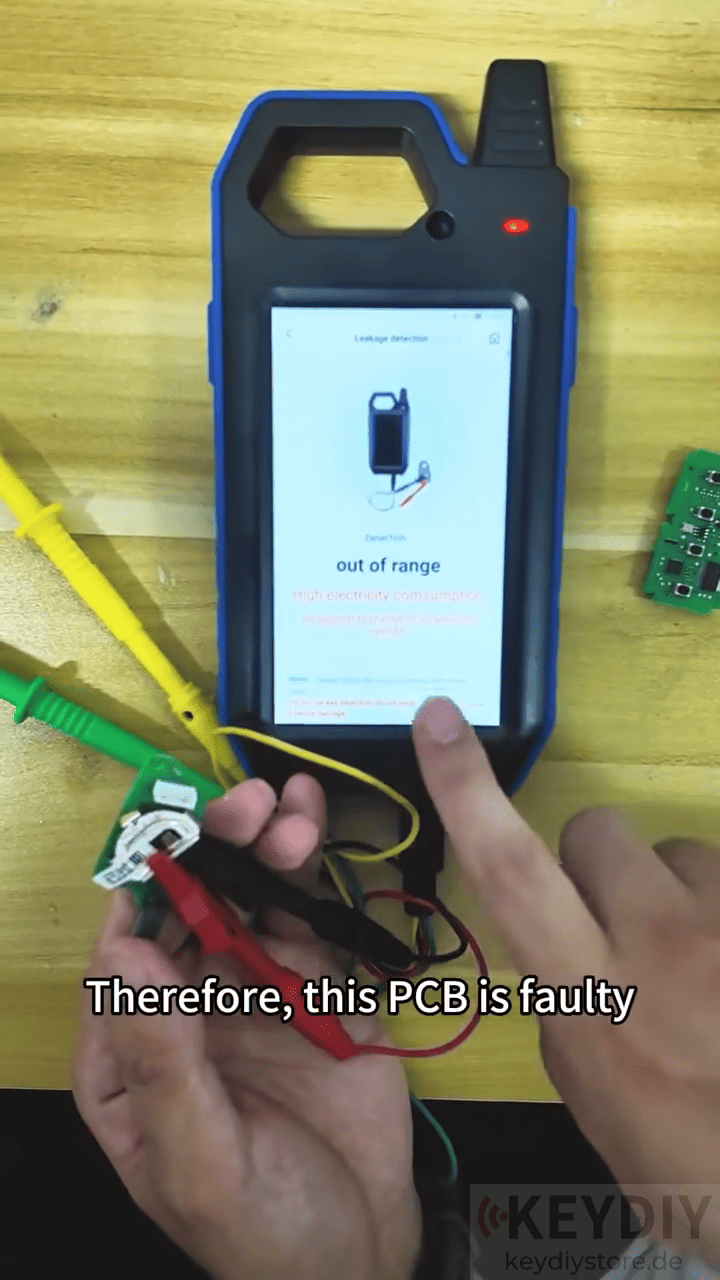
The final PCB also shows abnormal leakage, confirming another faulty board that should be repaired or replaced.
KEYDIY KD-MAX is more than a key programming tool. Its built-in battery voltage measurement and PCB leakage detection functions provide a fast and convenient way to diagnose common remote key problems.
Video guide:
Read also:
KEYDIY KD-MAX BMW BDC3 Key Programming Learn to Clone FGB57 Smart Key
BYD Smart Key Programming Guide with KEYDIY KD-MAX
Leave a Reply