


KEYDIY KD-X4 can identify the original key, generate a compatible KD remote, and complete key learning through OBD without requiring additional CAN FD adapters.
This guide demonstrates the complete process of programming a new mechanical key for the 2021 Chevrolet Onyx.
Required Equipment
- KEYDIY KD-X4 key programmer
- Original Chevrolet Onyx key
- Compatible KD blank key
- OBD connection cable
- 2021 Chevrolet Onyx vehicle
One of the major advantages of KD-X4 is its built-in CAN FD module, eliminating the need for external adapters when working on supported GM vehicles.
1. Identify the Original Key
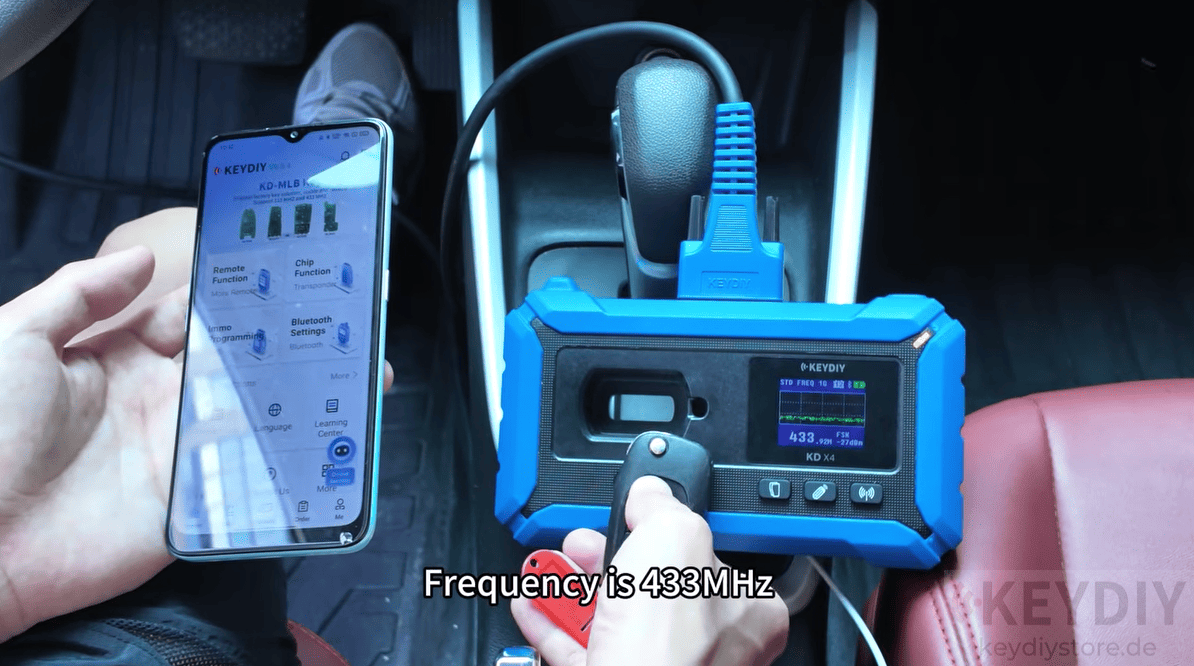
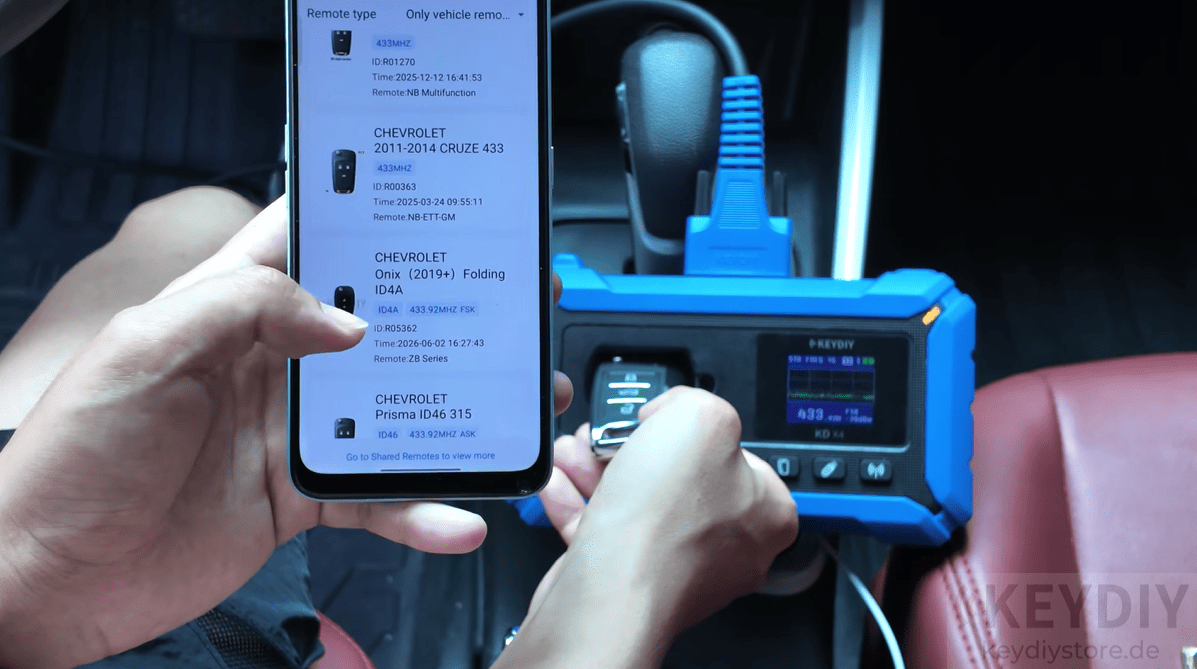
Place the original factory key on the KDX4 induction area.
The device automatically detects the transponder chip information and identifies the operating frequency. In this example, the original remote operates at 433 MHz, providing the necessary information before generating the replacement key.
2. Generate the KD Remote
Insert the blank KD key into the device and enter the remote generation menu.
For mechanical keys, simply select the corresponding remote generation option. KD-X4 also supports smart key generation for compatible vehicles by selecting the appropriate model.
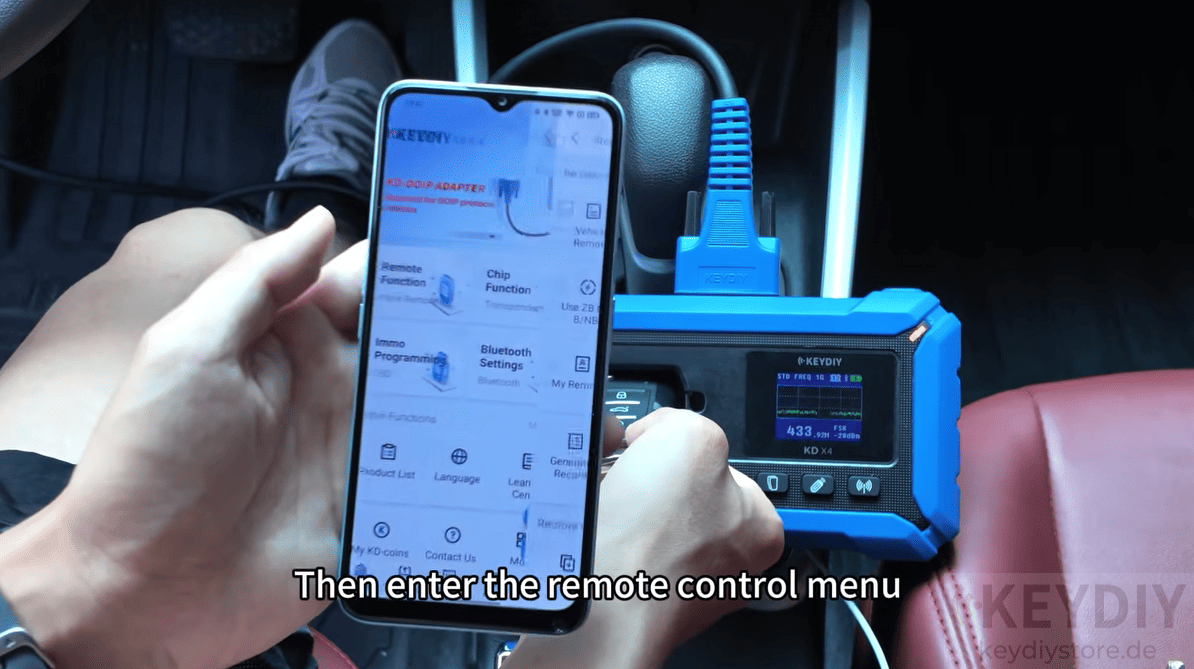
After a few moments, the wireless remote generation process is completed and the new key is ready for programming.
3. Enter Key Programming Mode
Return to the main menu and select the key programming function.
Tap to: Chevrolet → Onyx → 2021
The KD-X4 automatically recognizes that the vehicle uses the CAN FD communication protocol. Thanks to the integrated CAN FD hardware, no additional adapter is required—just connect the OBD cable directly to the vehicle.
4. Check Existing Registered Keys
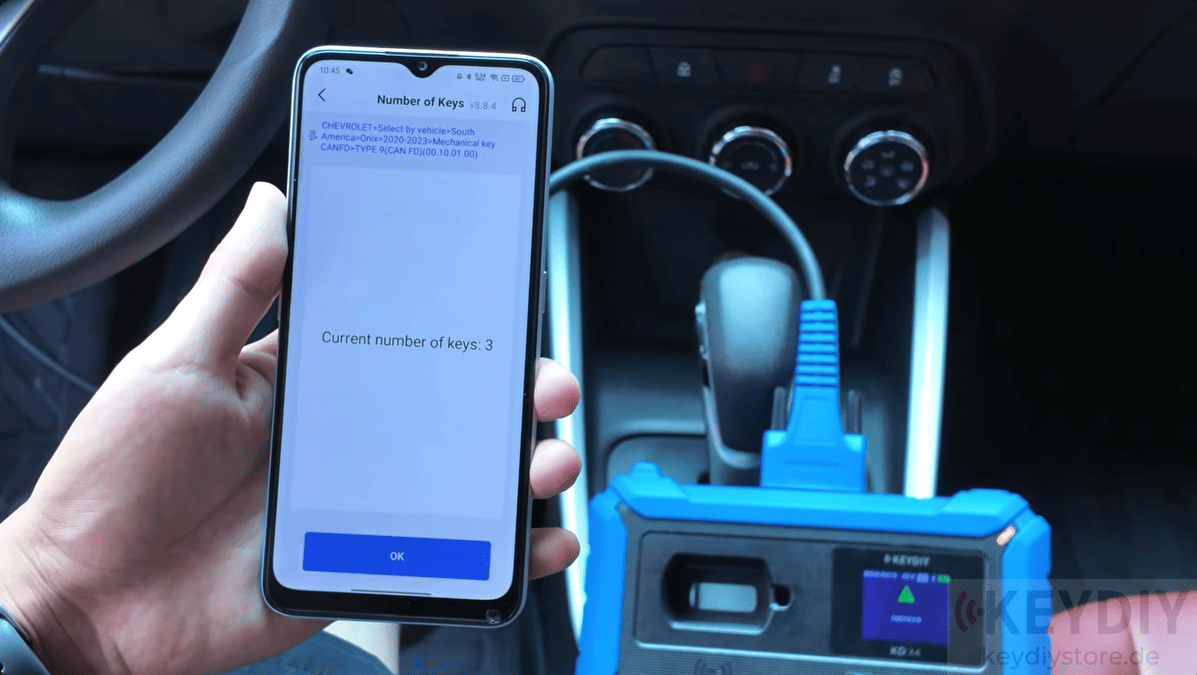
Before adding a new key, read the number of registered keys stored in the immobilizer system.
In this demonstration, the vehicle already has three registered keys.
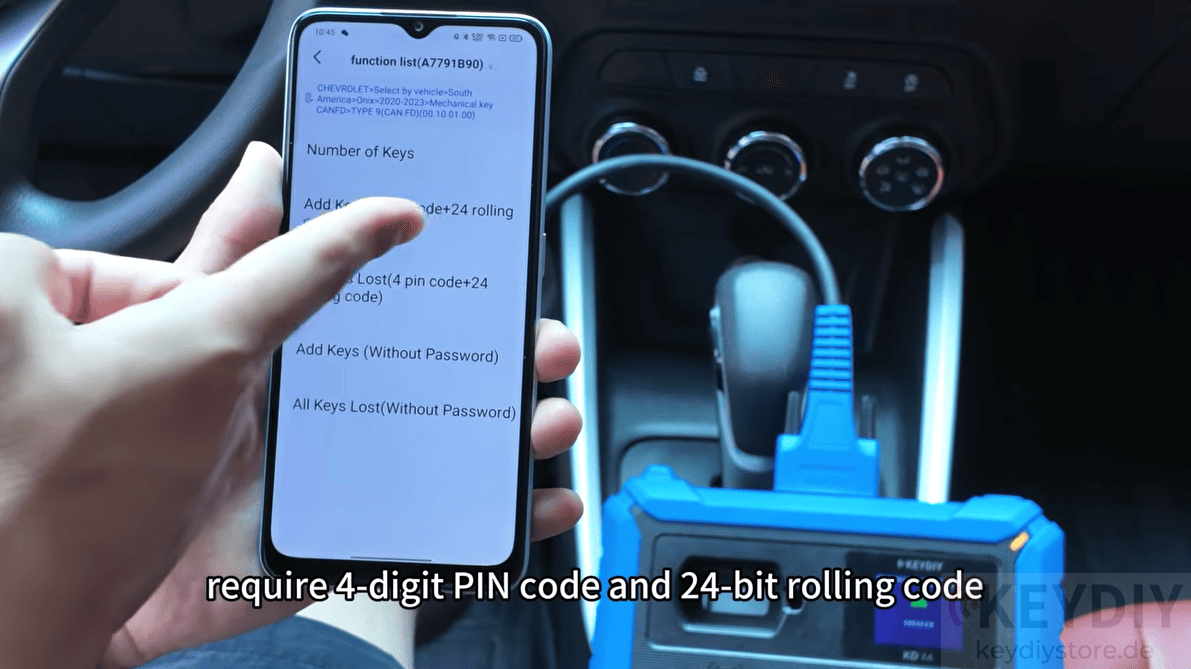
Although some programming methods require a 4-digit PIN code and a 24-bit rolling code, KD-X4 Locksmith’s Universal Tool also provides password-free key addition options, allowing technicians to complete the operation without manually entering security credentials.
5. Start Key Learning
Select the password-free key addition function and switch the ignition on using the original key.
The device automatically reads the vehicle information, including the VIN, and extracts the required security password from the vehicle.
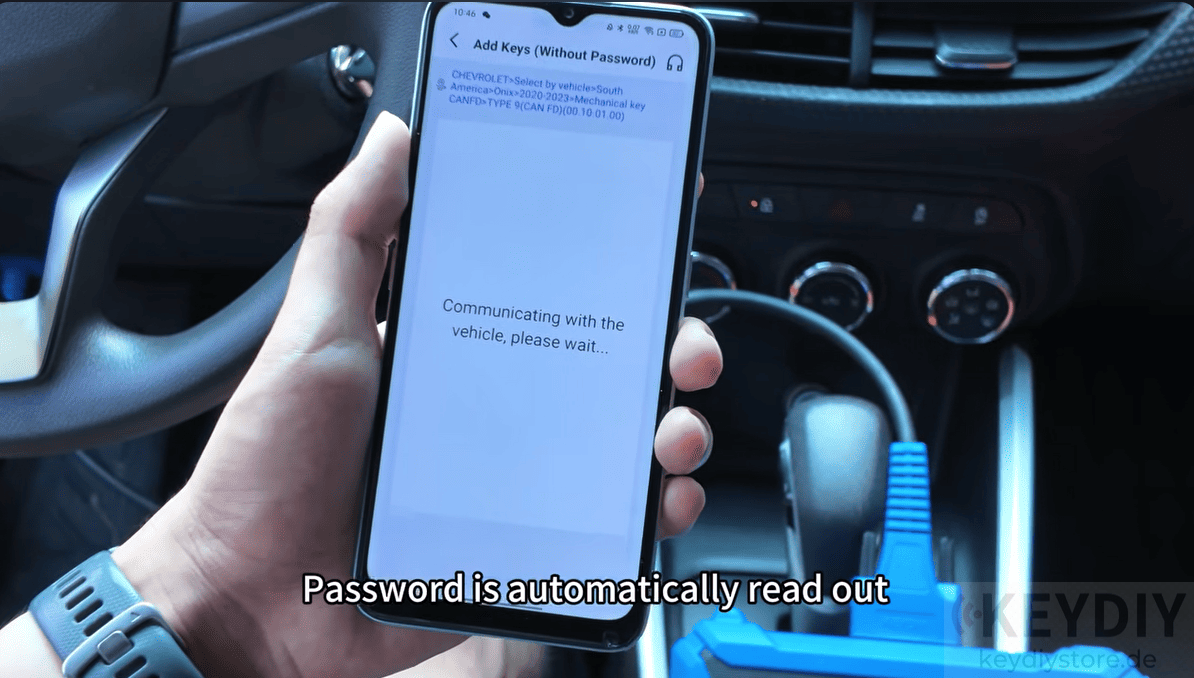
After confirmation, the system begins the security waiting period before programming can continue.
6. Program the New Key
Once the countdown is complete, remove the original key and insert the newly generated KD key.
The immobilizer performs the learning process automatically. When the vehicle’s hazard lights flash, it indicates that the new key has been successfully registered.
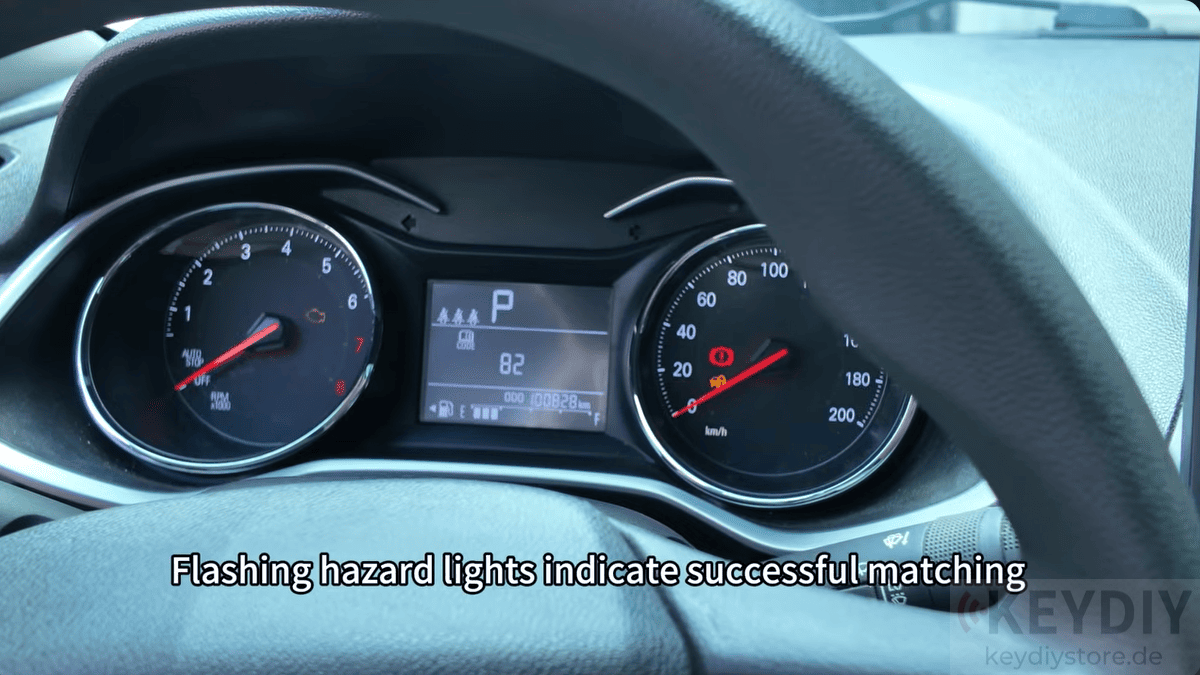
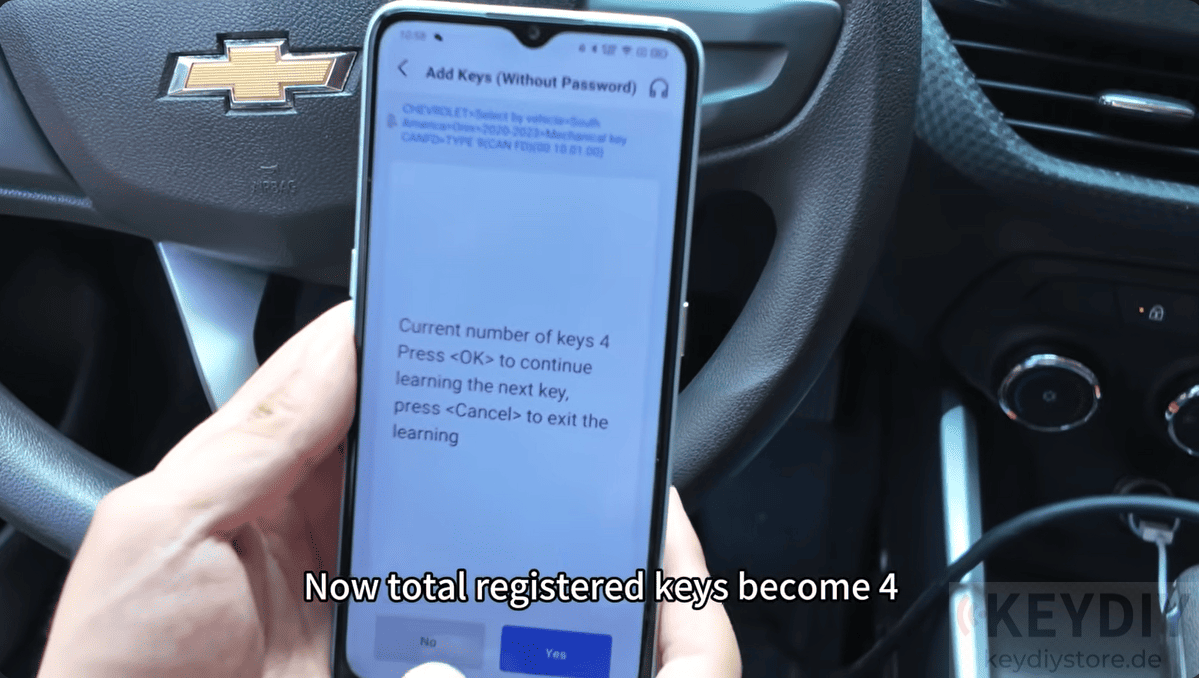
The total number of programmed keys increases accordingly, confirming the successful addition.
7. Verify Remote Functions
Turn the ignition on again and test the newly programmed key.
Check both the remote control functions and ignition operation to ensure everything works correctly.
If all functions respond normally, the spare key programming procedure is complete.
KD-X4 key programmer provides an efficient solution for adding spare keys while reducing setup complexity and saving valuable service time.
Read also:
How to Add Audi MLB Keys Using KEYDIY KD-X4 and KD-MP
How to Add a Key for 2024 Ford Mondeo Using KEYDIY KD-X4
Leave a Reply