


Programming keys for Audi MLB vehicles has traditionally required multiple tools, a computer, and a complex workflow. With the latest KEYDIY KD-X6, however, locksmiths can complete the entire process directly on the device. From reading the original key data to generating a dealer key and performing key learning, everything can be done in one streamlined workflow.
This guide demonstrates how to use KEYDIY KD-X6 to add a new Audi MLB smart key.
Required Tools
- KEYDIY KD-X6 programmer
- Original working Audi MLB key
- New KEYDIY smart key
- Soldering equipment
- Wiring harness according to the KDX6 wiring diagram
Step 1: Remove the Original Key PCB
Open the original Audi key and carefully remove the circuit board.
Since MLB key data must be accessed directly from the PCB, wiring connections are required before data collection can begin.
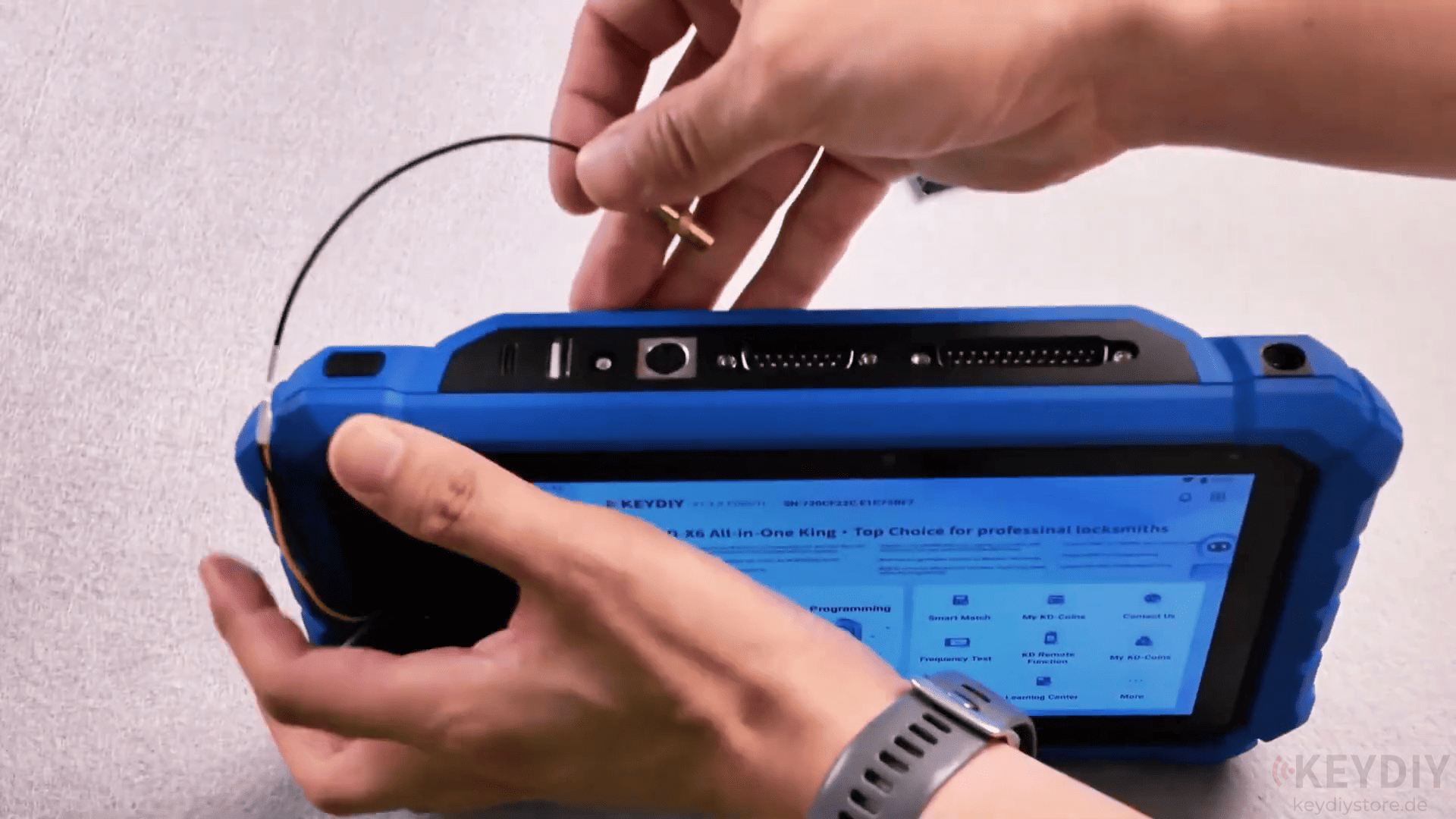
Step 2: Identify the Key Chip
Connect the wired key PCB to KD-X6.
Navigate to: MLB/MQB48 → MLB
Place the original key in the induction area and select Identify Chip.
The KDX6 will display the key ID and related information, confirming successful communication with the key.
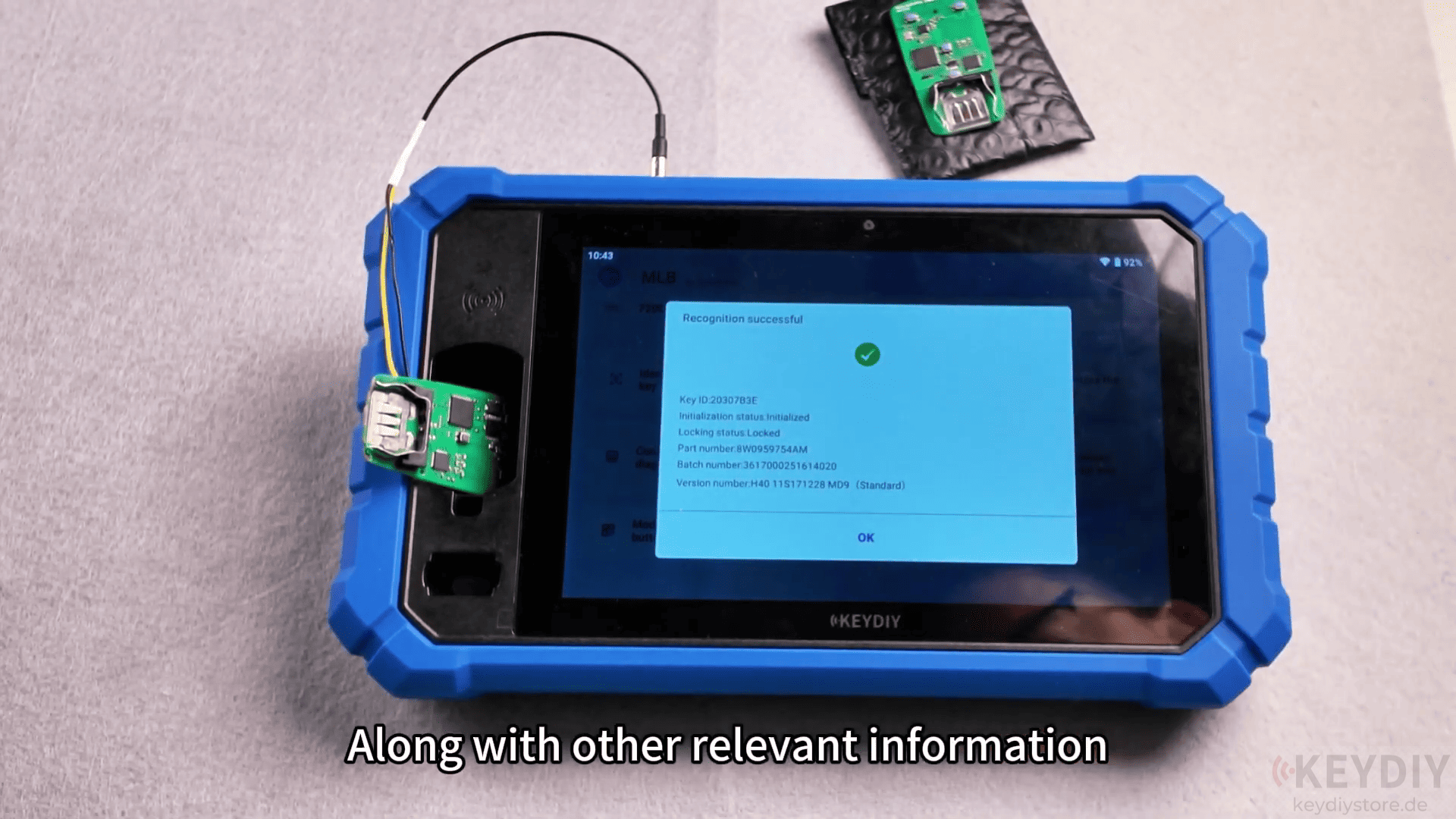
Step 3: Collect Original Key Data
After verifying the wiring and key information, select Collect Data from Original Key.
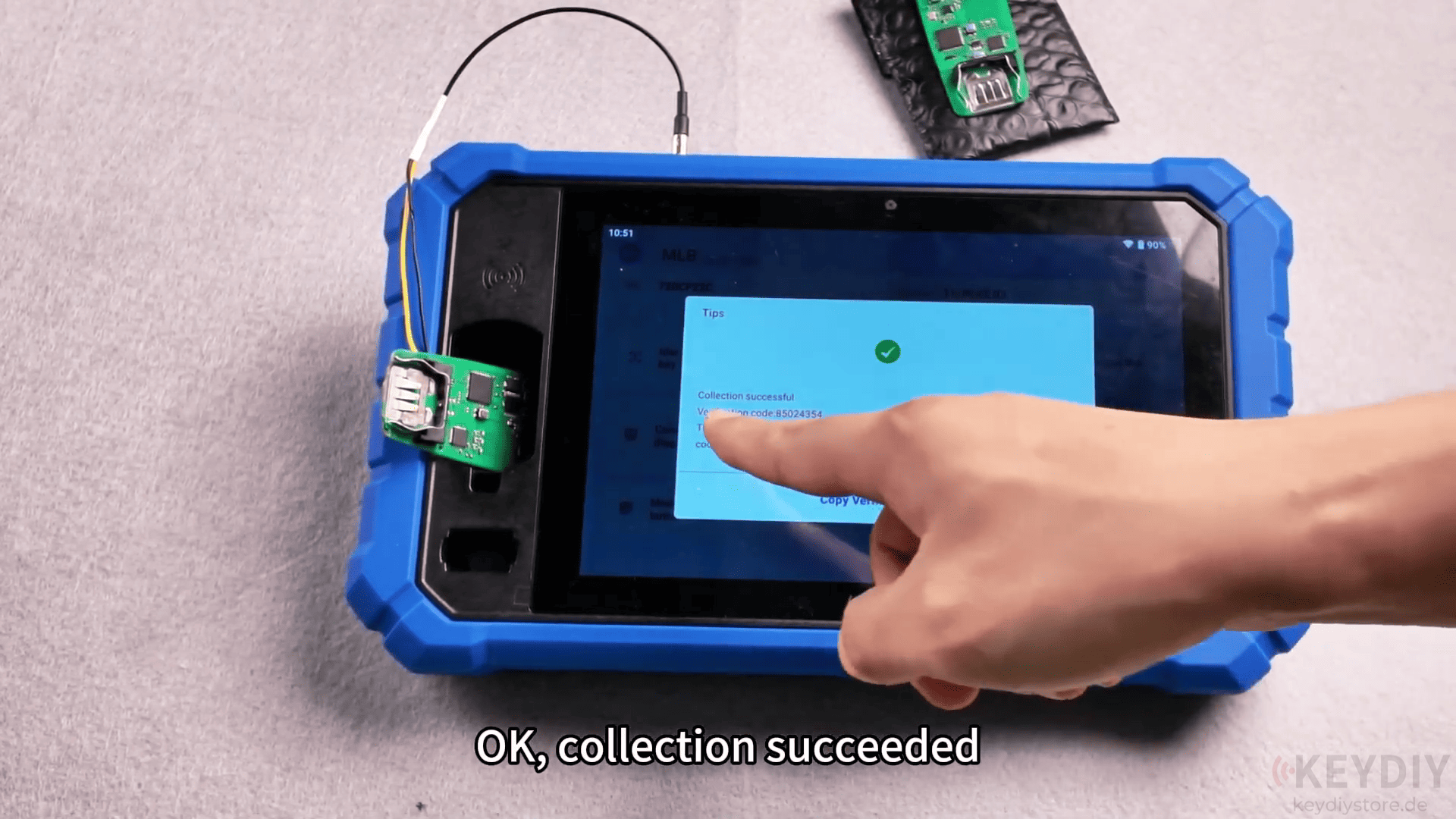
The KDX6 will begin reading the necessary key data.
Once the process is complete, the device will display the verification code and service code required for subsequent operations.
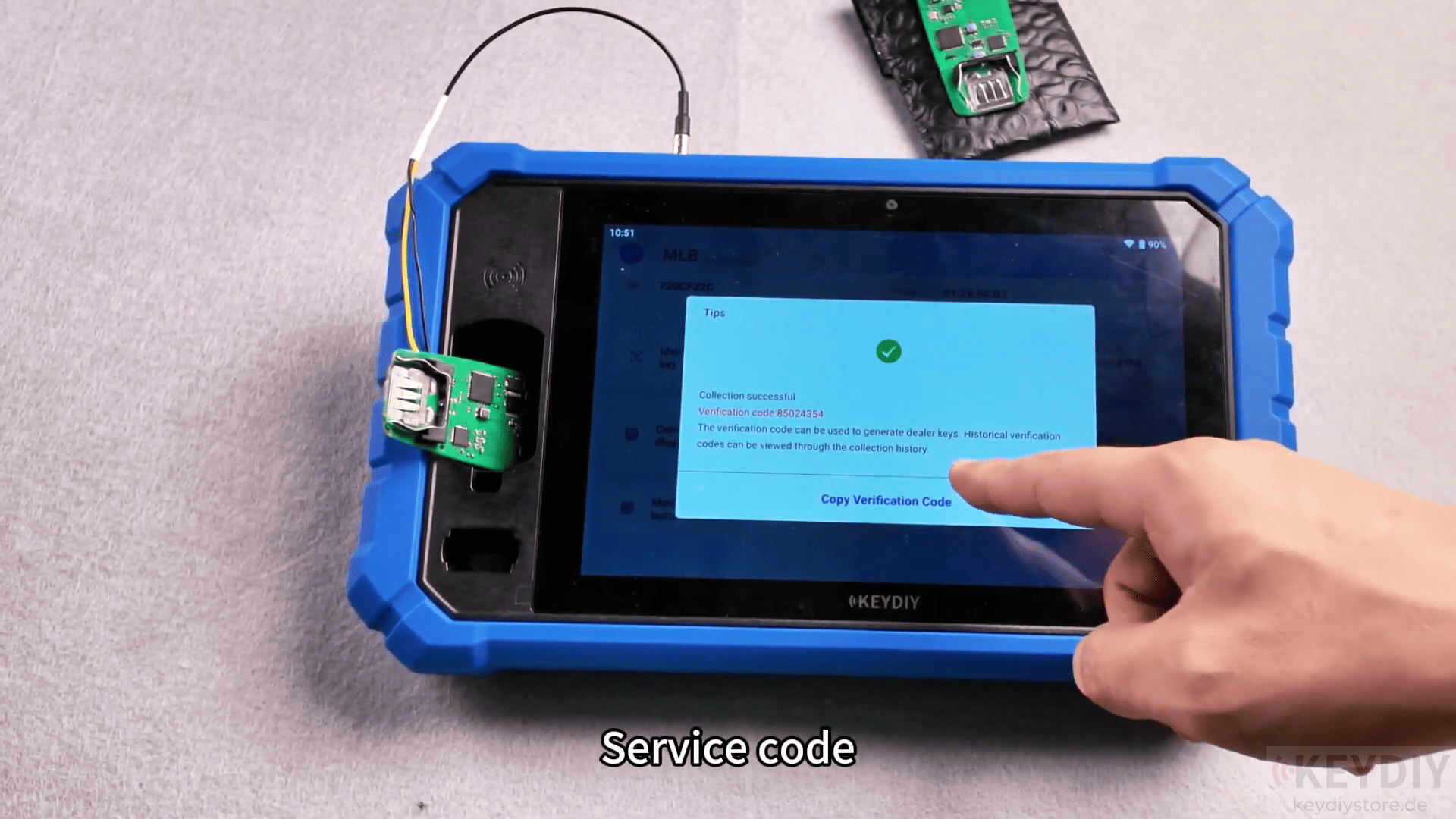
Save this information carefully, as it will be used during dealer key generation and key learning.
Step 4: Prepare the New KEYDIY Key
Next, place the new KEYDIY smart key into the induction area.
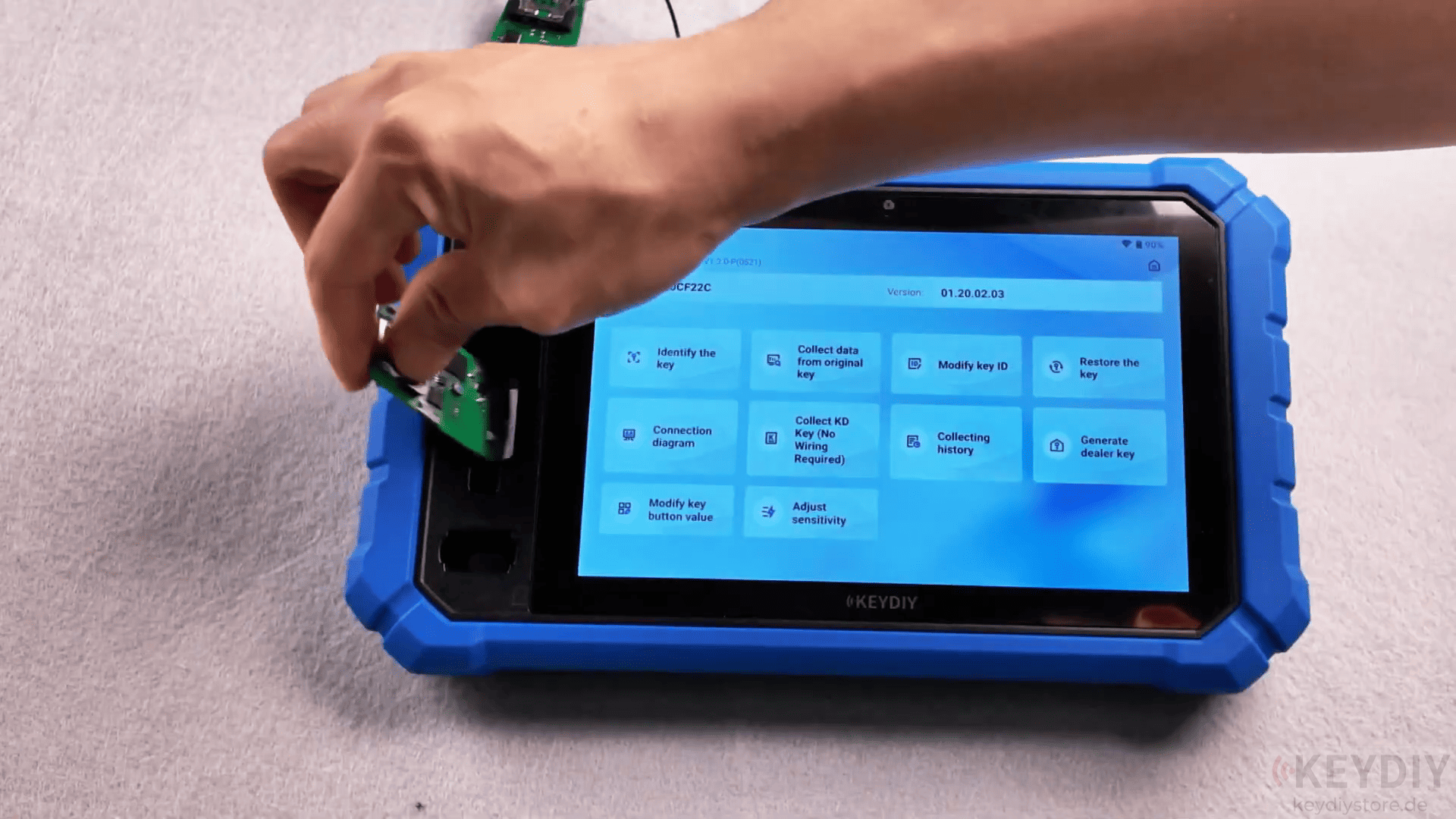
Because a brand-new key may not contain a valid ID, the ID must first be modified before generating a dealer key.
Select the ID modification function and assign an available ID.
After the operation succeeds, read the key information again to confirm that the ID has been written successfully.
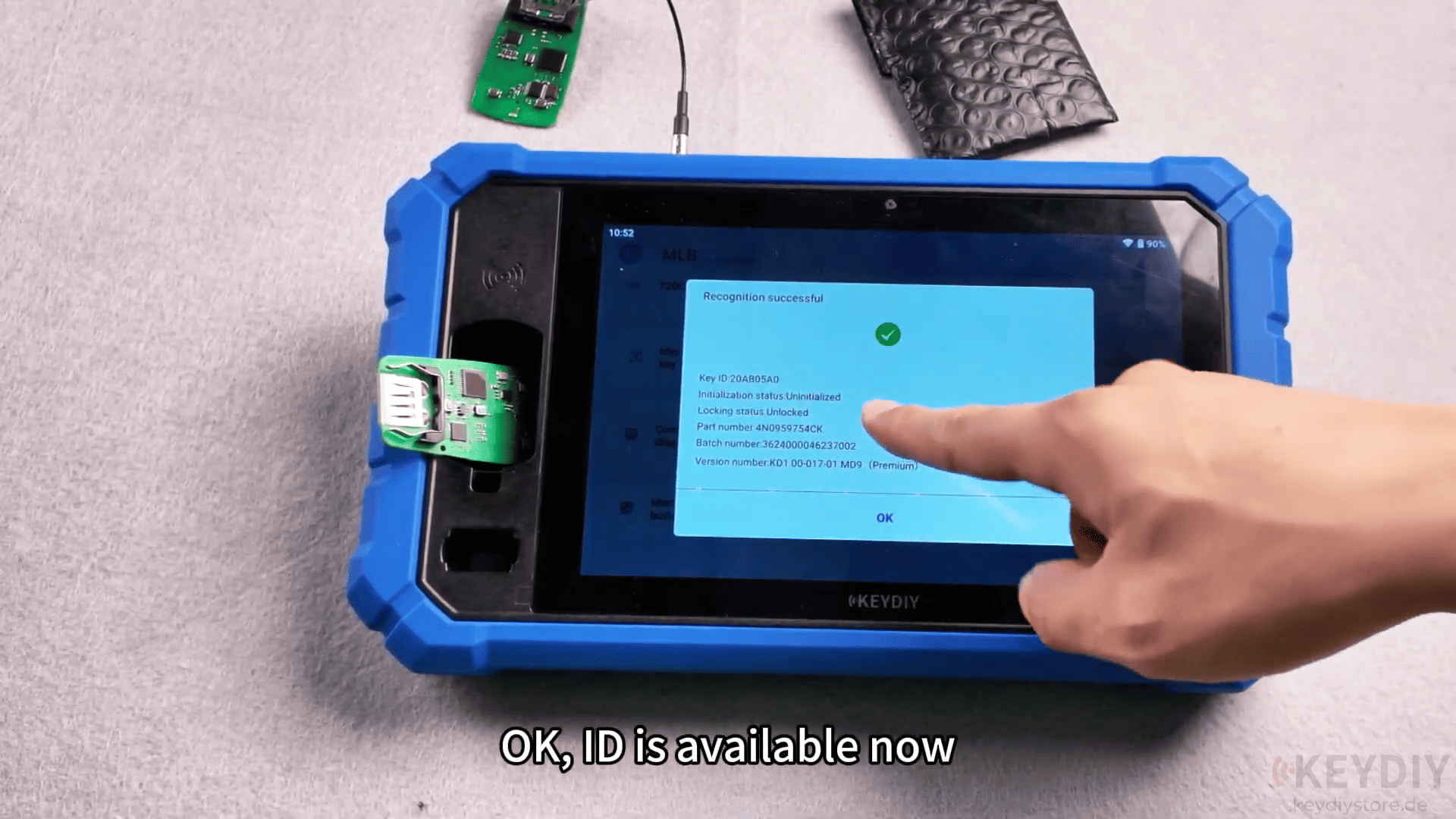
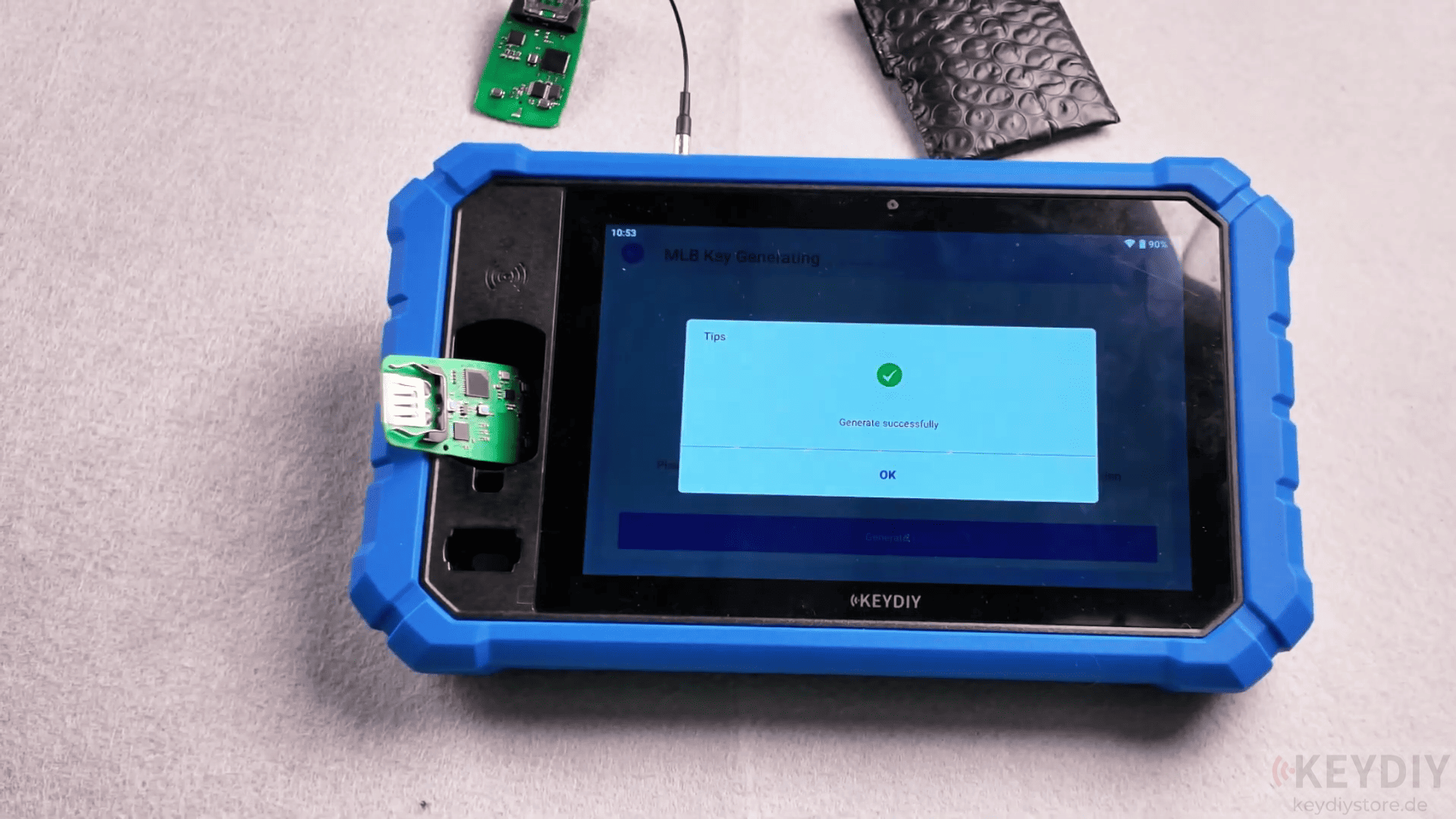
Step 5: Generate the Dealer Key
With the new key prepared, select Generate Dealer Key.
Choose the previously collected key data record and proceed with dealer key generation.
After several moments, the KD-X6 will display a successful completion message.
The new key is now ready to be learned to the vehicle.
Step 6: Perform Key Learning
Connect the KD-X6 to the vehicle and enter the matching function.
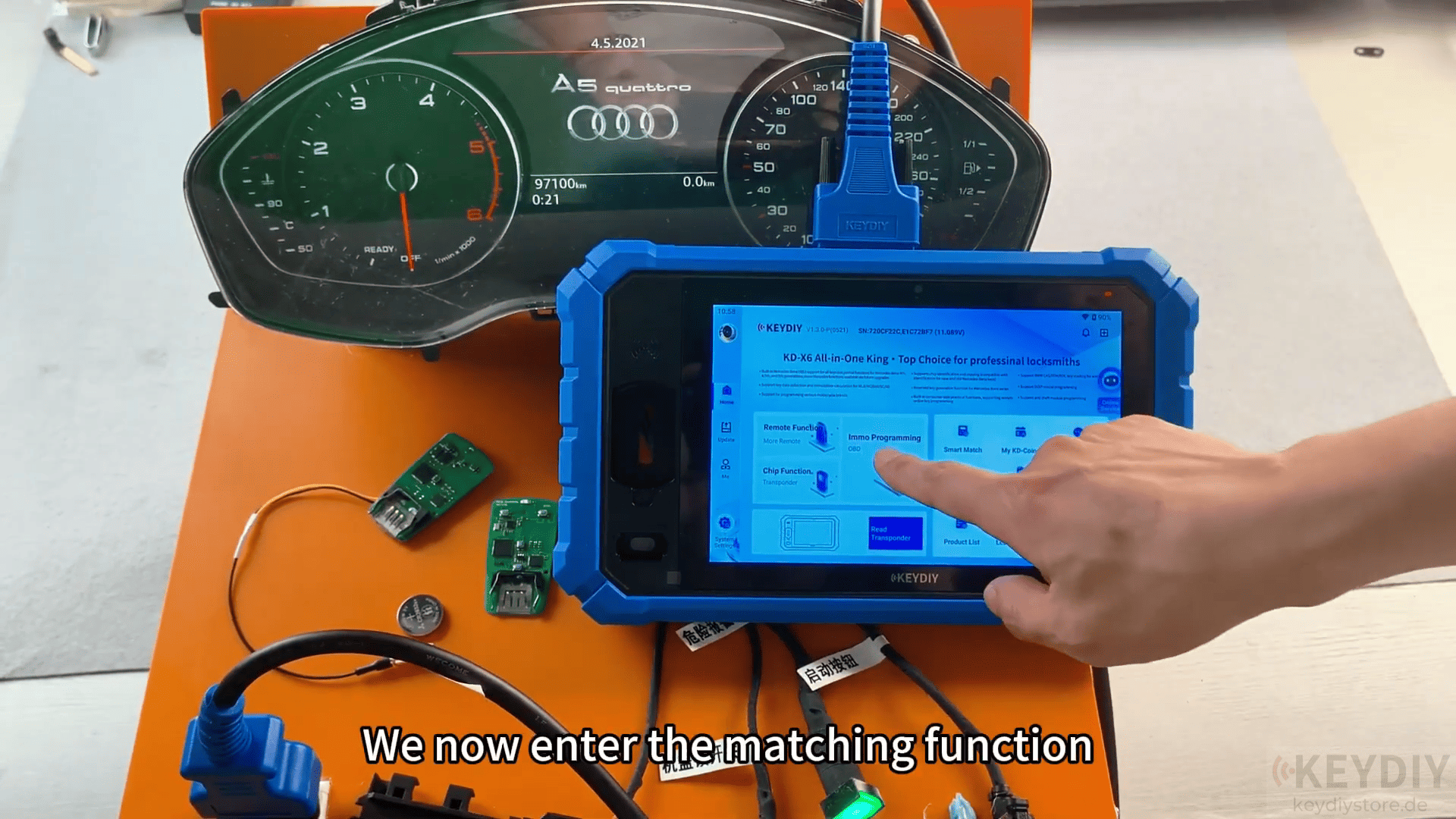
Select: MLB → Key Learning
Turn on the ignition using the original key.
Enter the total number of keys to be learned. In this example, two keys are programmed:
Original vehicle key
Newly generated KEYDIY key
Follow the on-screen instructions carefully.
Place each key in the designated sensing area when prompted.
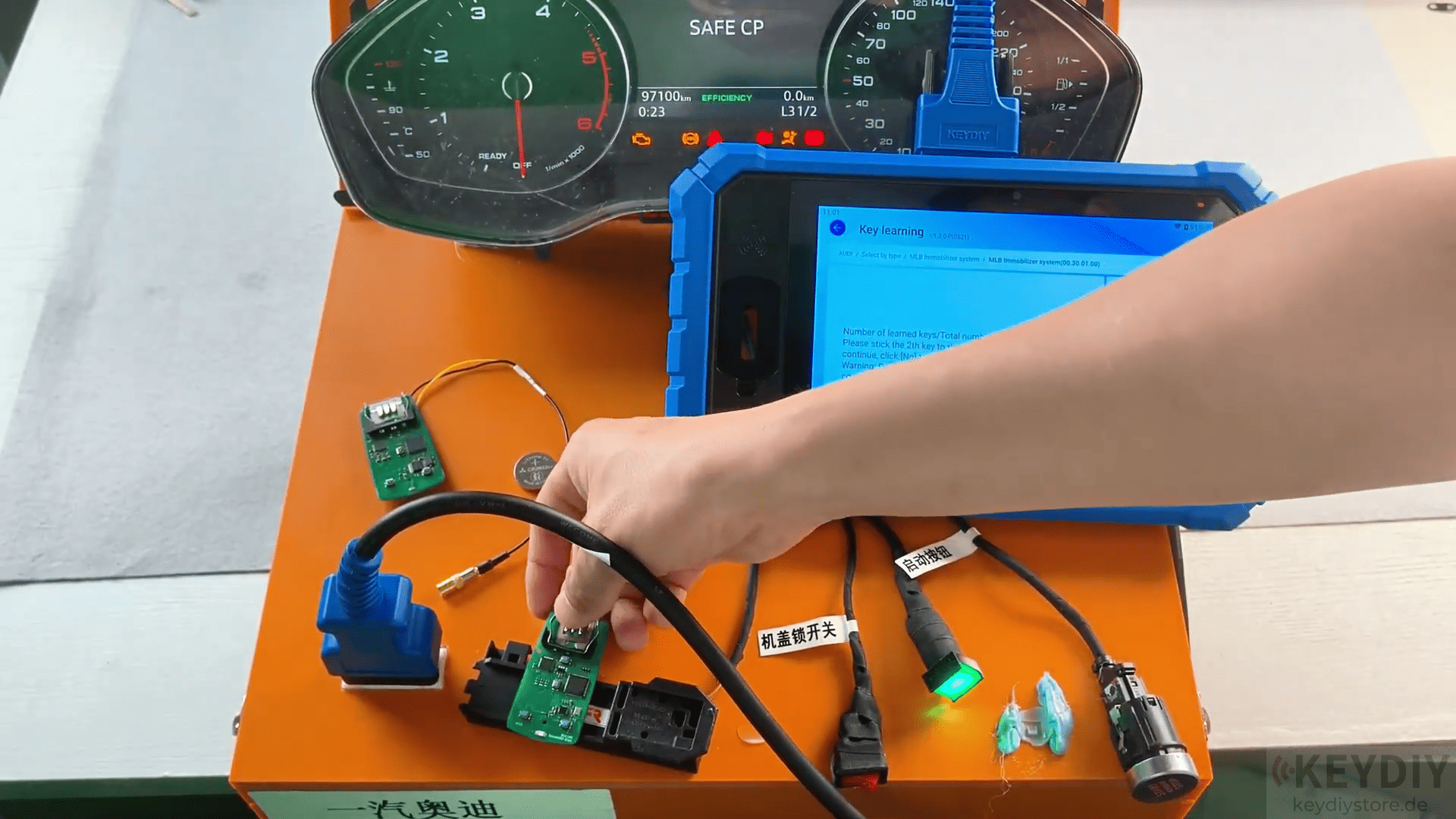
The KD-X6 will communicate with the vehicle immobilizer system and register each key one by one.
After all keys have been processed, the device will confirm that key learning has been completed successfully.
Step 7: Verify Operation
Once programming is finished, test both keys thoroughly.
Verify that:
The vehicle starts normally
Ignition recognition is successful
Remote lock and unlock functions work correctly
All programmed keys operate as expected
In the demonstration, both the original key and the newly generated KEYDIY key function normally after programming.
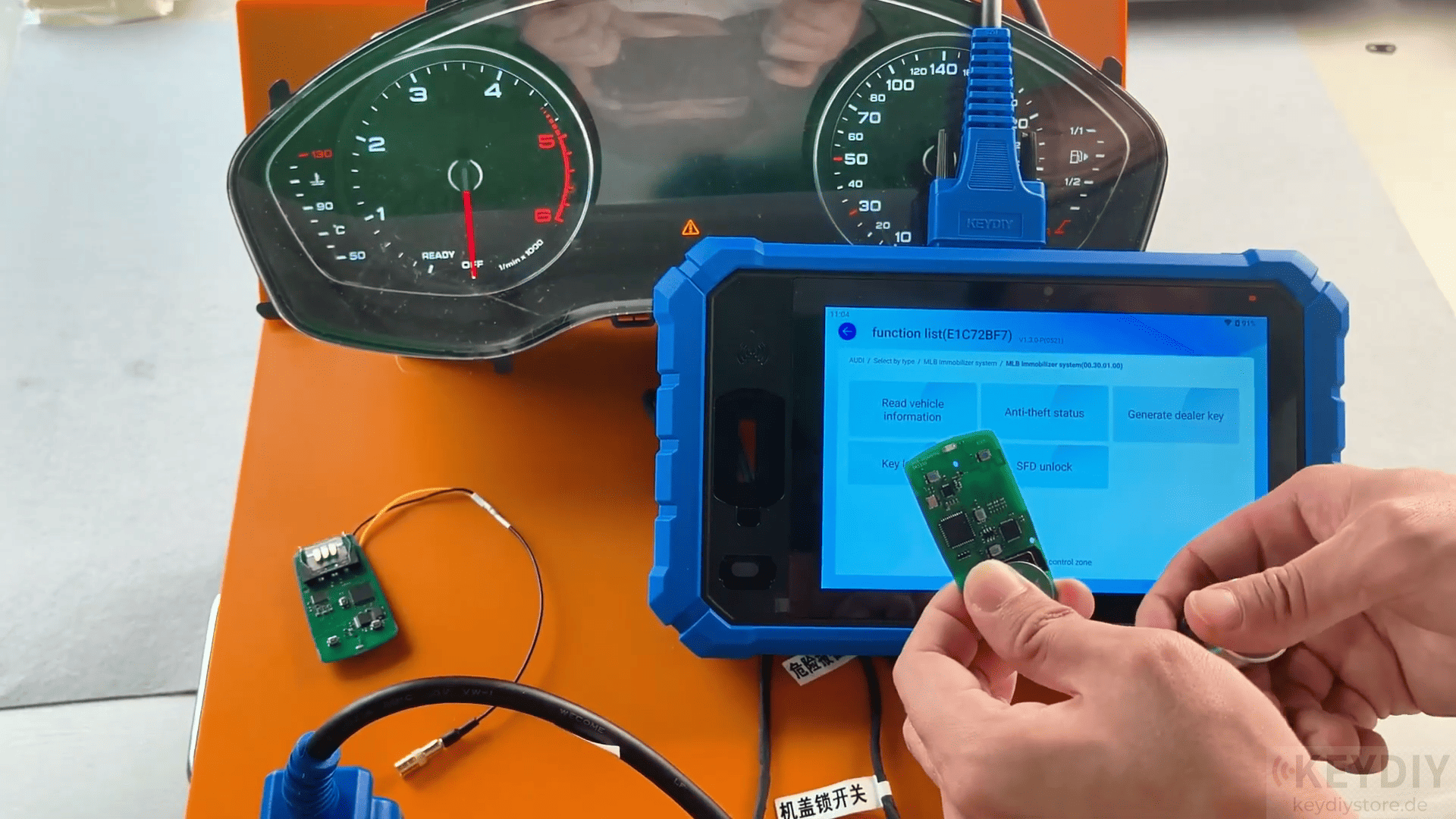
The KEYDIY KD-X6 programmer provides a practical solution for Audi MLB key programming. By combining original key data collection, dealer key generation, and vehicle key learning into a single device, it simplifies what was once a complicated procedure.
Leave a Reply