
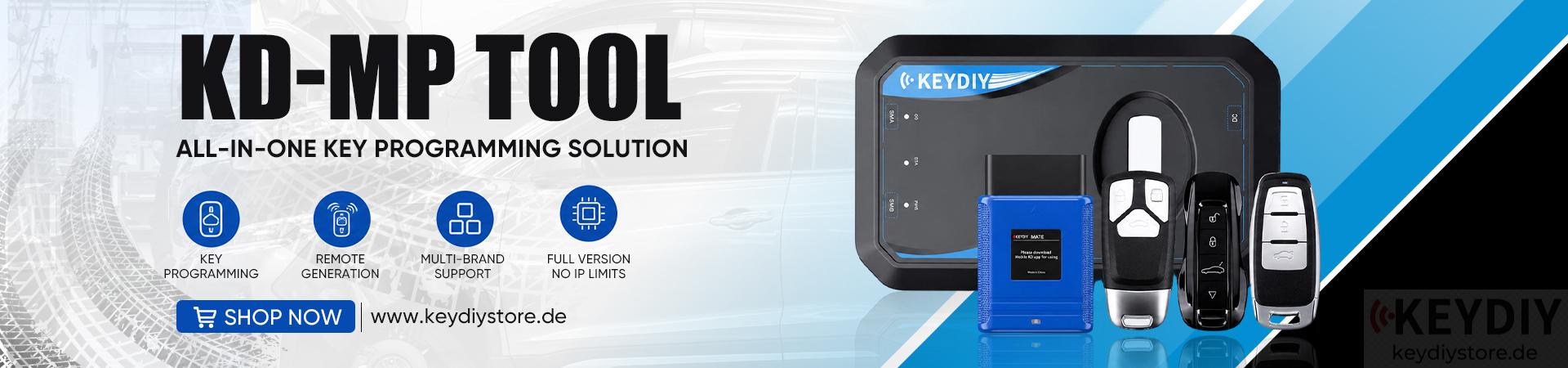

KEYDIY KD-X4 provides a practical solution to help technicians identify, generate, and program compatible smart keys efficiently.
Especially for Hyundai and Kia vehicles manufactured after 2018, there are more than 200 different remote types available, making accurate key identification essential.
Required Tools
KEYDIY KD-X4 programmer
Mobile phone
KD smart key
Original vehicle key
The original key is required for identification and data reading before generating the new key.
1. Identify the Vehicle and Select the Key Type
First, open the KEYDIY mobile application and enter: [IMMO Programming] → [Hyundai] → [Select from Vehicle]
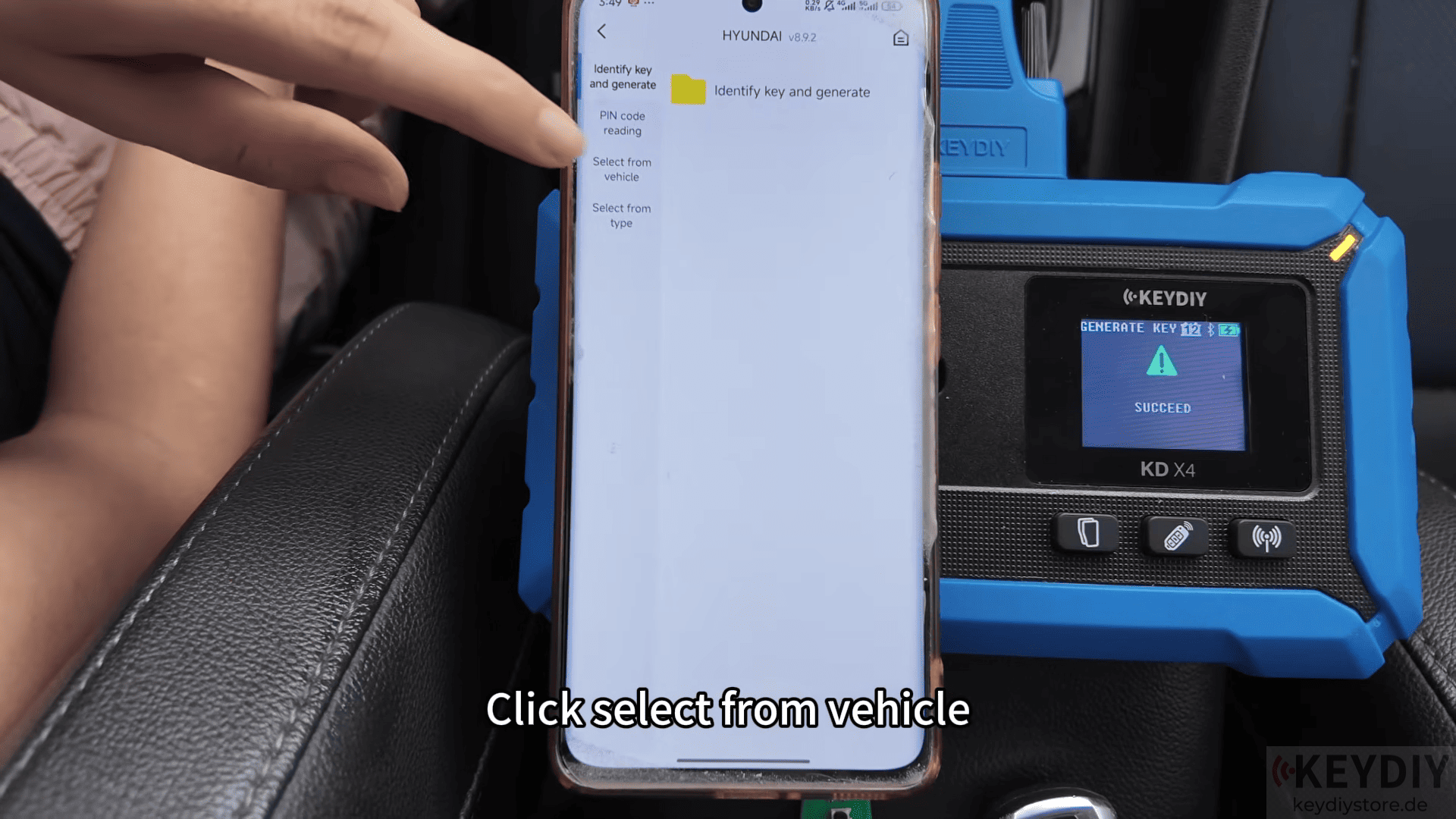
Then choose the vehicle information, Region, Vehicle model and Production year. For this example, the Hyundai Elantra is selected.
After selecting the available key type, tap Identify Key and Generate to begin the process.
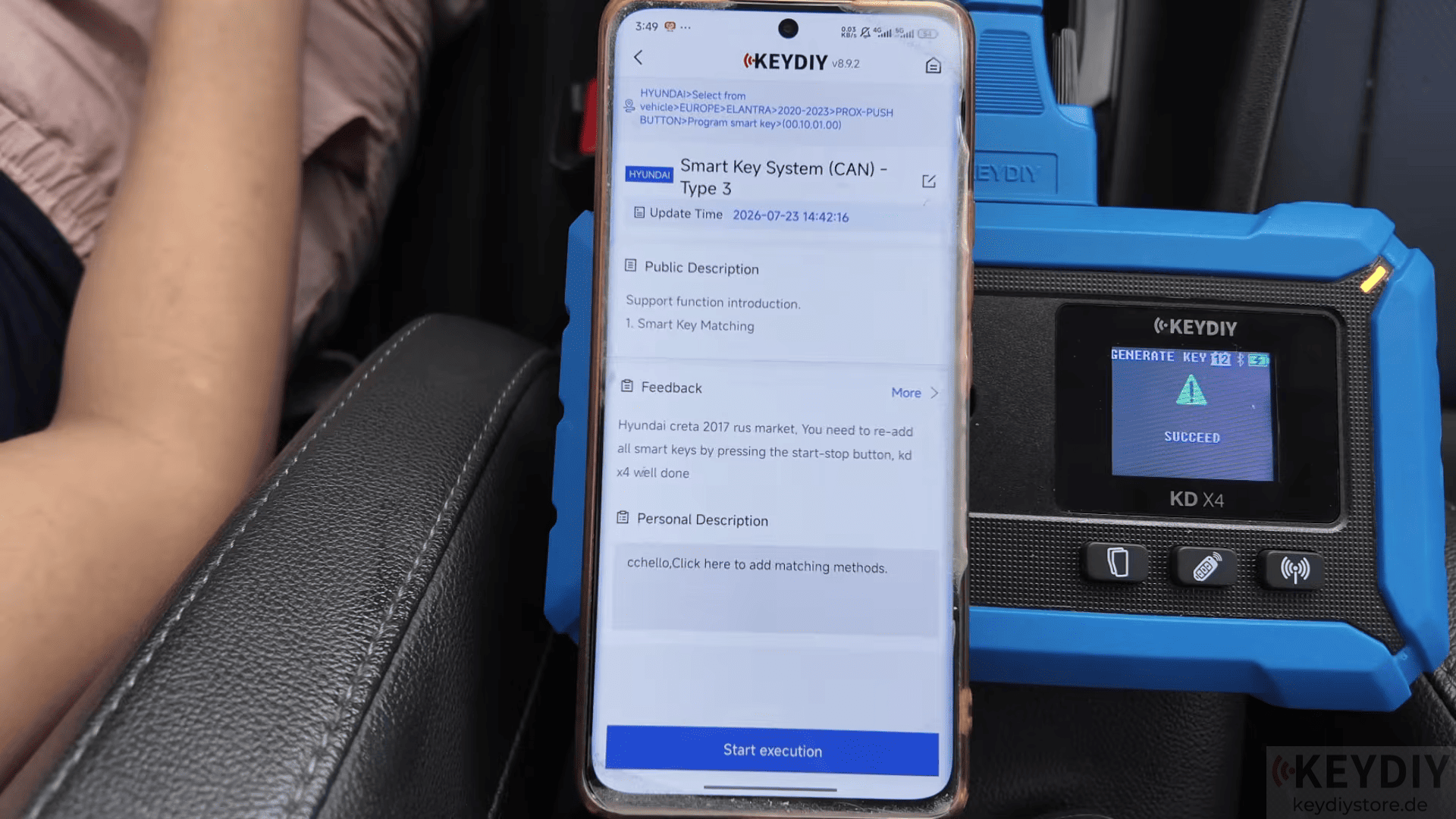
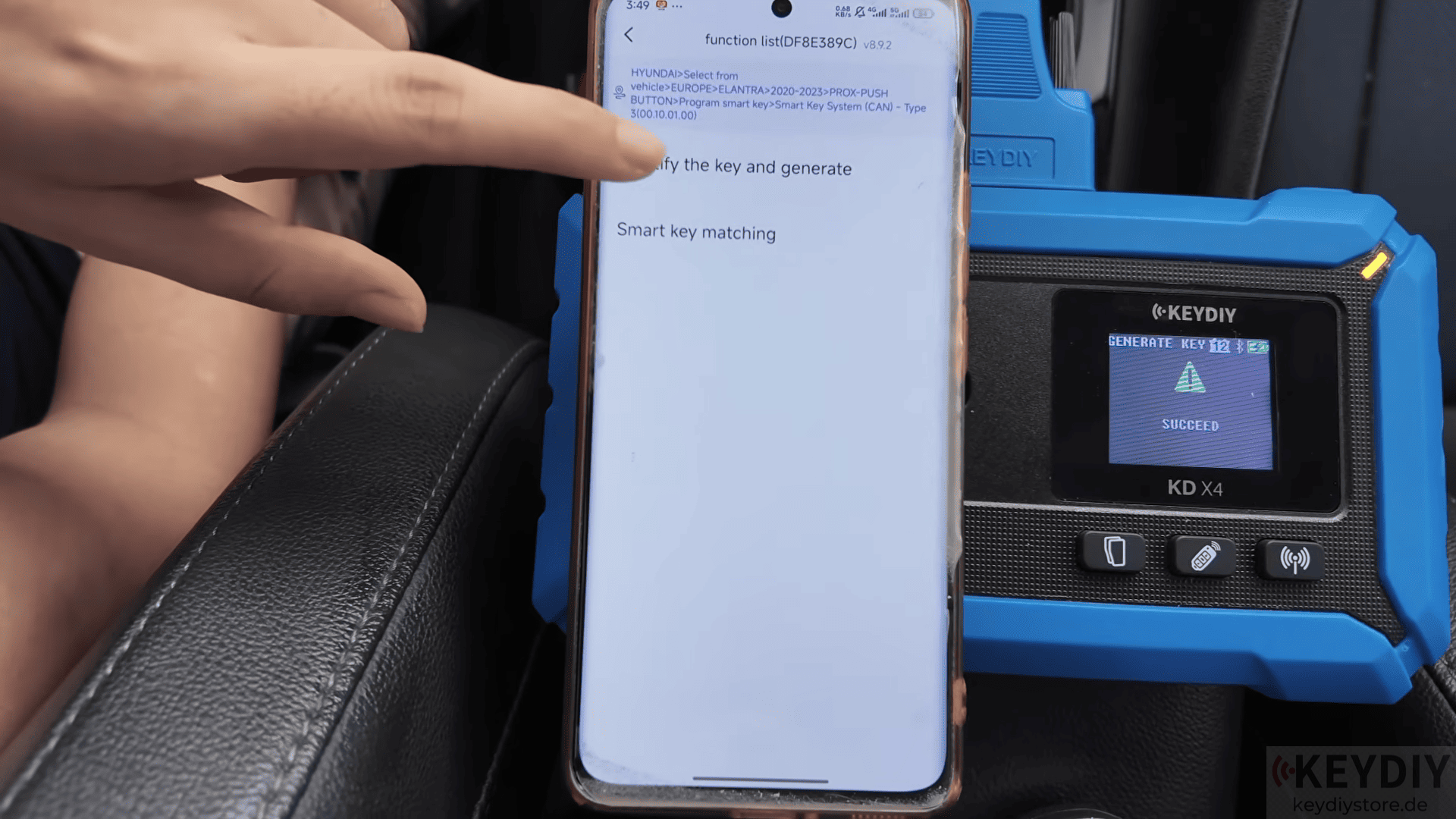
2. Generate the New Remote Key
Next, place the original vehicle key on the induction area of the KD-X4 device.
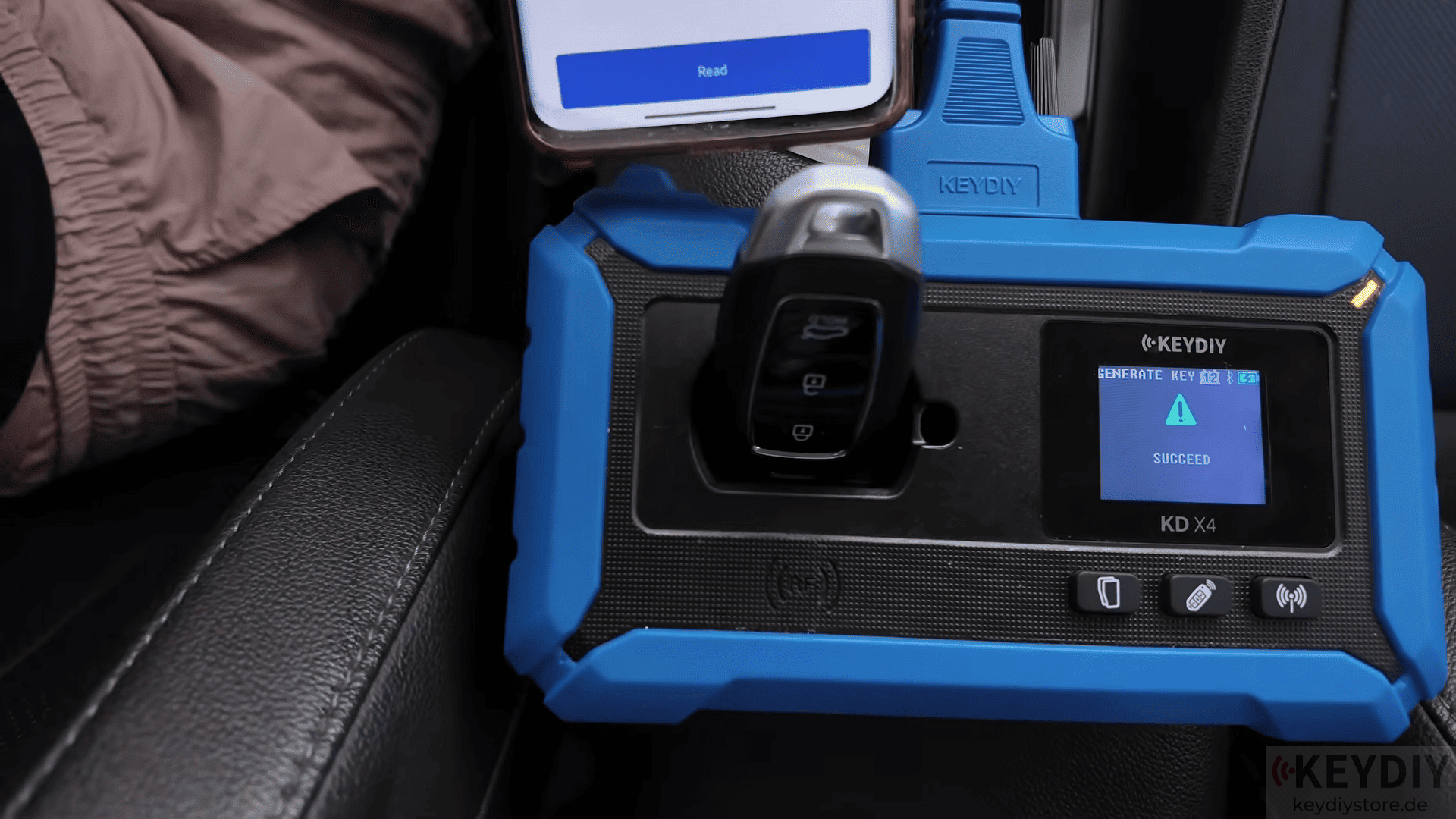
Click [Read] and then place the blank KD key that needs to be programmed on the induction area.
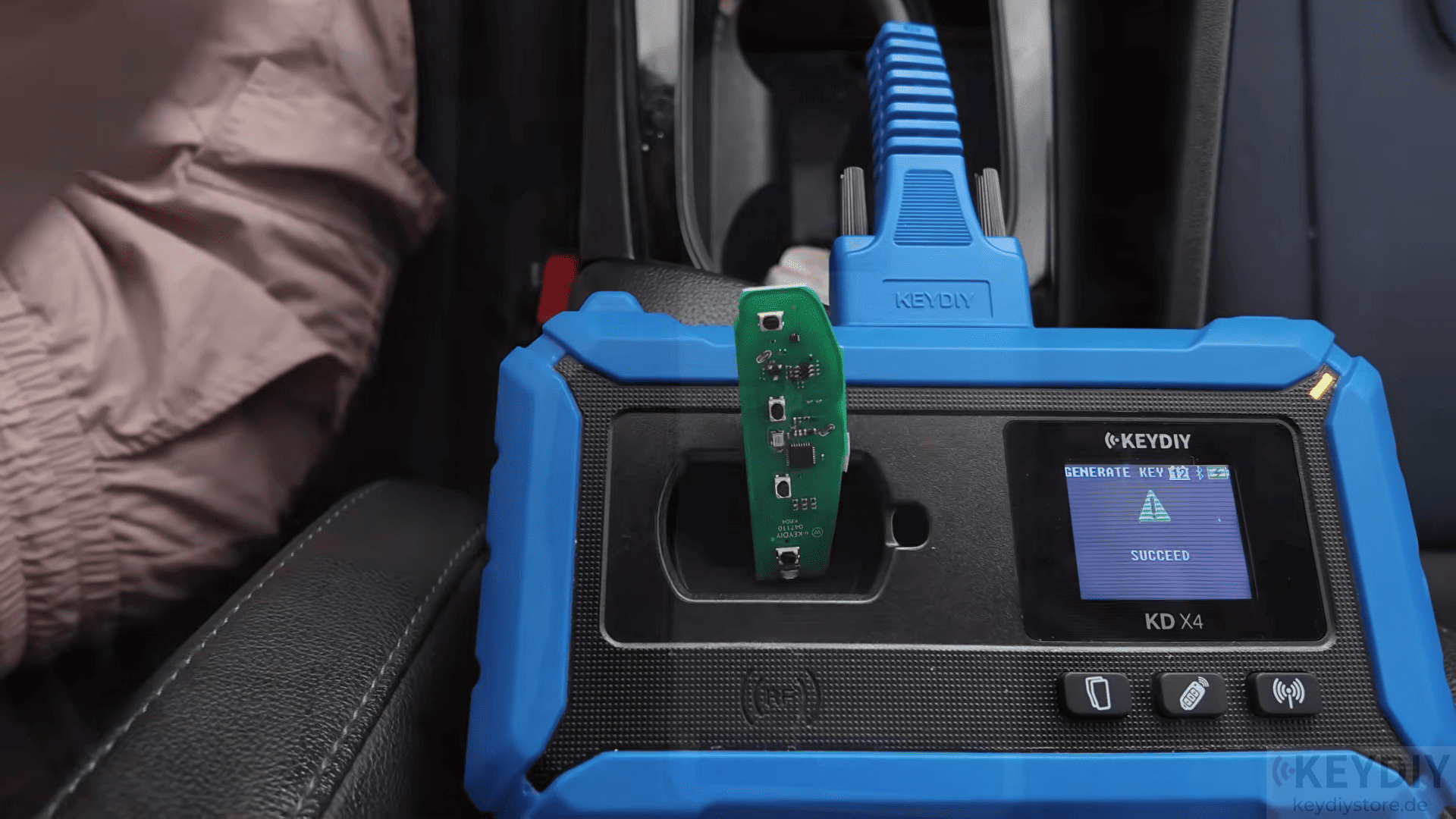
The device will read the original key information and generate the new remote automatically.
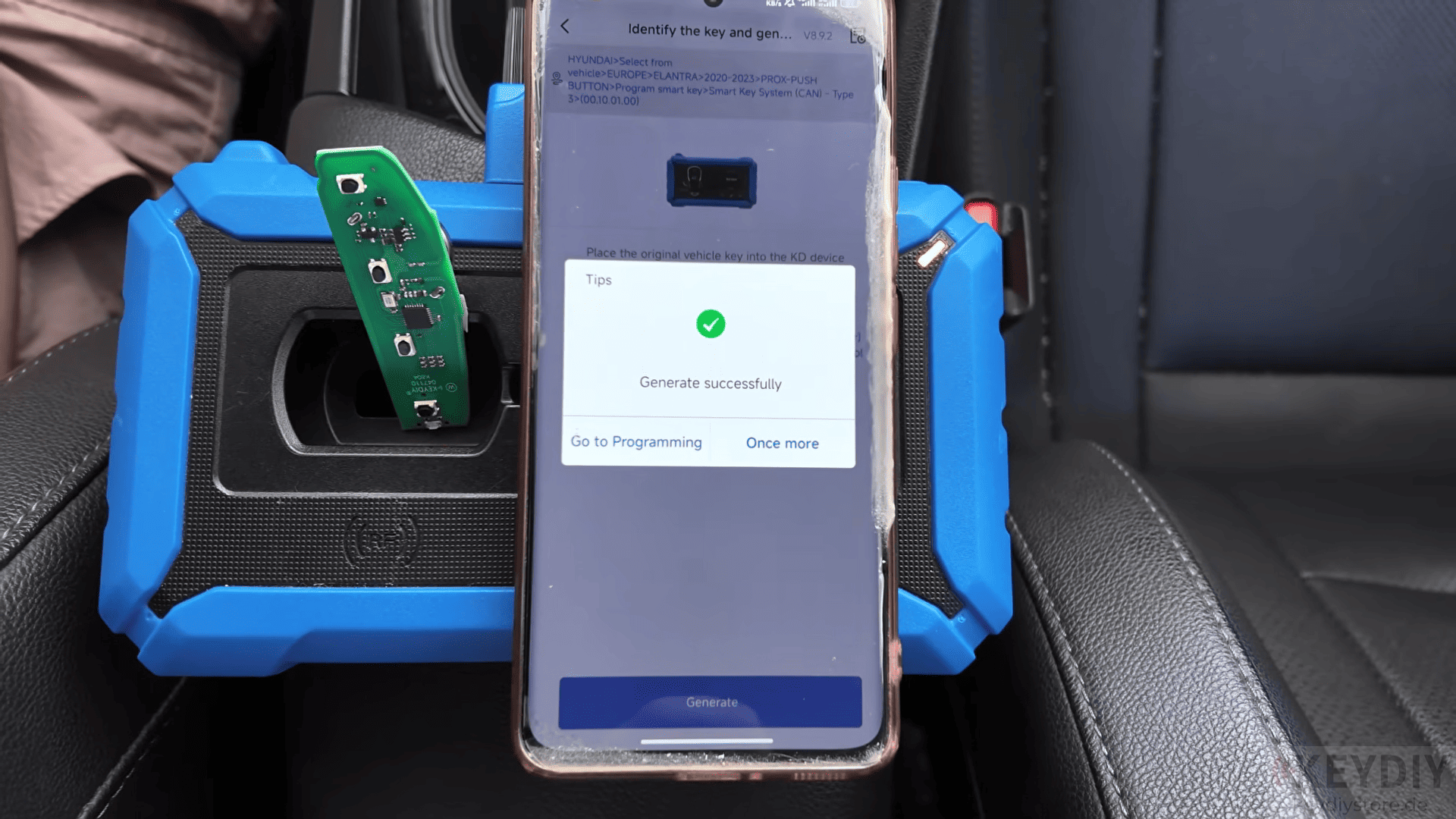
3. Match the New Key with the Vehicle
After generating the remote, continue with vehicle key matching.
Click [Go to Programming] → [Smart key matching] → [OK]
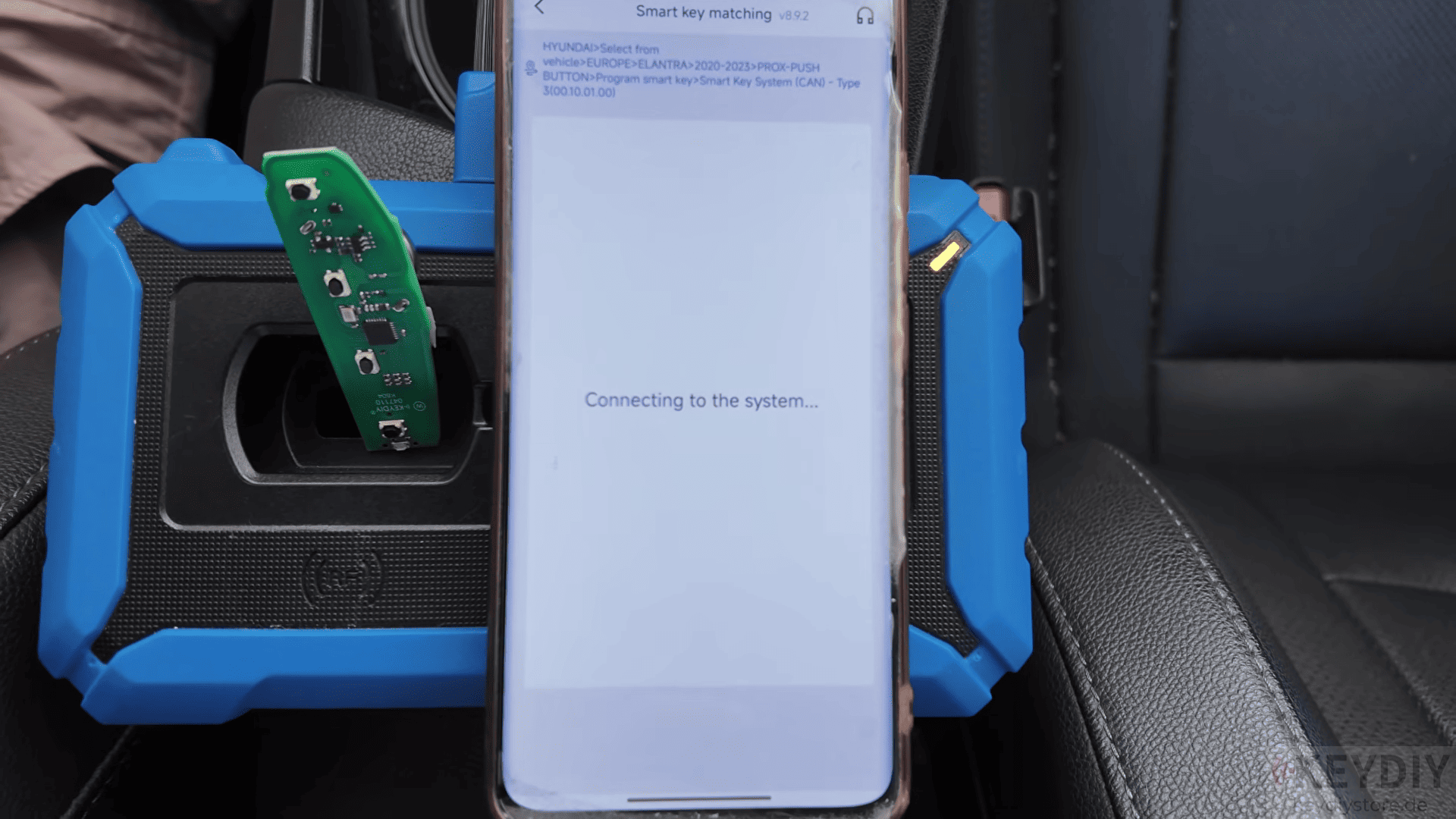
If the PIN code has already been saved in the system, there is no need to enter it again.
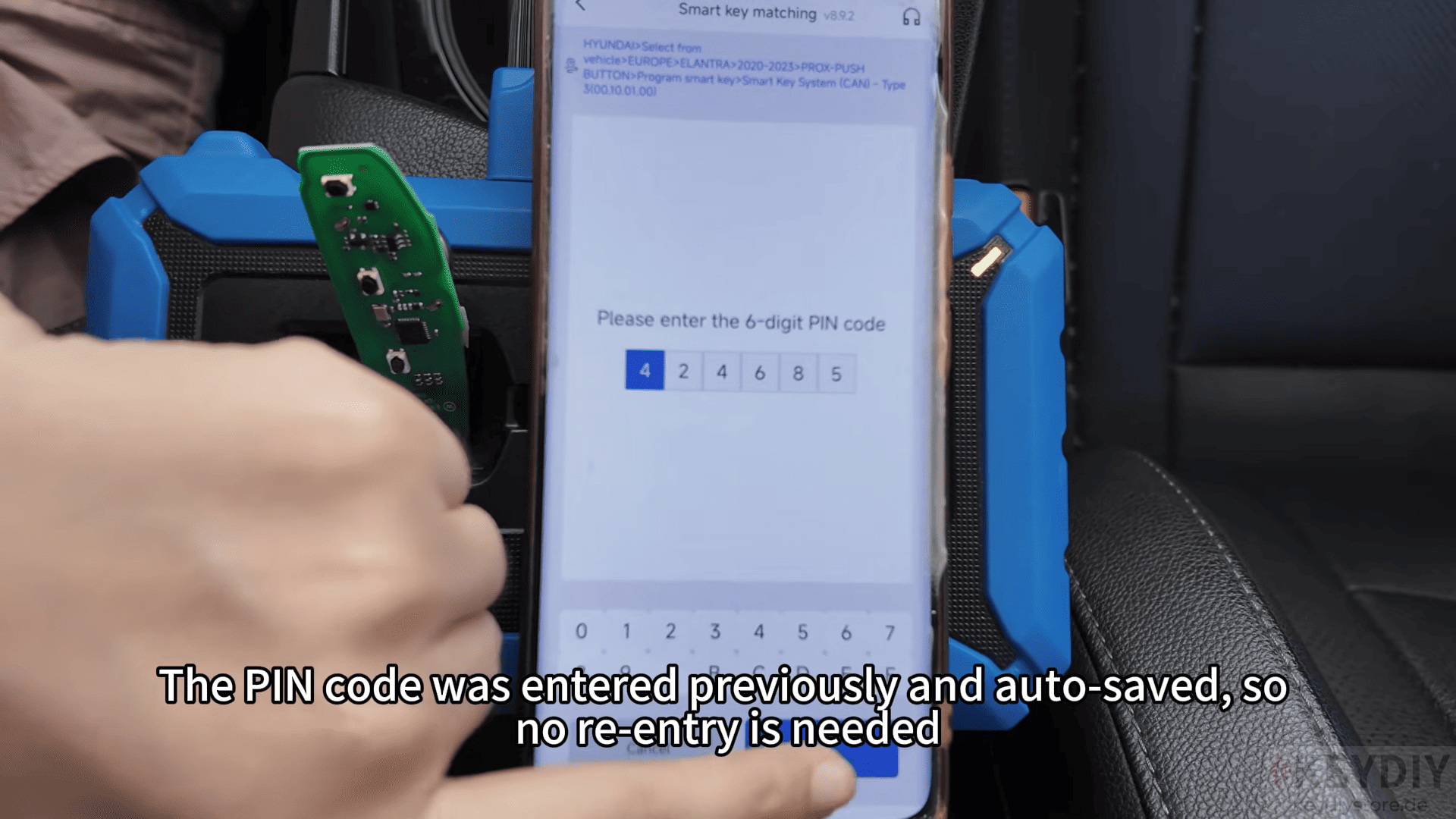
Follow the instructions displayed on the screen:
Turn on the ignition according to the prompts
Hold the original key near the start button for around 5 seconds
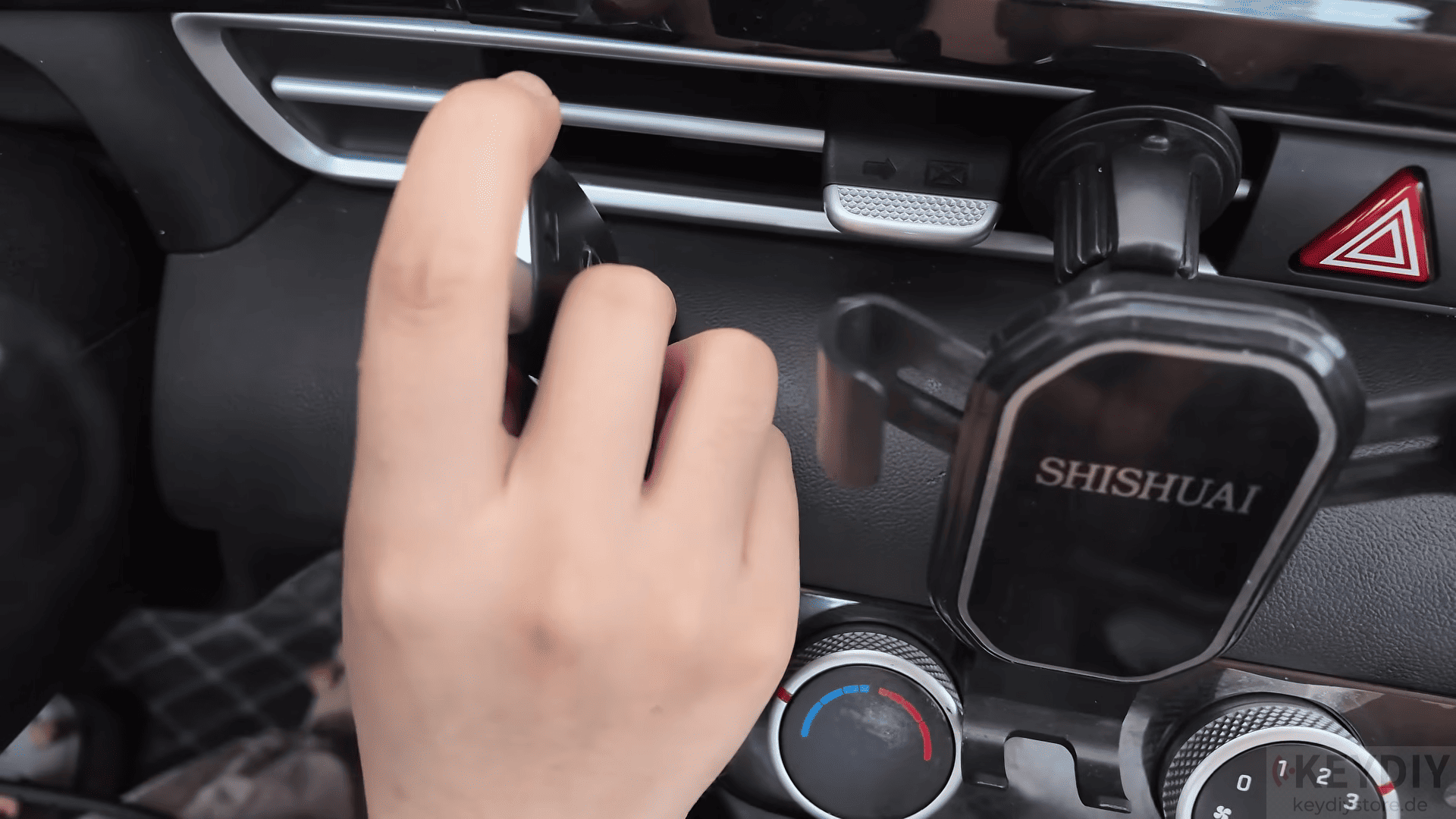
Complete the key matching process
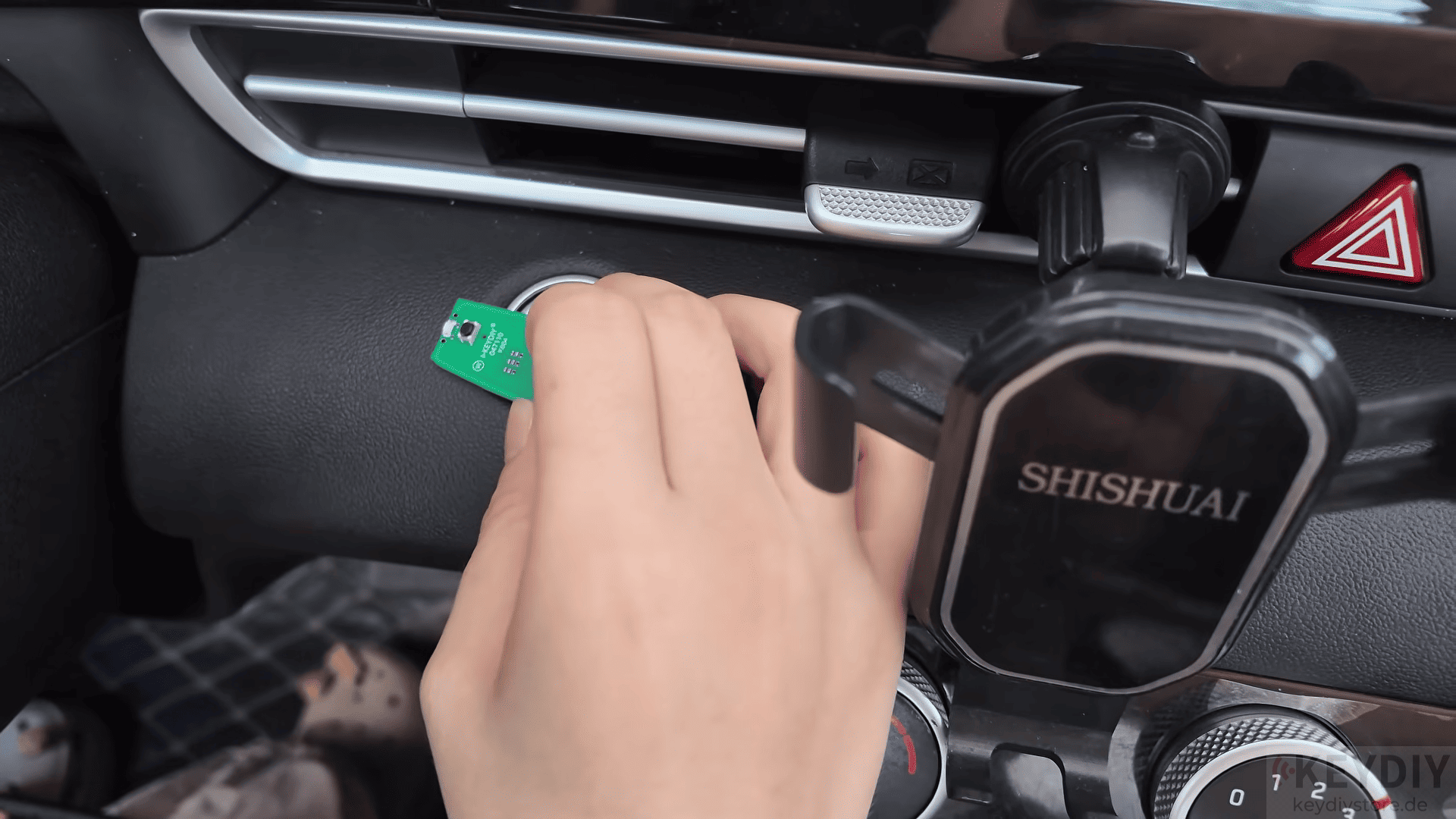
If additional keys need to be added, simply repeat the same procedure.
After programming is completed, test all functions carefully.
Read also:
Leave a Reply