

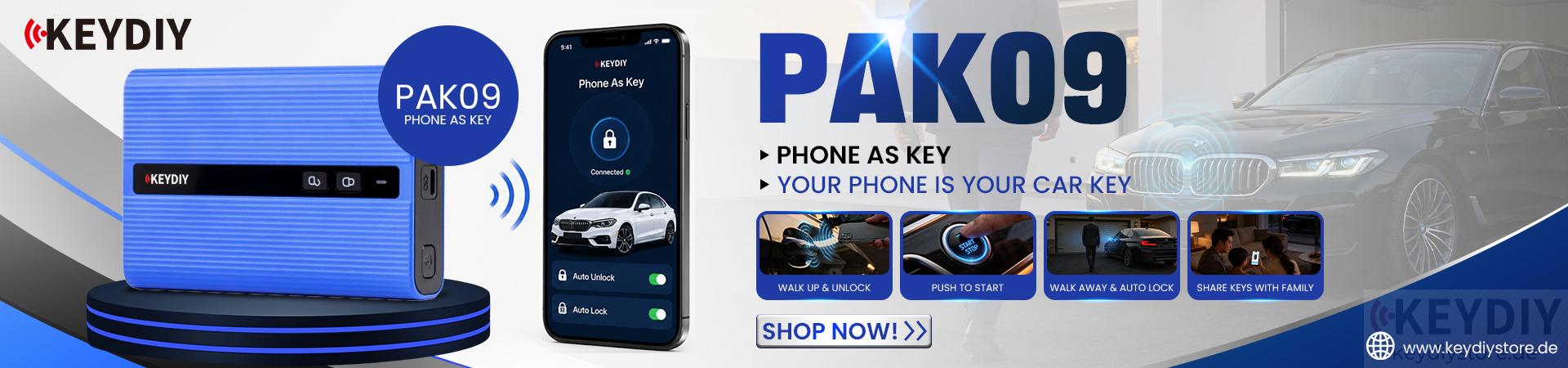


In this guide, we will demonstrate how to use KEYDIY KD-X2 to clone CS21 and CS35 face-to-face copy remotes, including remote data checking, data deletion, Bluetooth connection, cloud backup, and remote cloning.
1. Check Remote Data Status
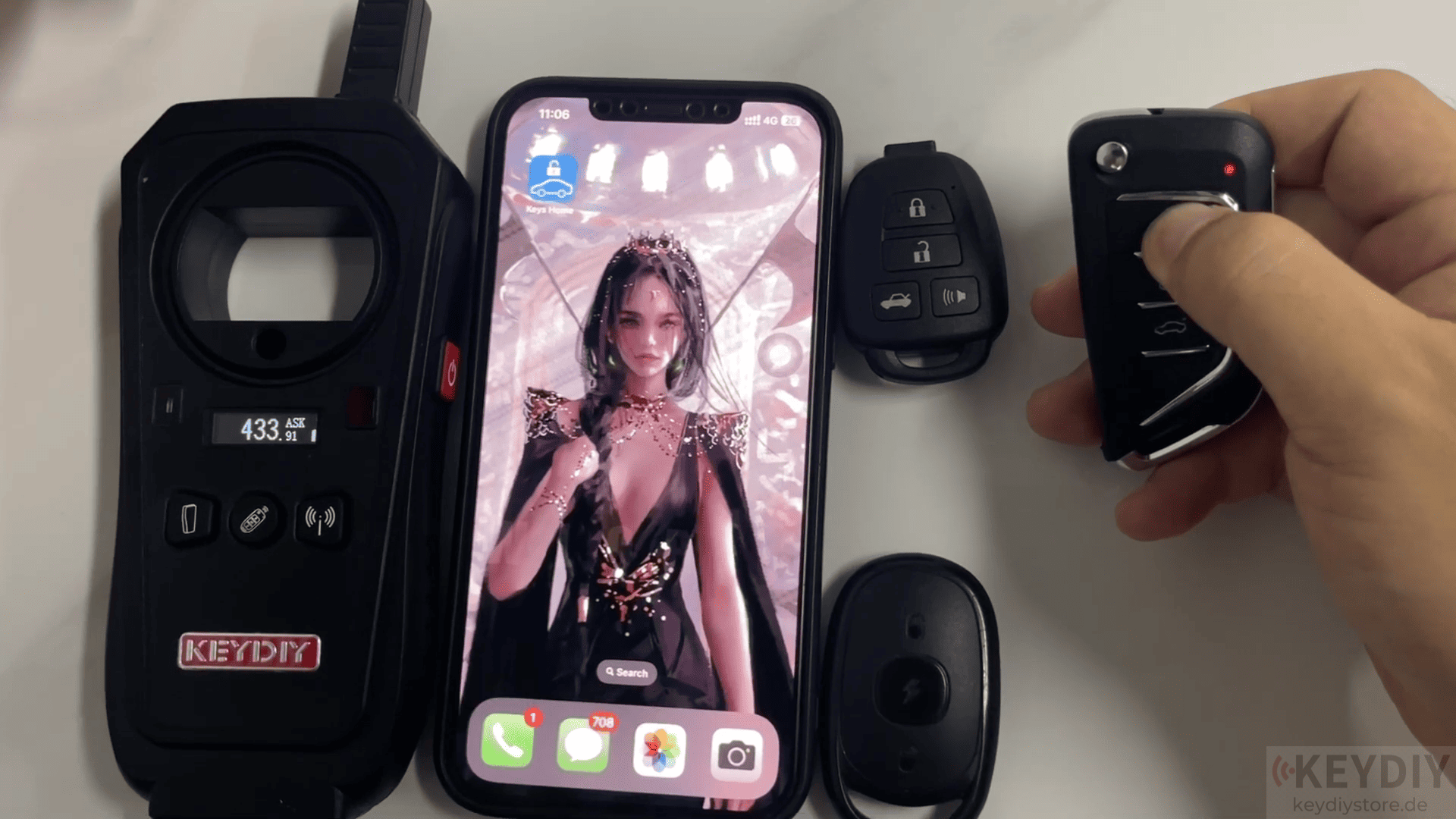
Before cloning, you can check whether the remote already contains data. Press and hold the button on the remote.
If the indicator light stays on continuously, it means the remote already has data stored.
If there is no indicator response, the remote may not contain any data.
2. Delete Remote Data
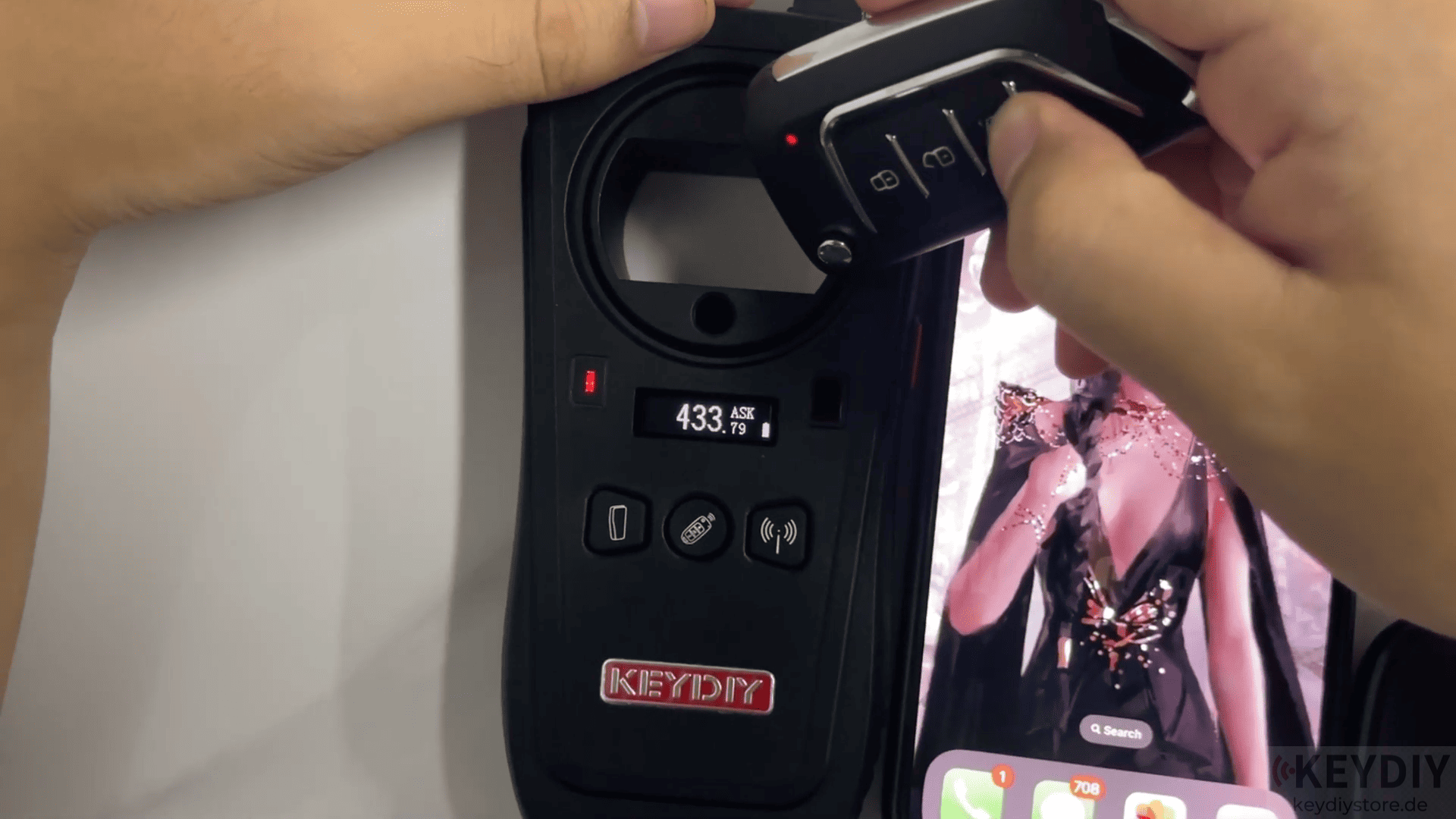
If you need to clear existing remote data, follow these steps:
1. Press and hold on Trunk + Panic buttons at the same time.
2. Keep holding until the indicator light flashes three times.
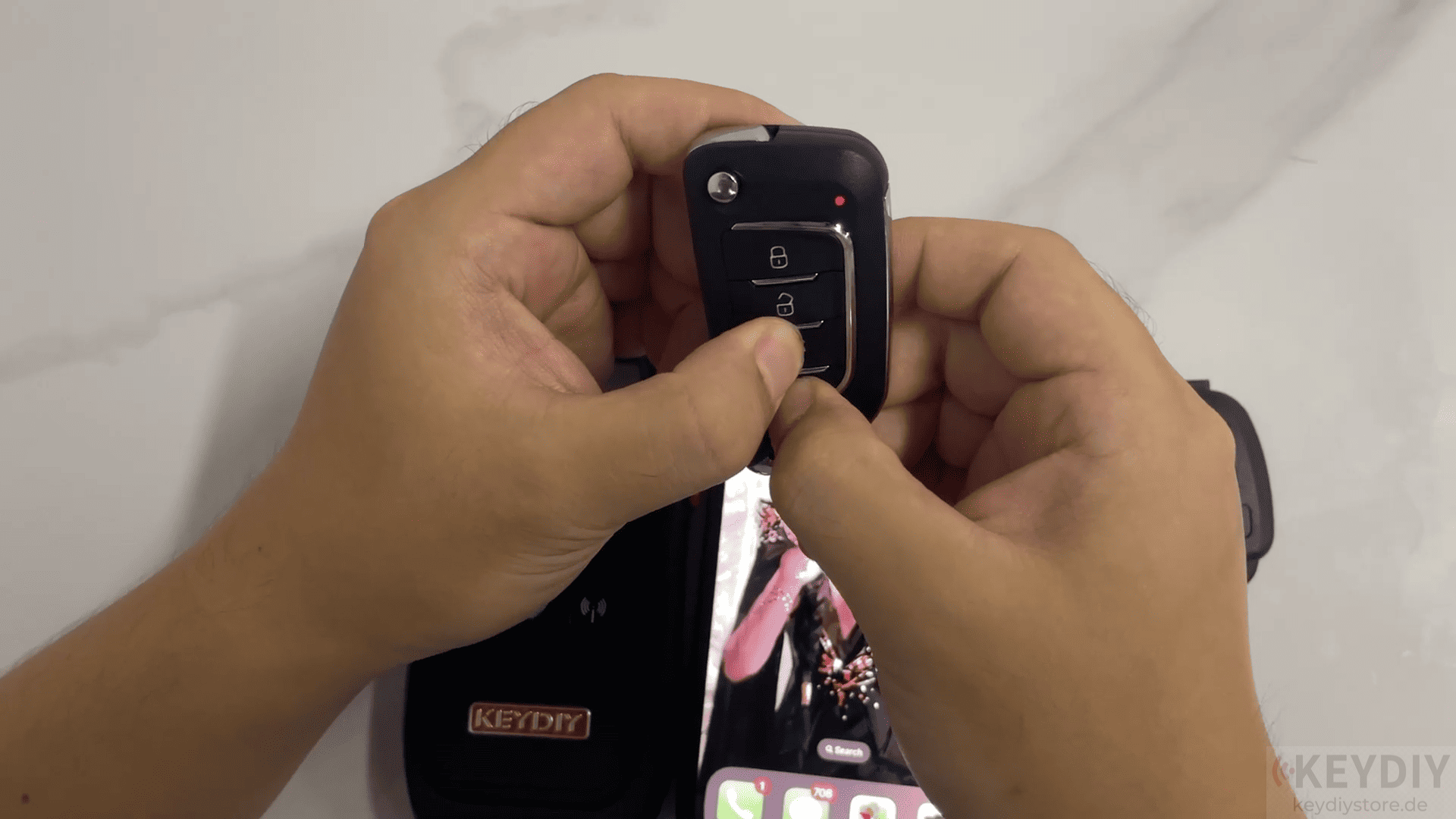
The indicator light turns off, showing that the remote data has been deleted successfully.
If you need to restore previously deleted data, press and hold the Lock + Unlock buttons simultaneously.
Wait until the indicator responds.
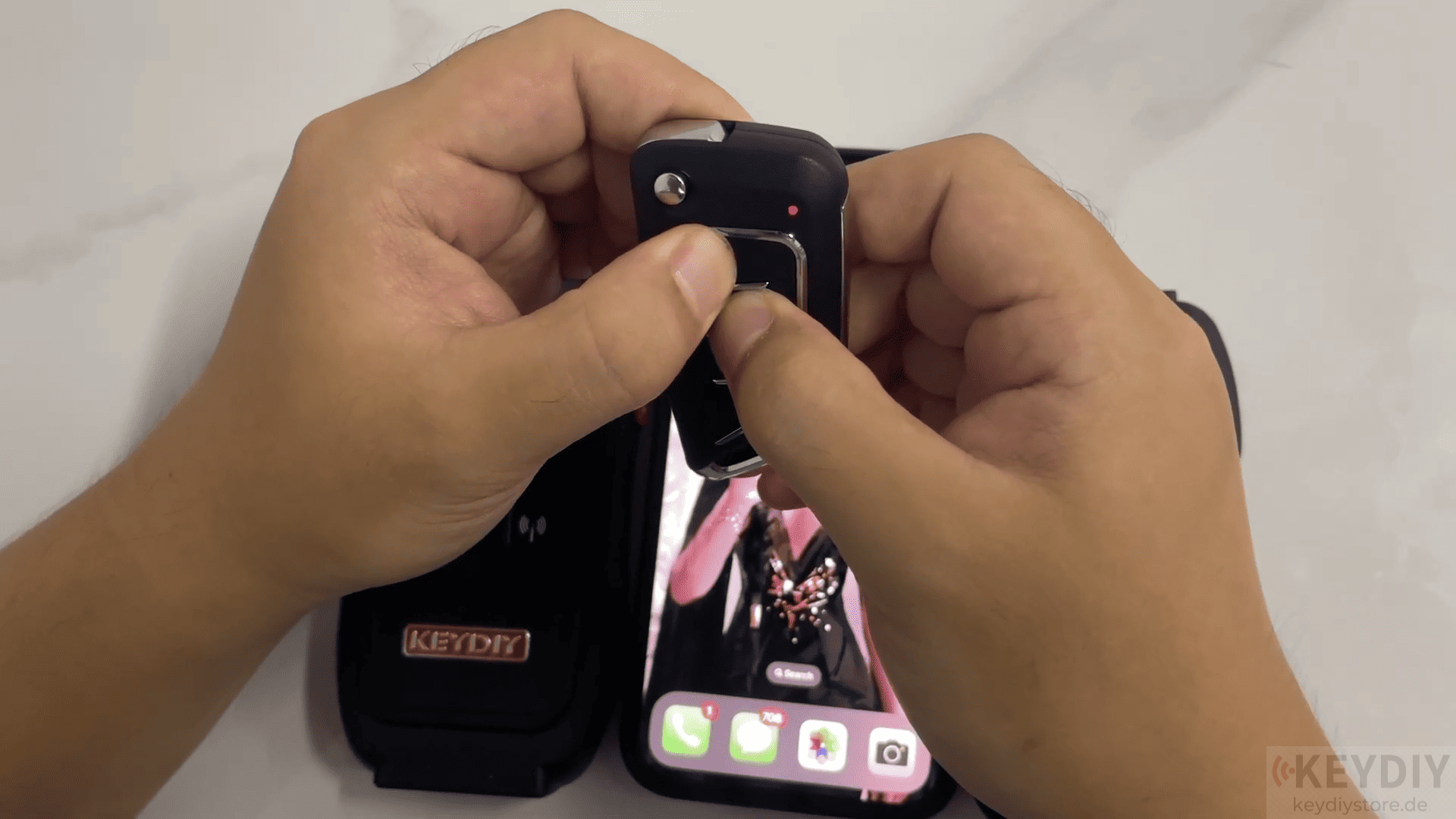
If we want to use the Bluetooth function, press and hold the Lock + Trunk buttons together, the Bluetooth function will be enabled.
If we want to turn the Bluetooth off, we can click [Exit key connection]
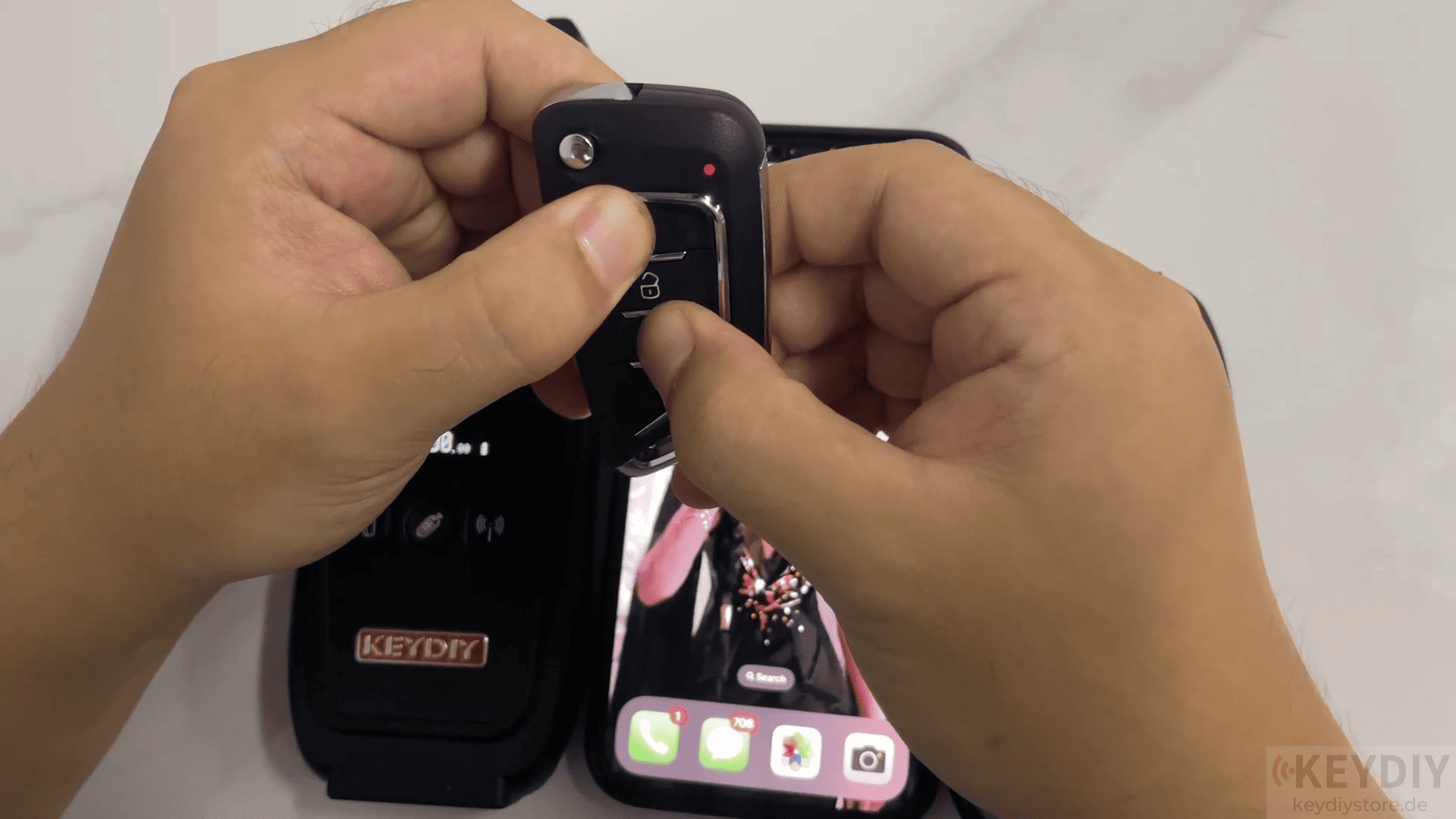
3. Backup and Download Remote Data
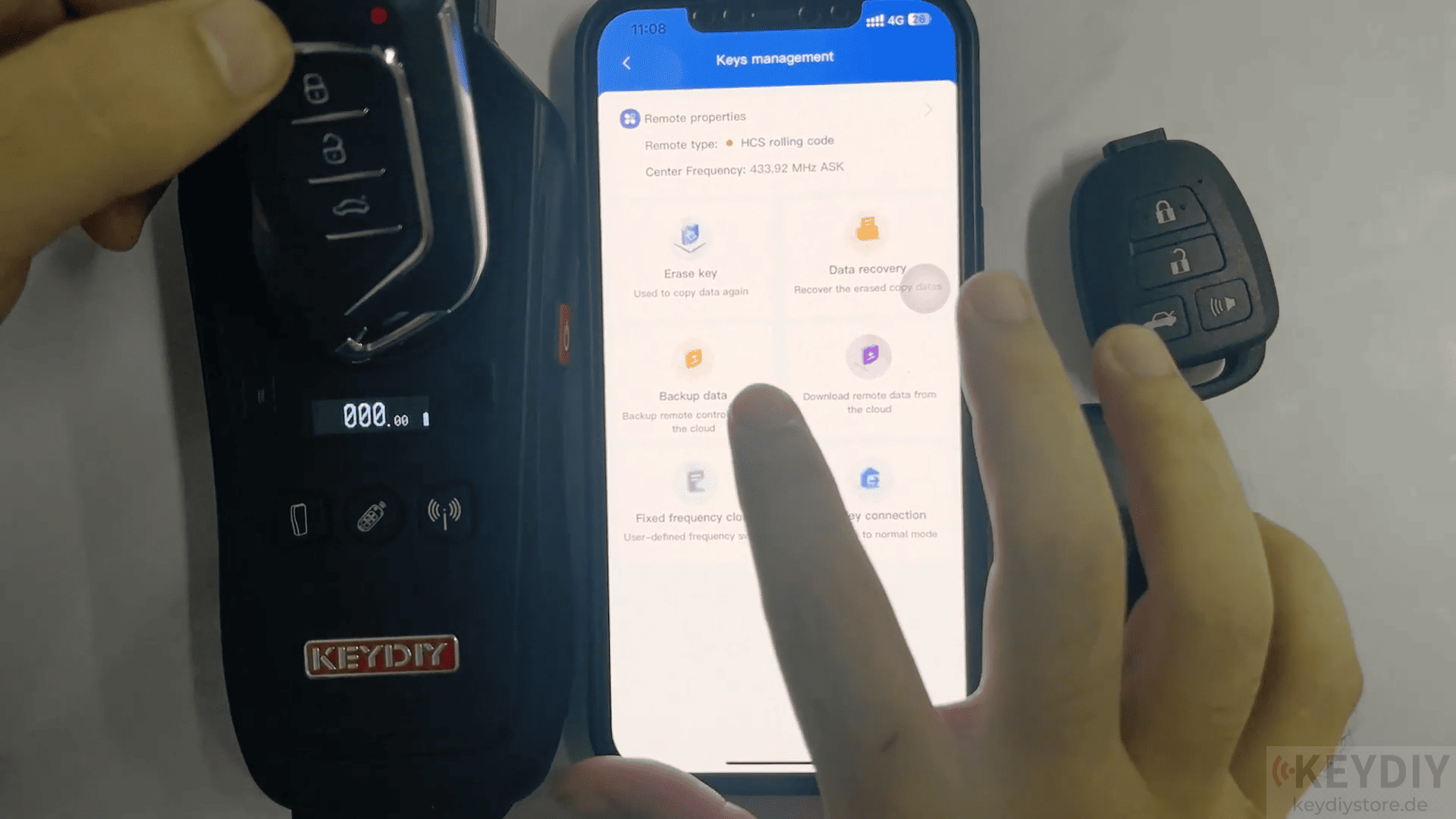
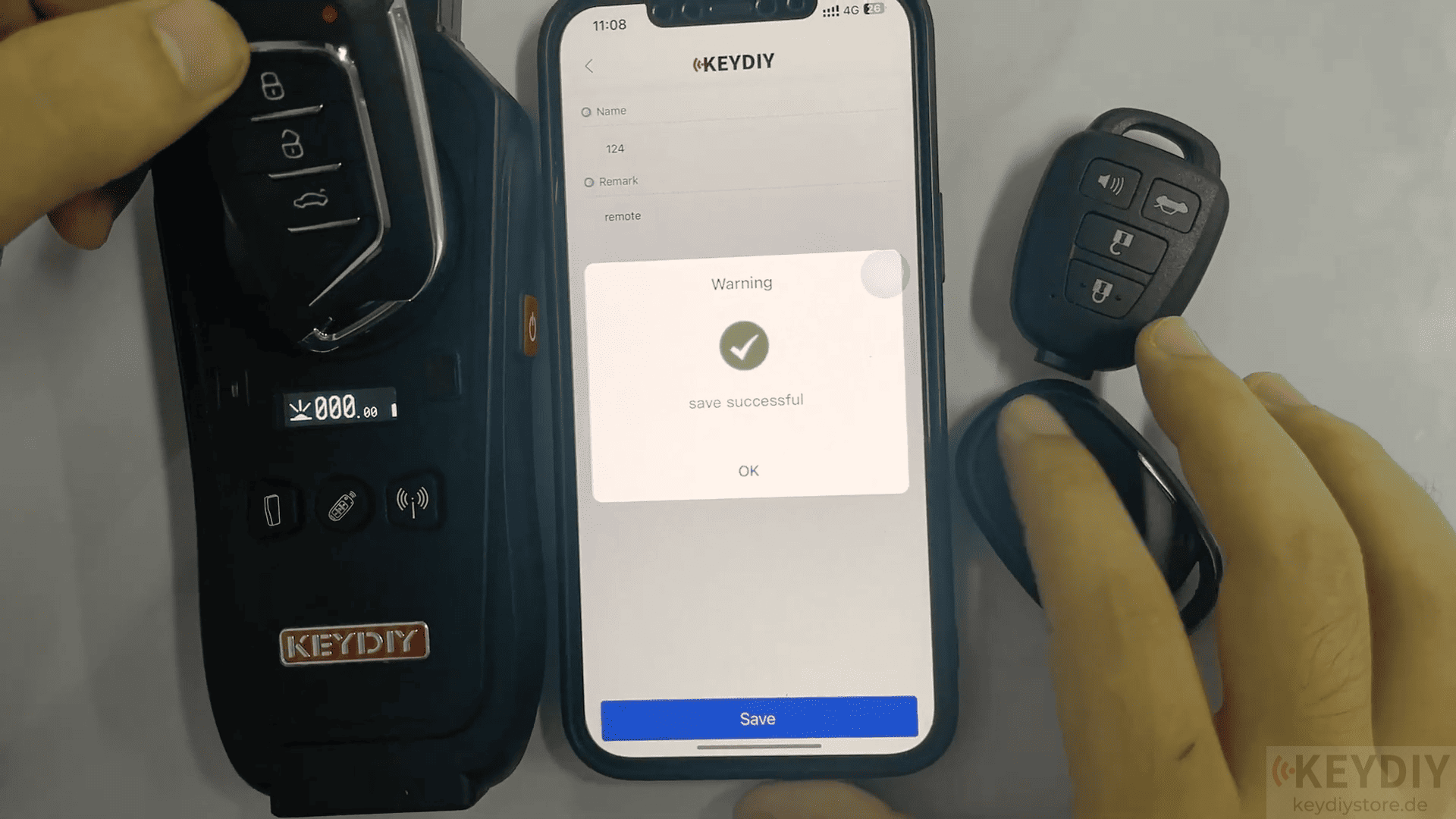
With the Bluetooth connection established, the KEYDIY app allows you to backup remote data, save remote information to the cloud, and download saved remote data when needed
4. Clone KEYDIY CS21 and CS35 Remote
First delete the existing remote data by pressing and holding the Trunk + Panic buttons.
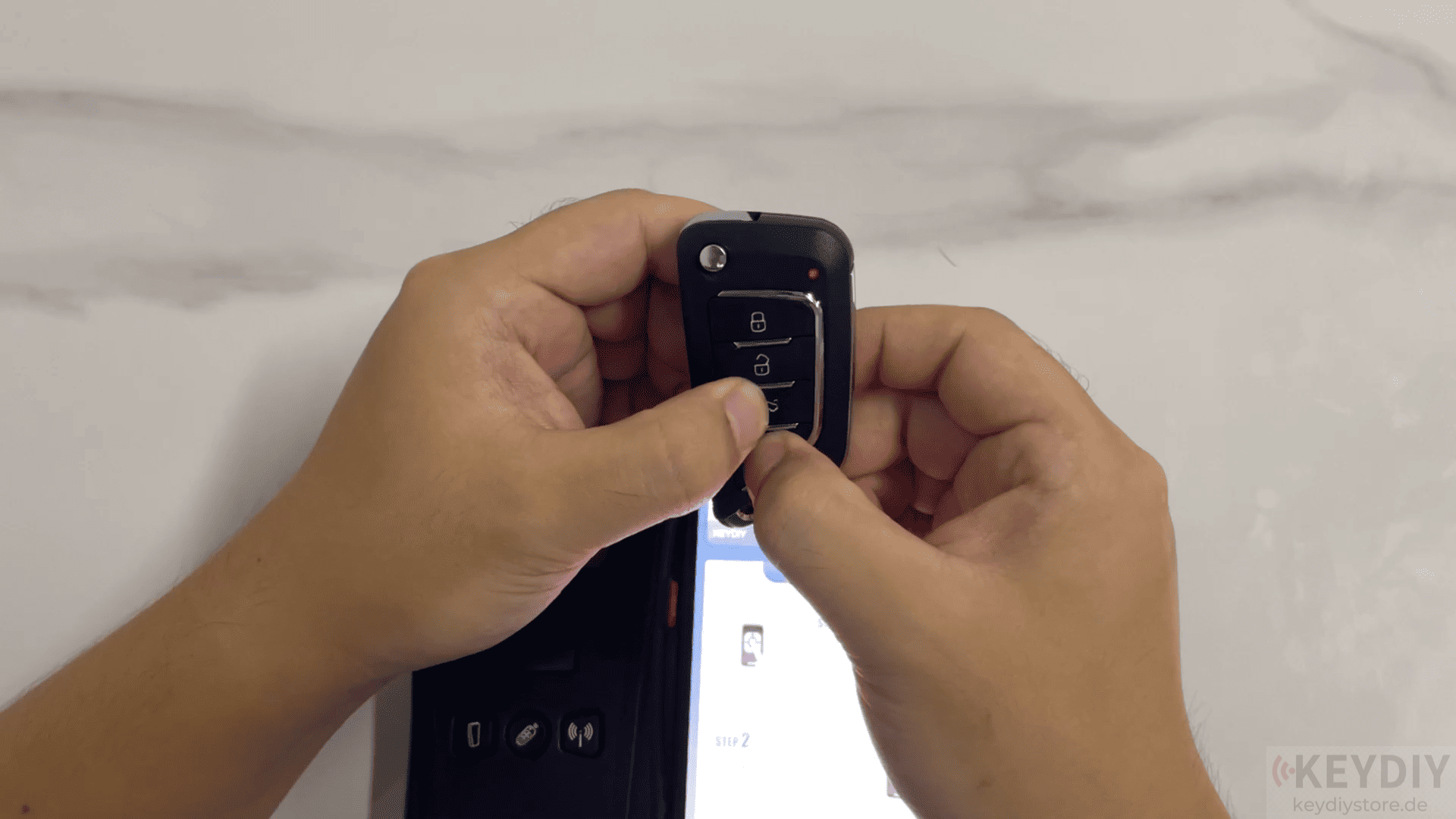
Wait until the indicator flashes three times and turns off.
Place the CS35 remote close to the new remote, and press and hold the corresponding buttons in sequence. (The CS21 are the same steps)
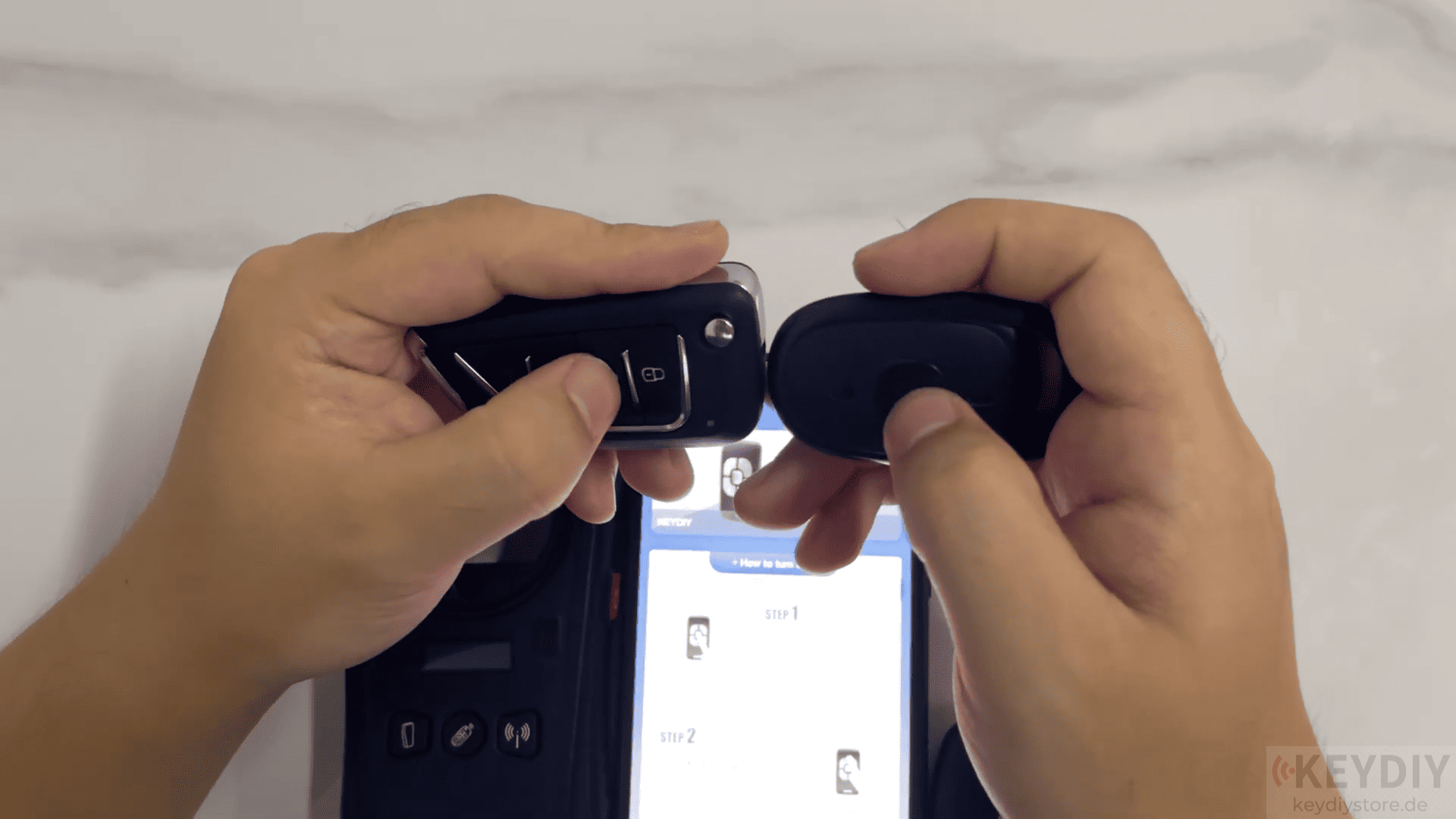
After completion, the remote data will be successfully copied.
Finally you can test the cloned remote with KD-X2 remote maker to confirm that all functions work correctly.
Read also:
How to Reset the Bluetooth password of KEYDIY PAK01
Leave a Reply