

Learn how to activate your KEYDIY license features after payment. Click Active License on Behalf then follow the arrow to select and enable desired functions in the app. Quick guide for KD tools users.
Problem:
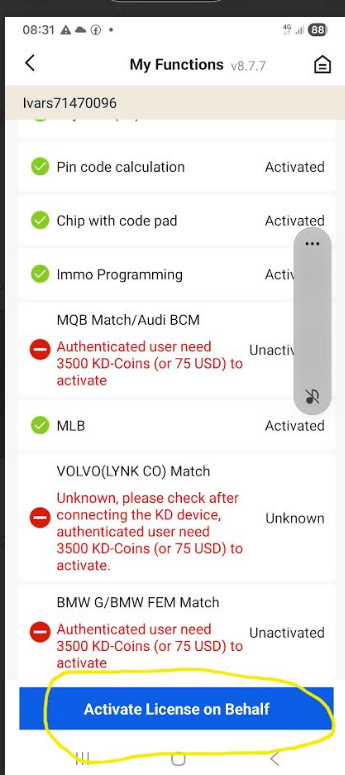
After I activate the license, do I need to click “Active License on Behalf” below to activate the desired features? However, after clicking, I don’t see where to activate the desired features.
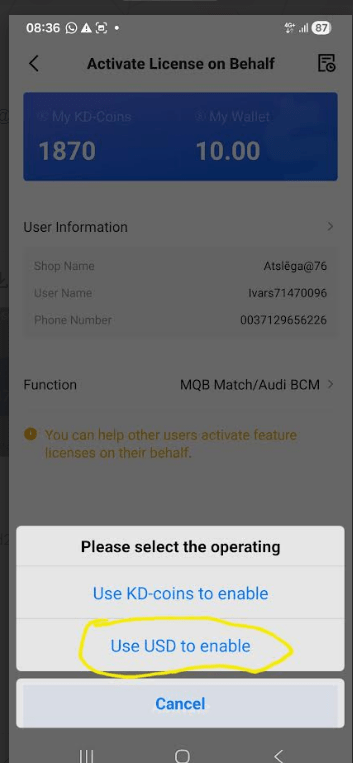
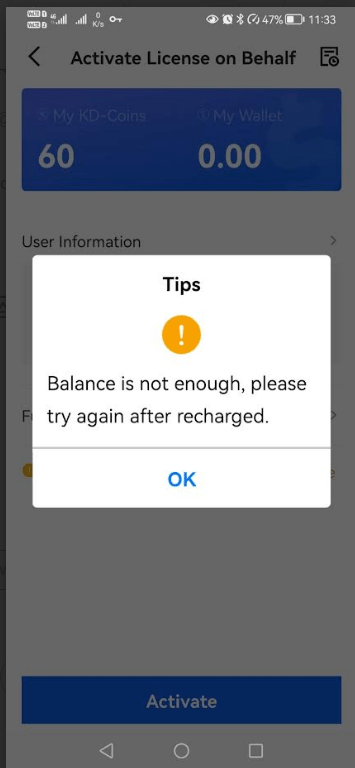
Replied from KEYDIYstore.de technician:
The above is the payment page. To activate the corresponding features, click in the direction of the arrow in the image below.
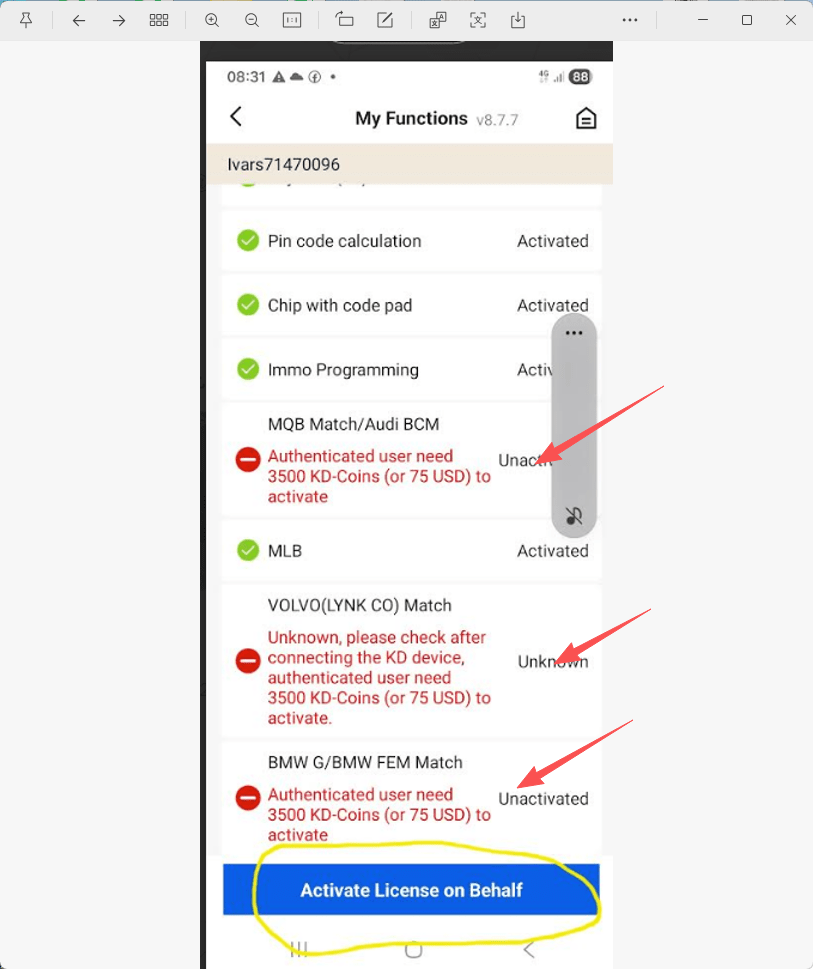
Read also:
How to Reset the Bluetooth password of KEYDIY PAK01 Phone As Key
Contact us
WhatsApp: +86 15271813909
E-Mail: sales@KeyDiyStore.de
Leave a Reply