

Programming or matching a Hyundai remote can seem tricky, but with KEYDIY KD-X4, the process is simple and efficient. In this guide, we’ll walk through matching a remote step by step.
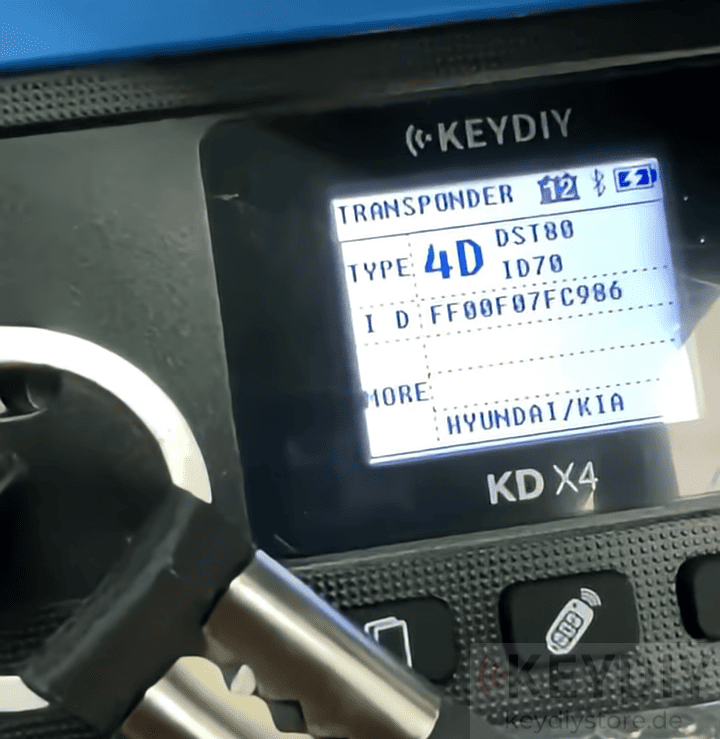
1. Check the Chip
Start by reading the key chip using KD-X4. Confirm whether the key is compatible and note the chip type. This is essential for accurate programming.
2. Connect and Prepare
Turn on the ignition of the Hyundai vehicle. Connect KD-X4 Locksmith’s Universal Tool and navigate to the IMMO Programming menu. From here, select the remote programming option for Hyundai.
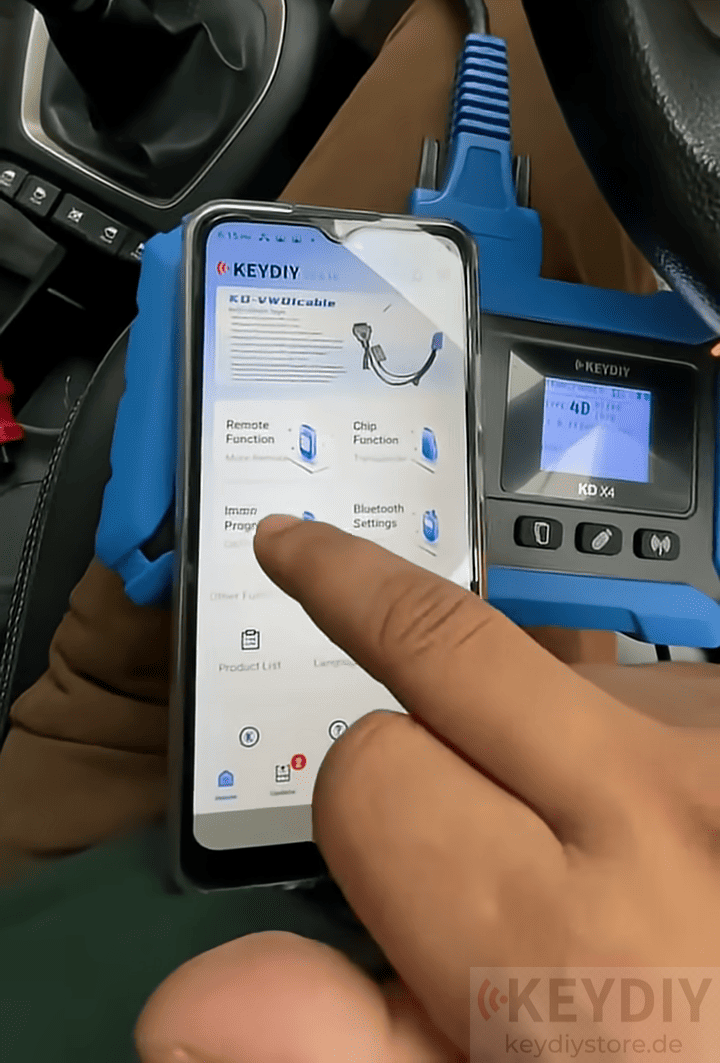
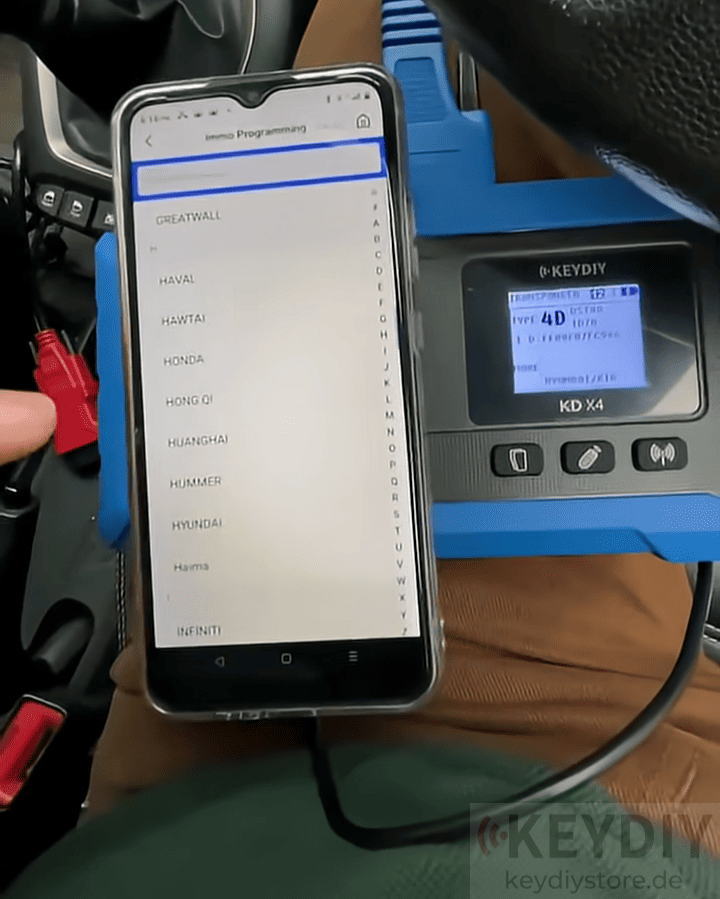
3. Backup Data
Before adding a new remote, back up the existing key data to ensure nothing is lost. KD-X4 will guide you through saving the information securely.
4. Start Remote Matching
With the backup complete, start the remote matching process. Place the original key on the push-to-start button, then place the new key within 30 seconds. Follow the on-screen instructions to press the remote buttons as prompted.
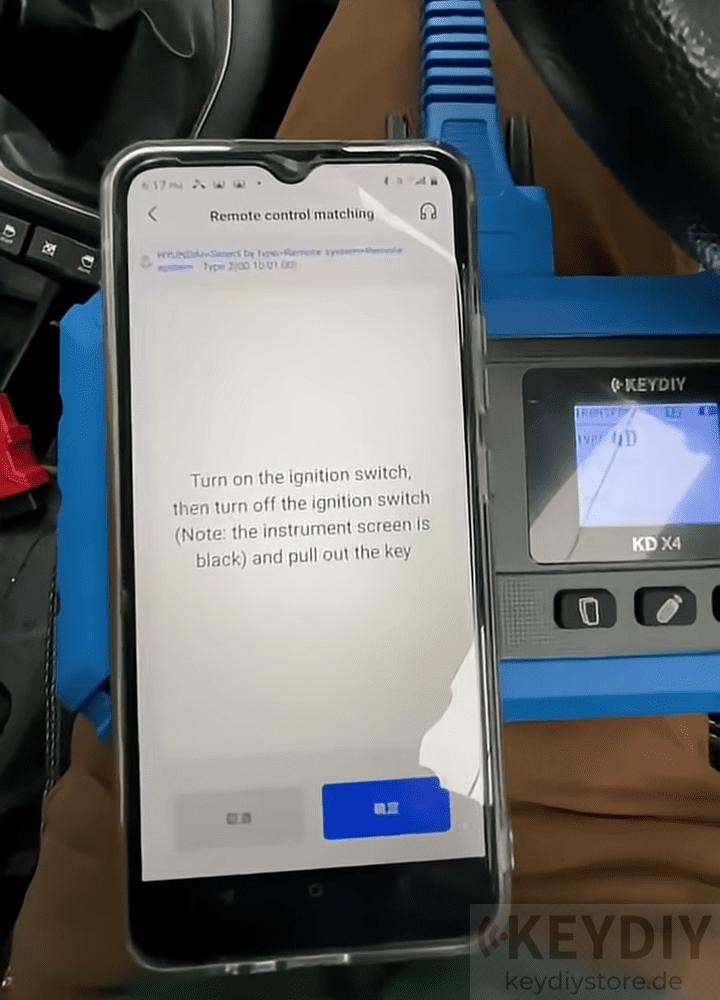
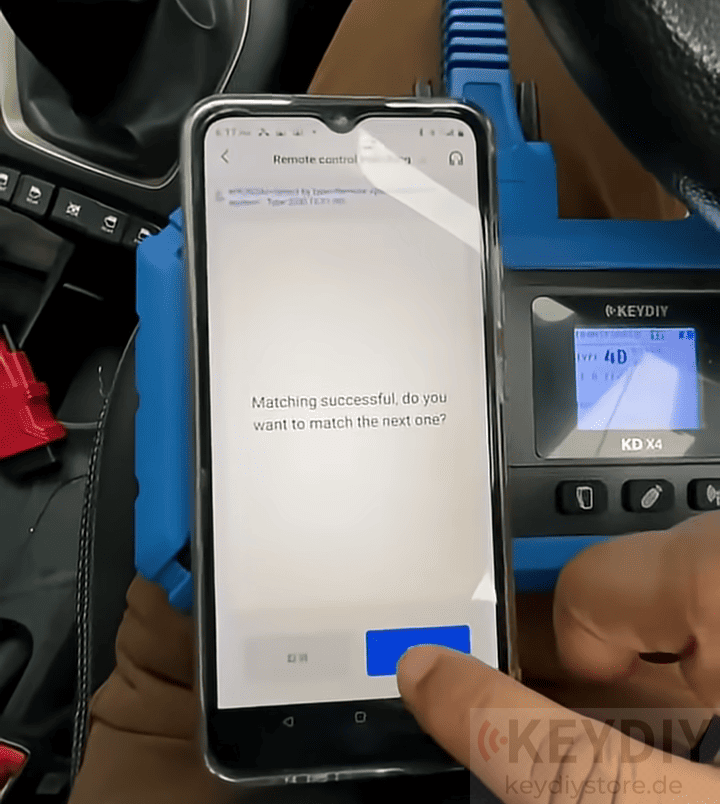
5. Complete Programming
Once KD-X4 key programmer confirms the process is successful, test the new remote. Lock and unlock the vehicle to ensure all functions work correctly. Your Hyundai remote is now fully matched and ready to use.
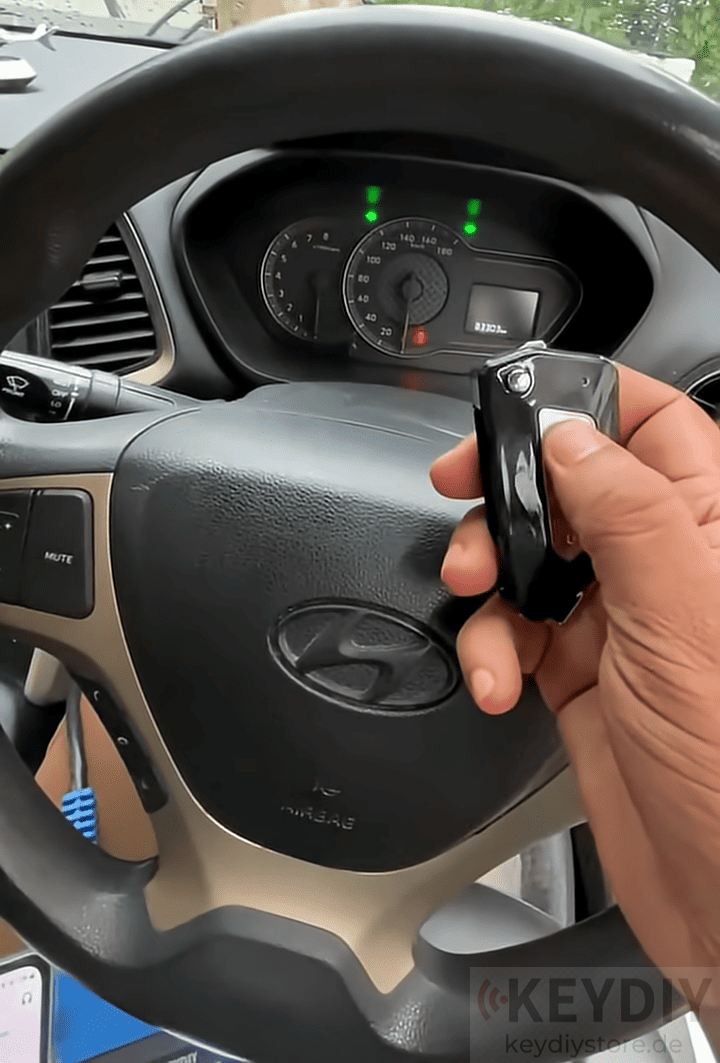
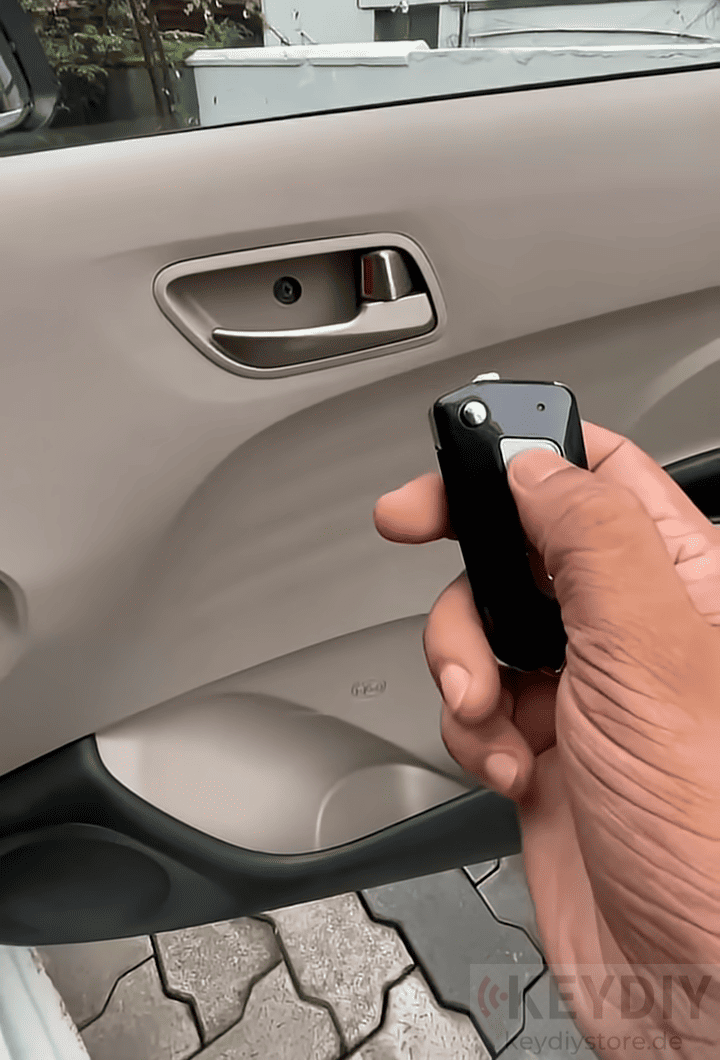
KD-X4 makes Hyundai key matching easy, fast, and safe, whether you are a professional locksmith or DIY enthusiast.
Leave a Reply