
KEYDIY Smart Match function makes the selection process much easier. Instead of manually searching through remote models, Smart Match analyzes the original key and recommends the compatible KD remote automatically.
What’s Smart Match
Smart Match is a built-in feature available on KEYDIY devices such as KD-X2, KD-MAX, KD-X4
By reading the information stored in an original key, the device communicates with the KEYDIY server and returns the matching remote models.
How Smart Match Works
1. Prepare the Original Key
Place the original vehicle key onto the induction coil of your KEYDIY device.
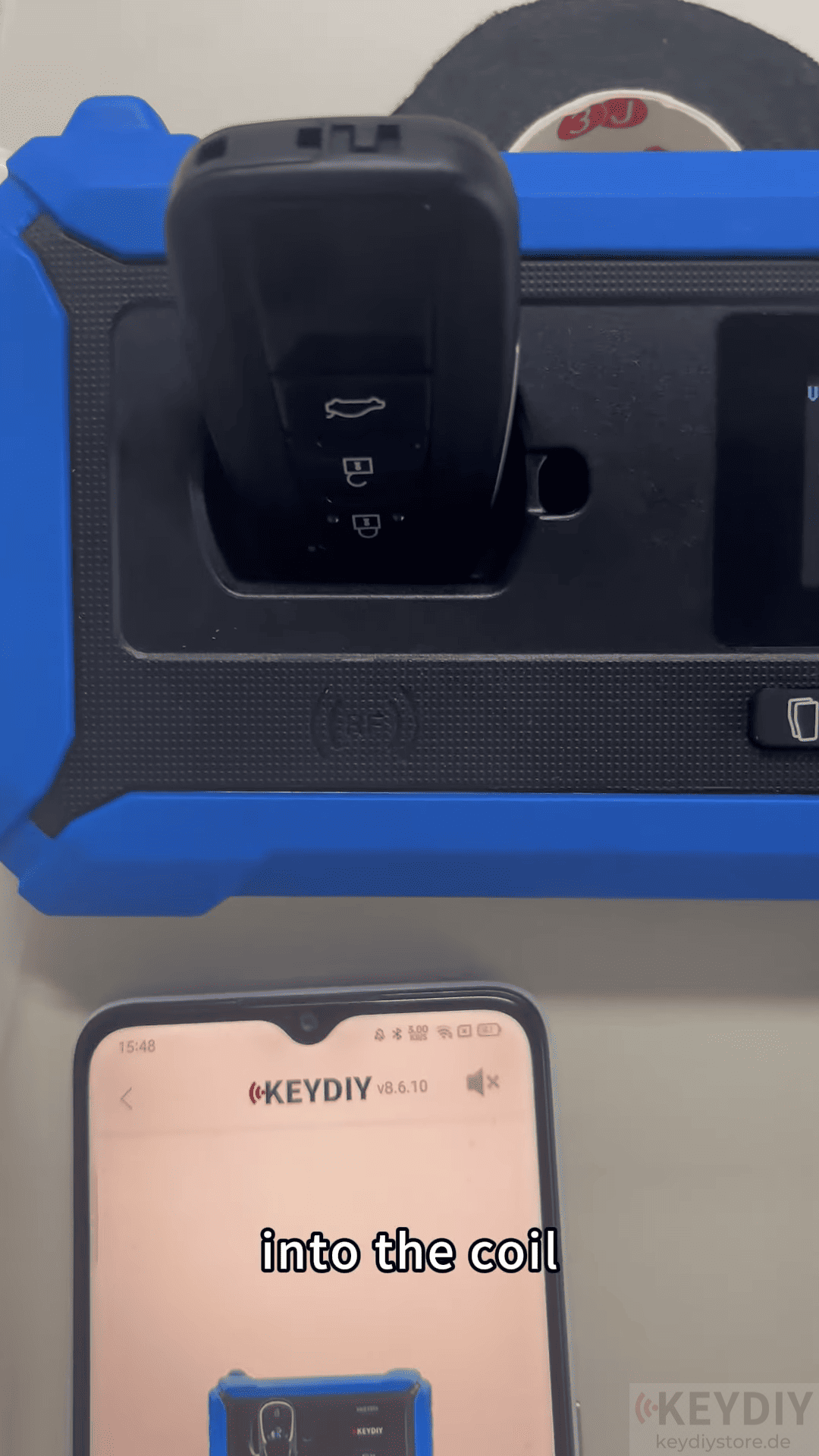
The device will read the key information and upload the data to the KEYDIY server.
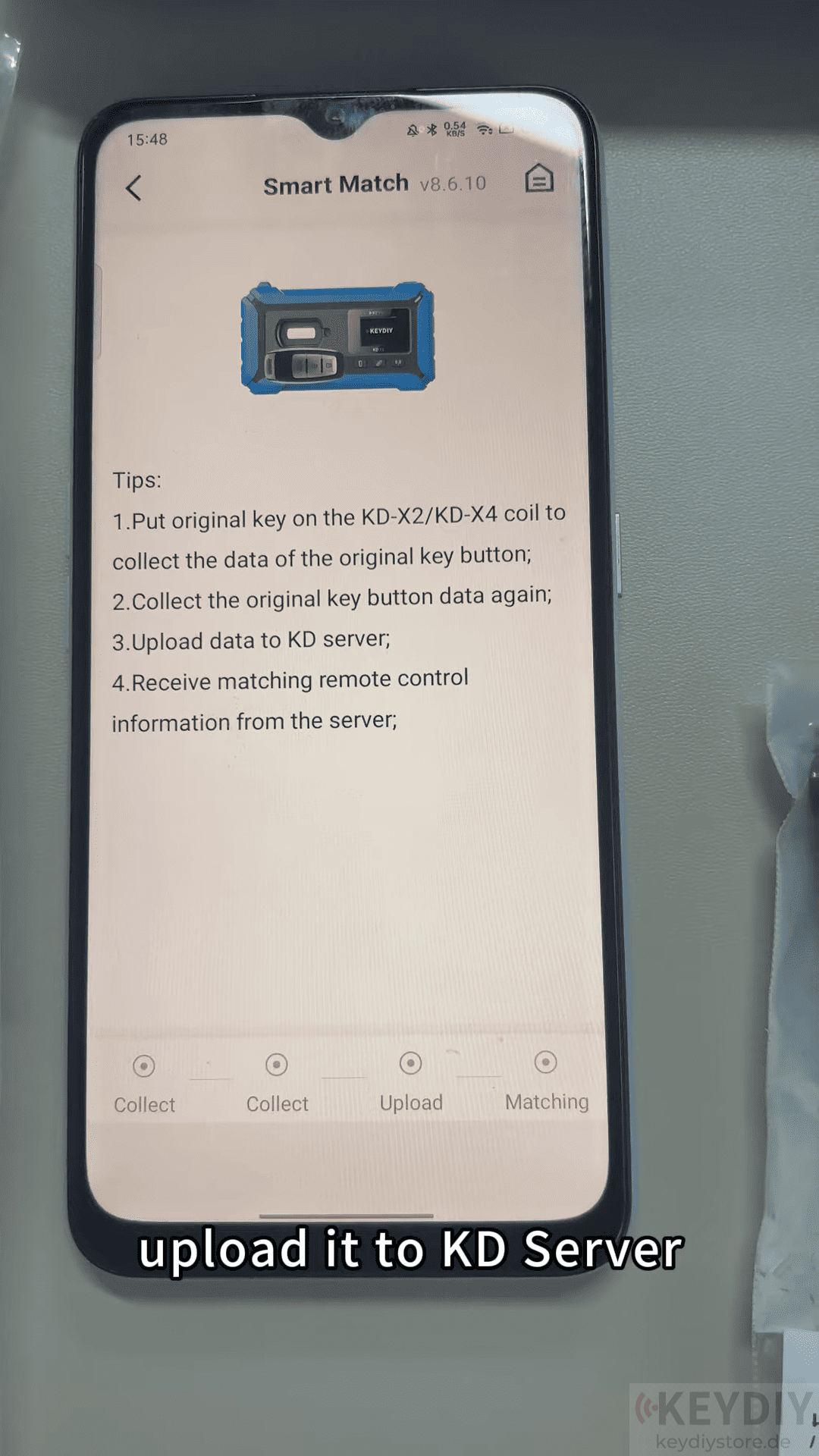
2. Select the Vehicle Brand
Choose the corresponding vehicle brand from the Smart Match menu, such as Toyota, Lexus, Honda, Kia, Acura.
The system will automatically search for compatible remote models.
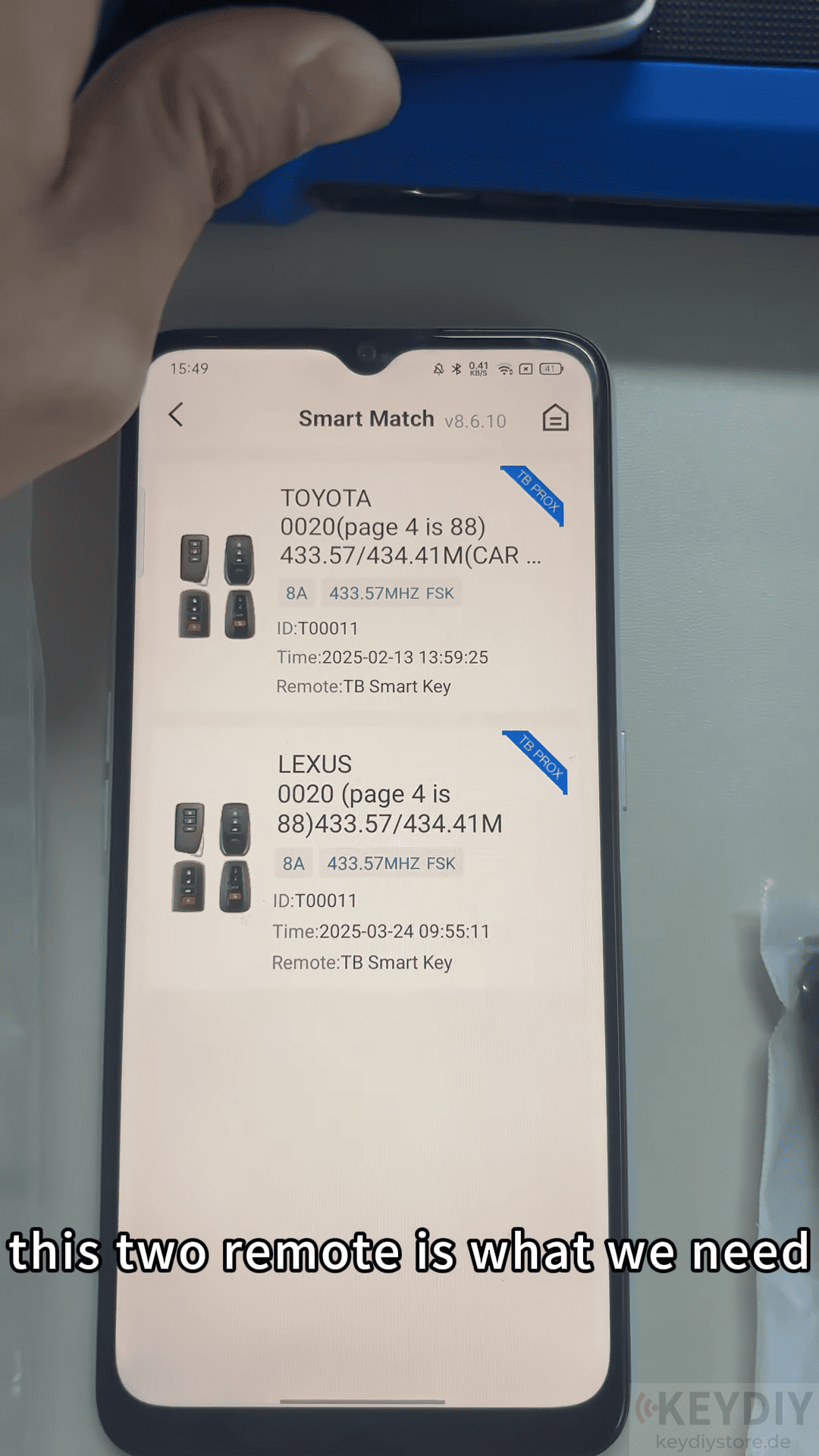
3. View the Recommended Remotes
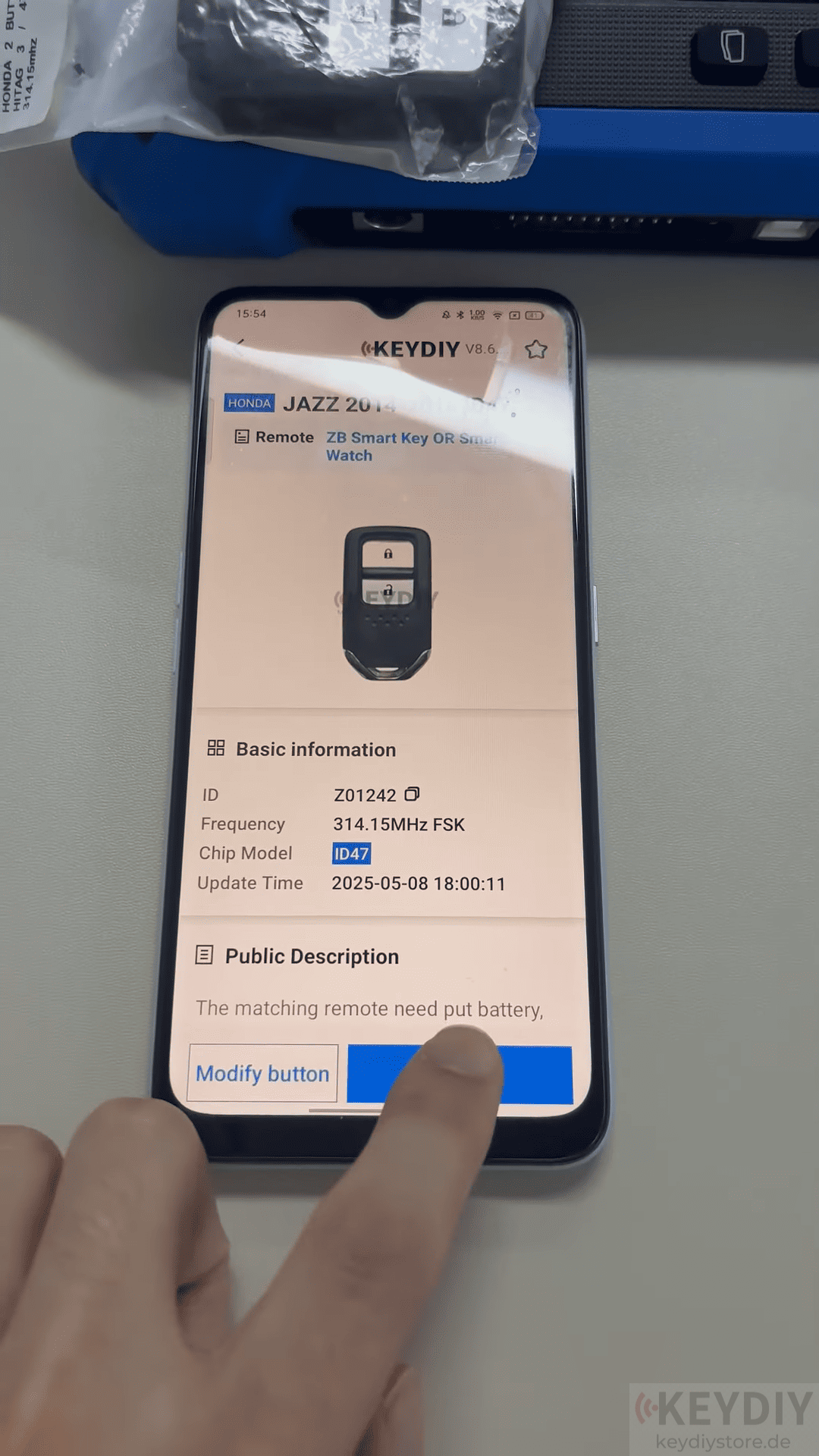
After processing the key data, Smart Match displays one or more compatible KD remote options.
You can compare the recommended models and choose the most suitable remote for the programming job.
For example, when testing a Toyota original key, the system successfully identified compatible KD remotes, making remote selection much faster.
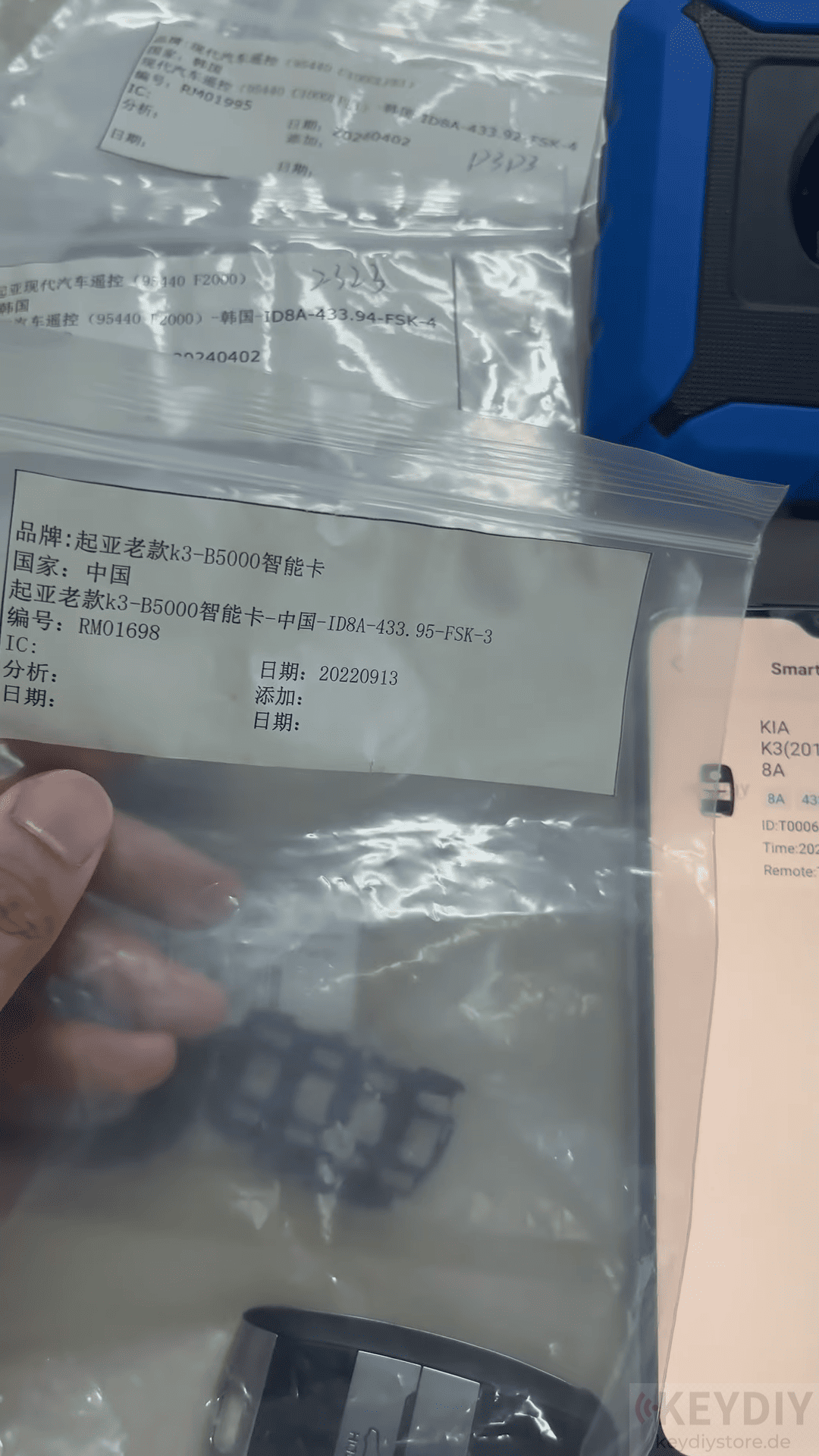
4. Generate the New Remote
Insert the selected KD remote into the device and begin remote generation.
Once generation is complete, the remote is ready for the vehicle programming procedure.
Additional Information Displayed
Besides recommending compatible remotes, Smart Match can also provide useful information, including:
Remote model number
- FCC ID
- Operating frequency
- Chip type (depending on vehicle model)
Read also:
How to Reset the Bluetooth password of KEYDIY PAK01 Phone As Key
Leave a Reply