

If you’re a professional locksmith or technician, mastering the process of smart key cloning is essential. With KEYDIY KD-X4 or KEYDIY KD-MAX, you can easily read and copy NCF29xx smart key data, such as those for NCF29A1, NCF29A4, NCF29A2, and other variations, using KEYDIY ZB71 Remote. This guide walks you through the entire procedure, step by step.
What You’ll Need:
KEYDIY KD-X4 (or KEYDIY KD-MAX)
KEYDIY ZB71-4 Remote
Chip from the original car key
KEYDIY 13# Adapter
Soldering tools (if necessary)
Latest app update for the KEYDIY devices
Steps:
Step 1: Remove the Chip from the Original Car Key
Start by carefully removing the chip from the original car key.
Ensure that the chip is intact and free from any physical damage.
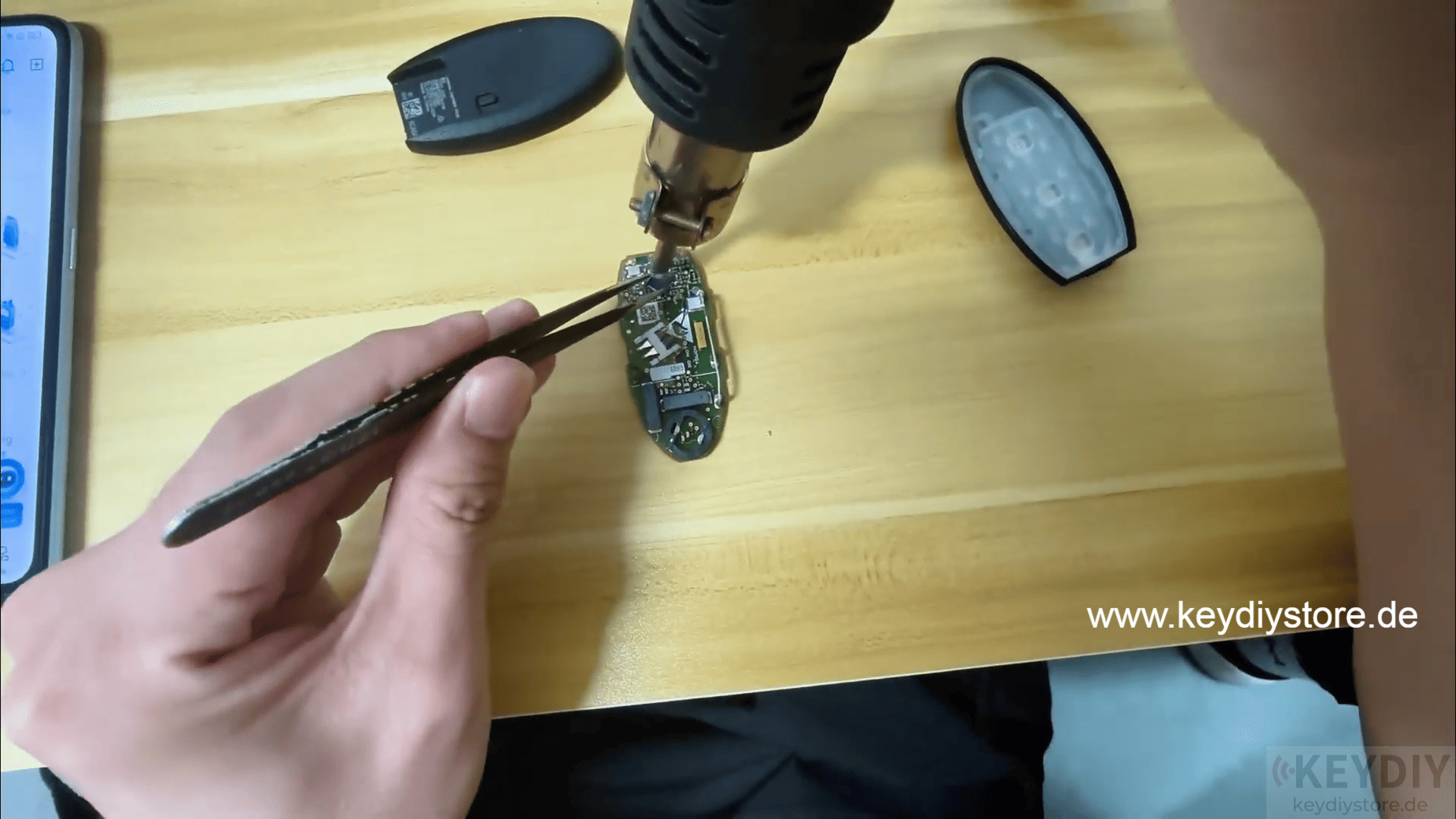
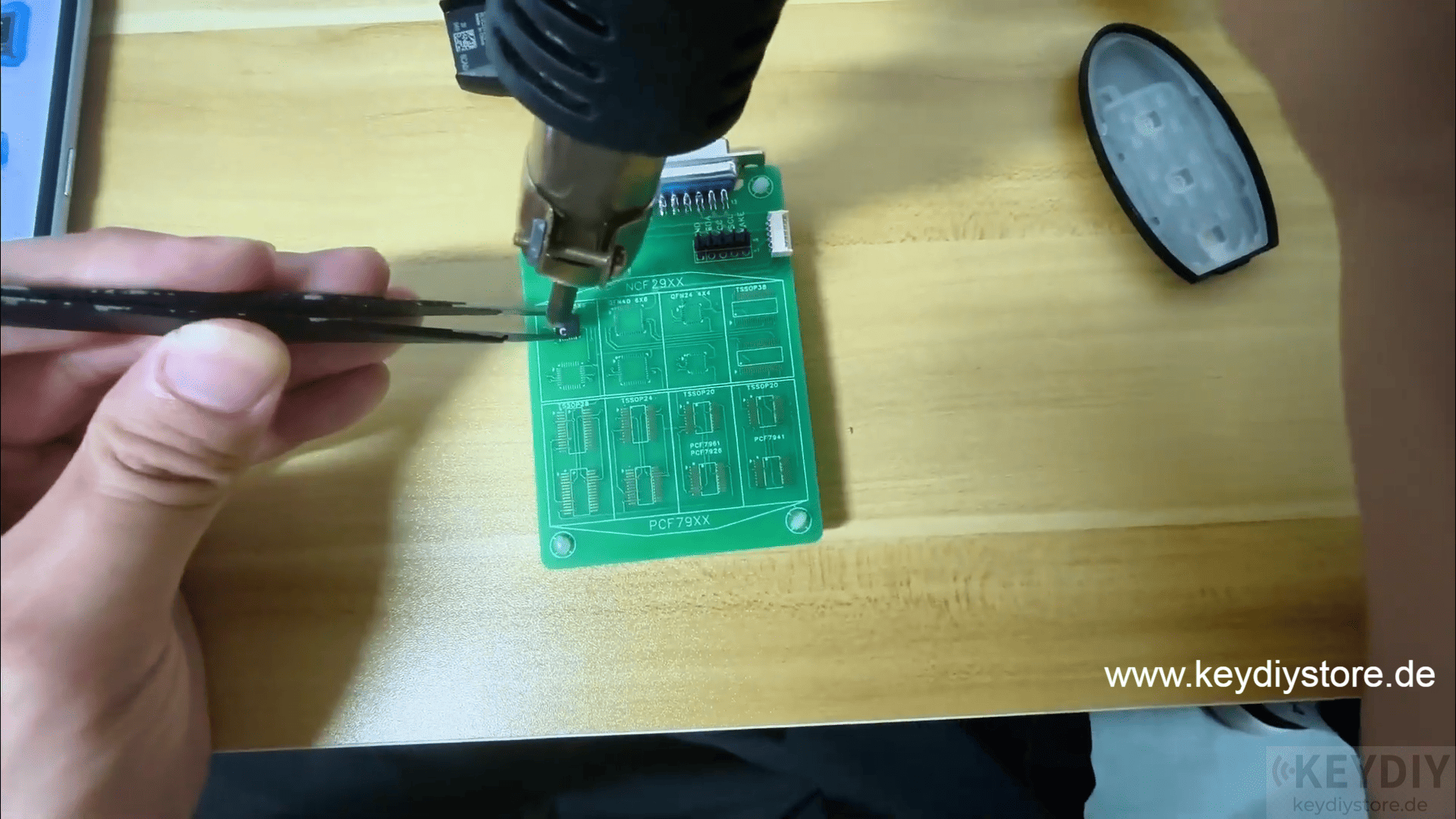
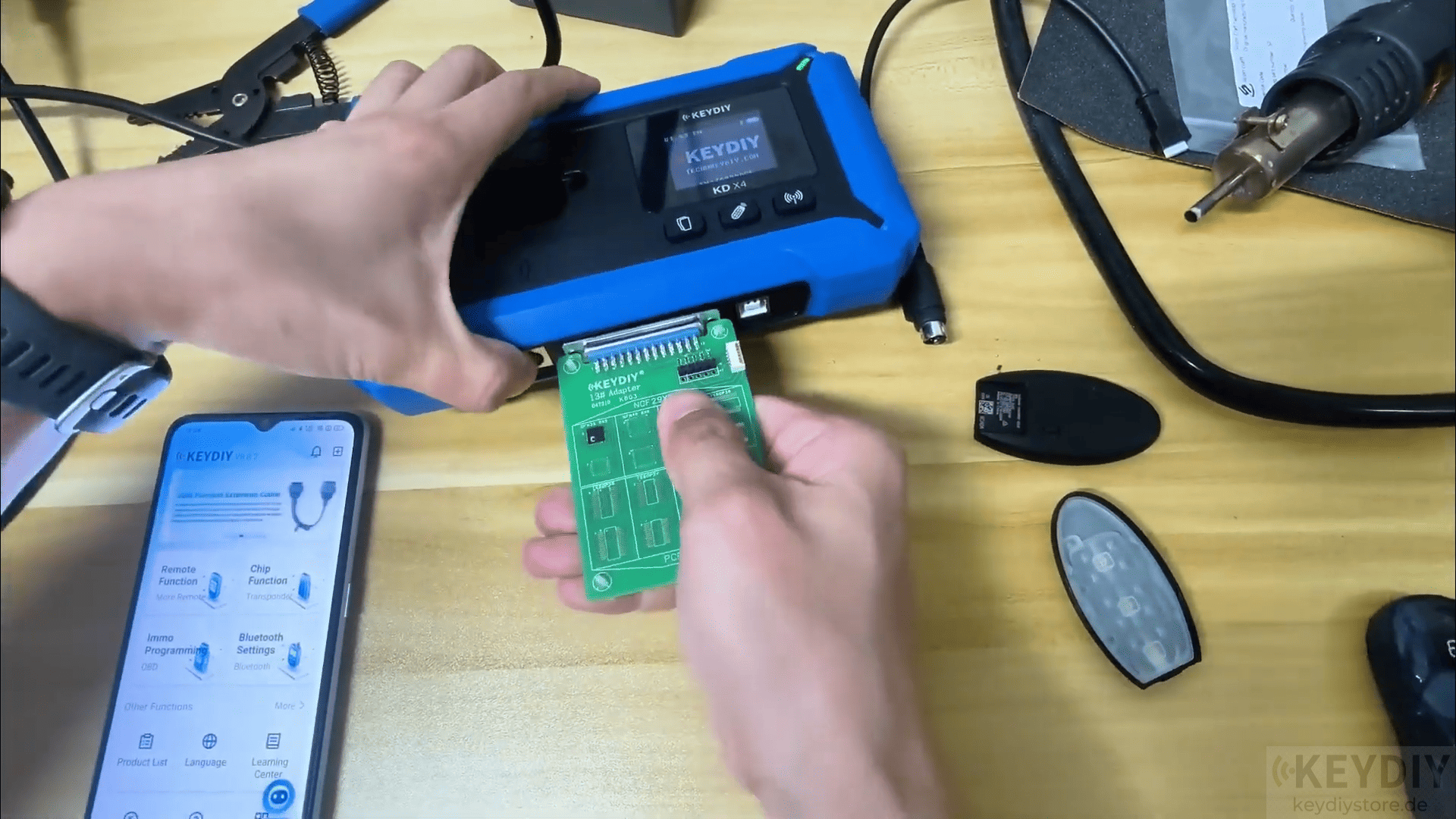
Step 2: Attach the Chip to the 13# Adapter
Place the removed chip onto the 13# adapter designed for KD-X4 Locksmith’s Universal Tool.
The adapter ensures stable connections for proper data reading and writing.
Notes:
Soldering: In some cases, you may need to remove the chip from the original key’s board and solder it onto the 13# NCF29xx interface board before proceeding with the reading and writing process.
Step 3: Read the Chip Data
Connect the KEYDIY KD-X4 to the chip adapter.
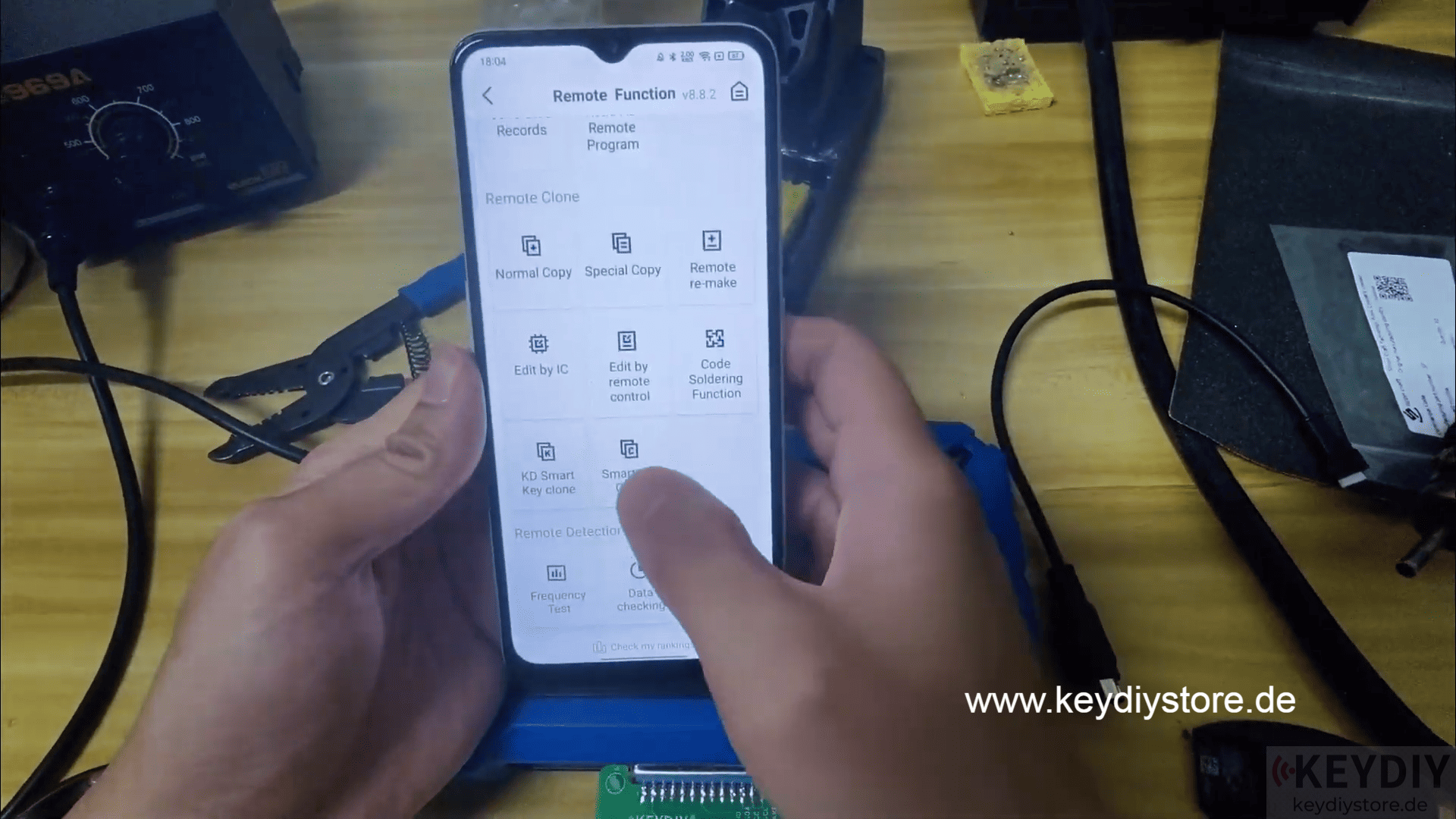
Using KEYDIY App, navigate to the “Read Chip Data” option.
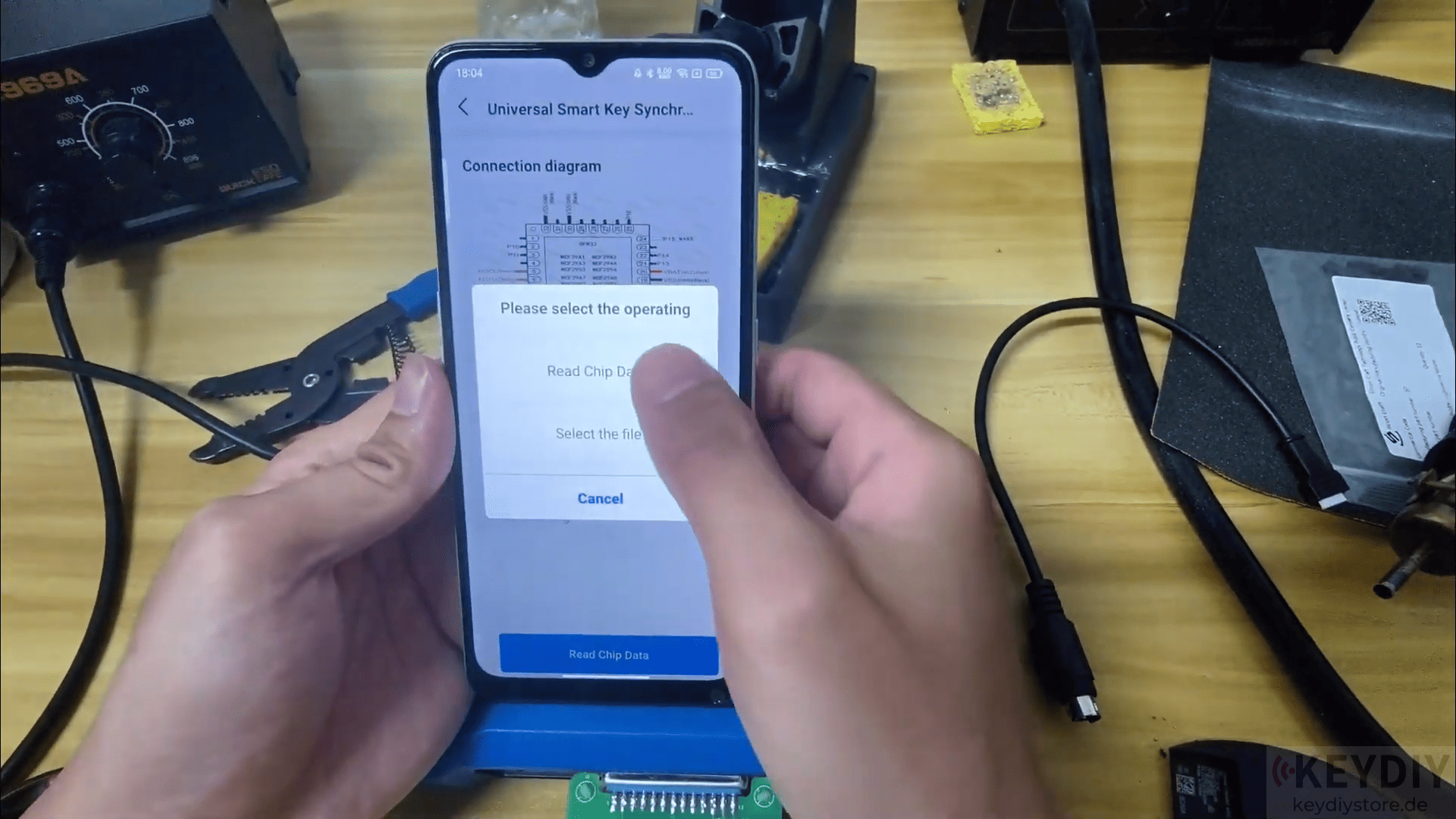
The device will now read the data stored in the chip. This step is crucial as it helps capture all the key programming data from the original smart key.
Step 4: Write the Chip Data onto KEYDIY ZB71 Remote
Once the data is successfully read, you will need to write the data to KEYDIY ZB71 remote.
Make sure to use the latest version of the KEYDIY app to avoid any compatibility issues.
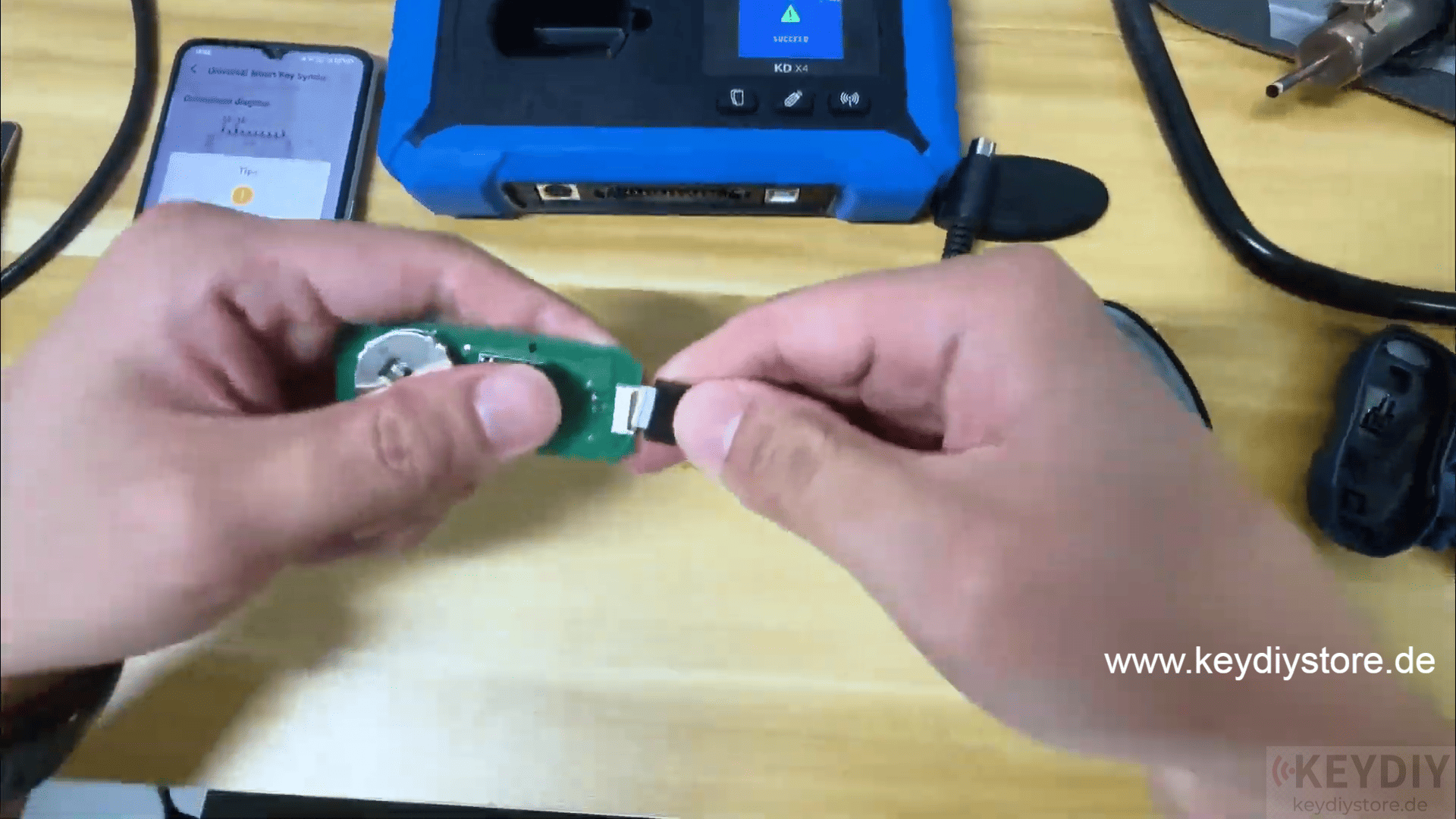
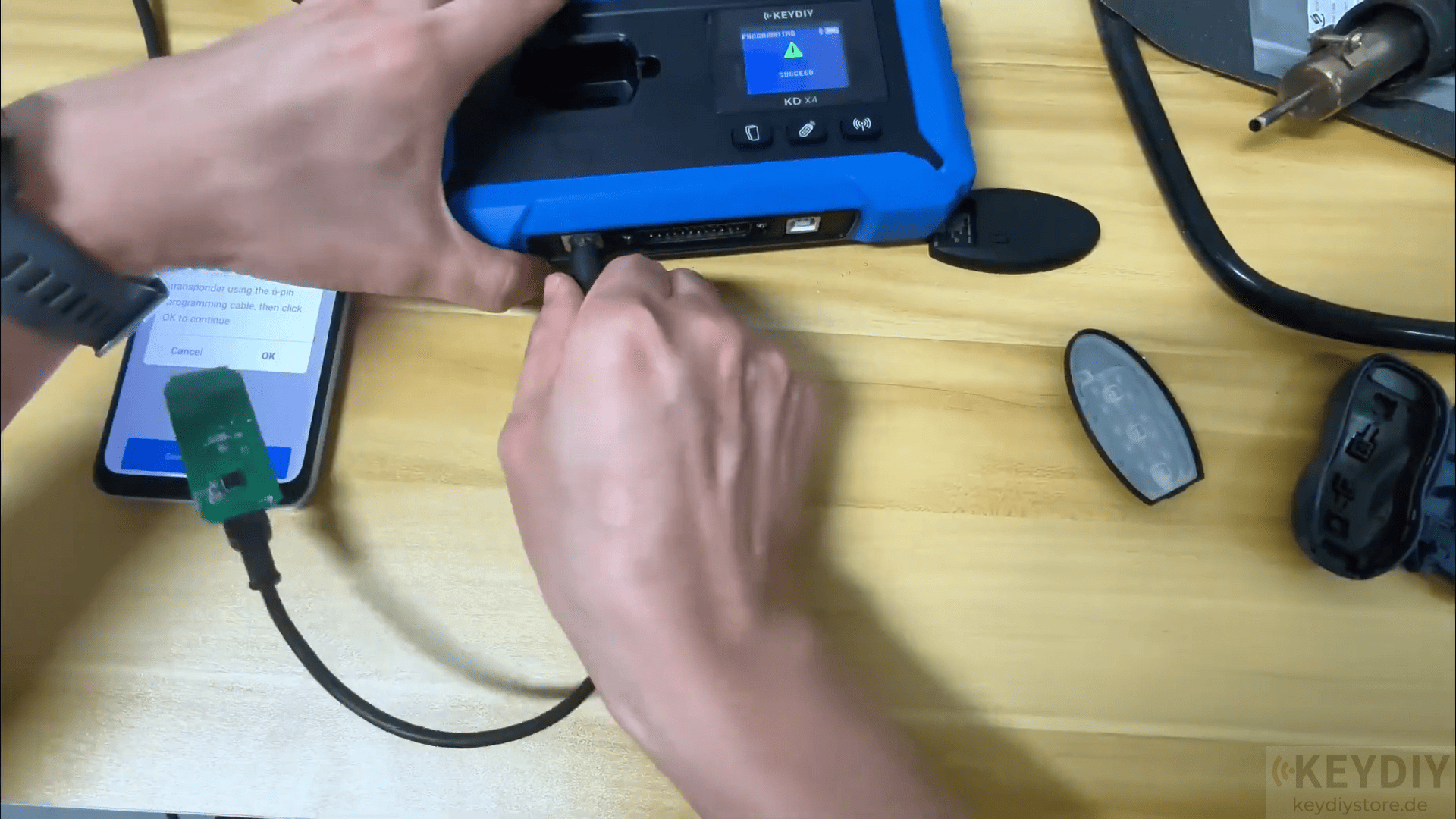
Follow the prompts to write the data to the new KEYDIY ZB71 smart key remote.
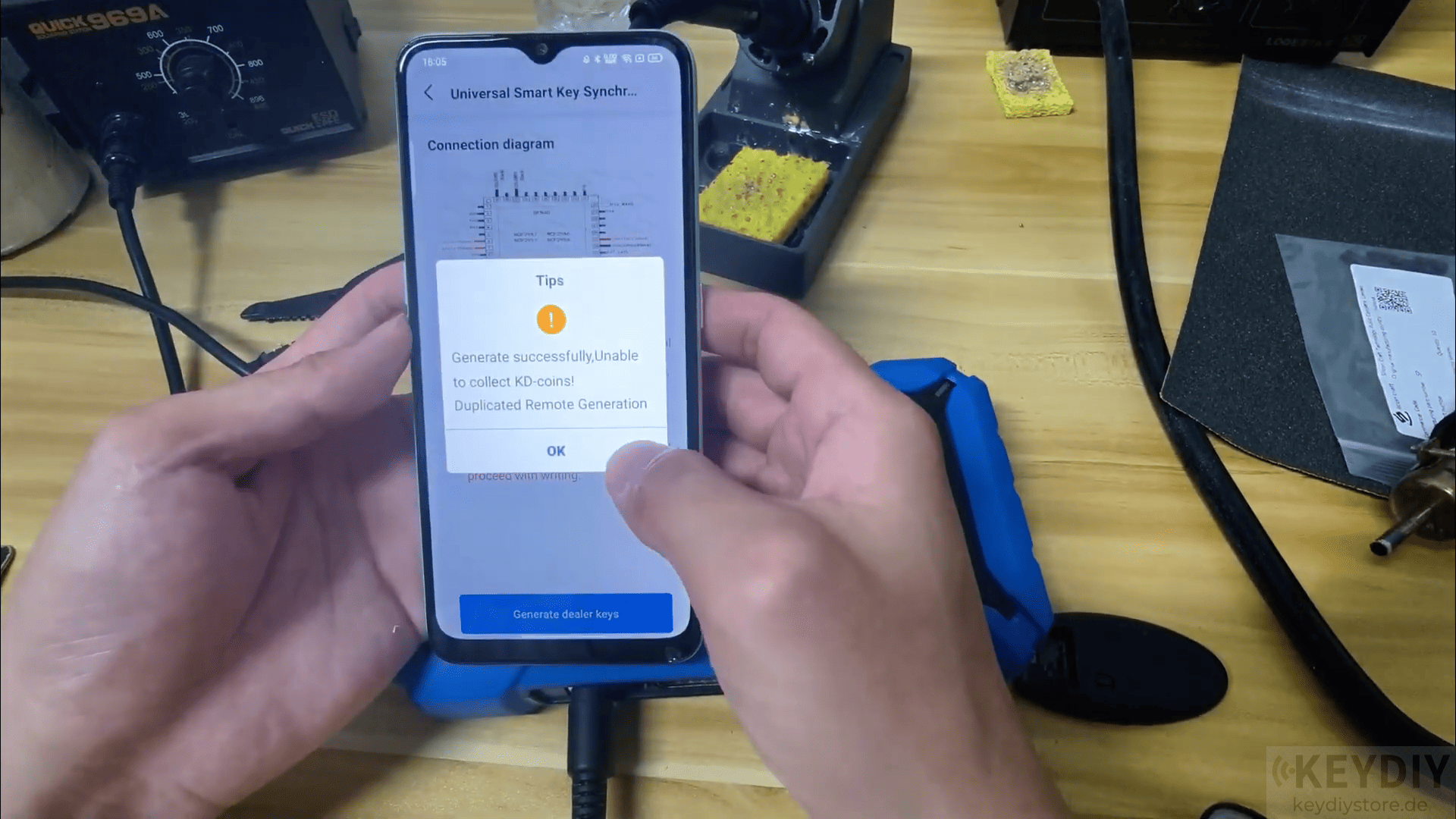
Step 5: Test the Key Function
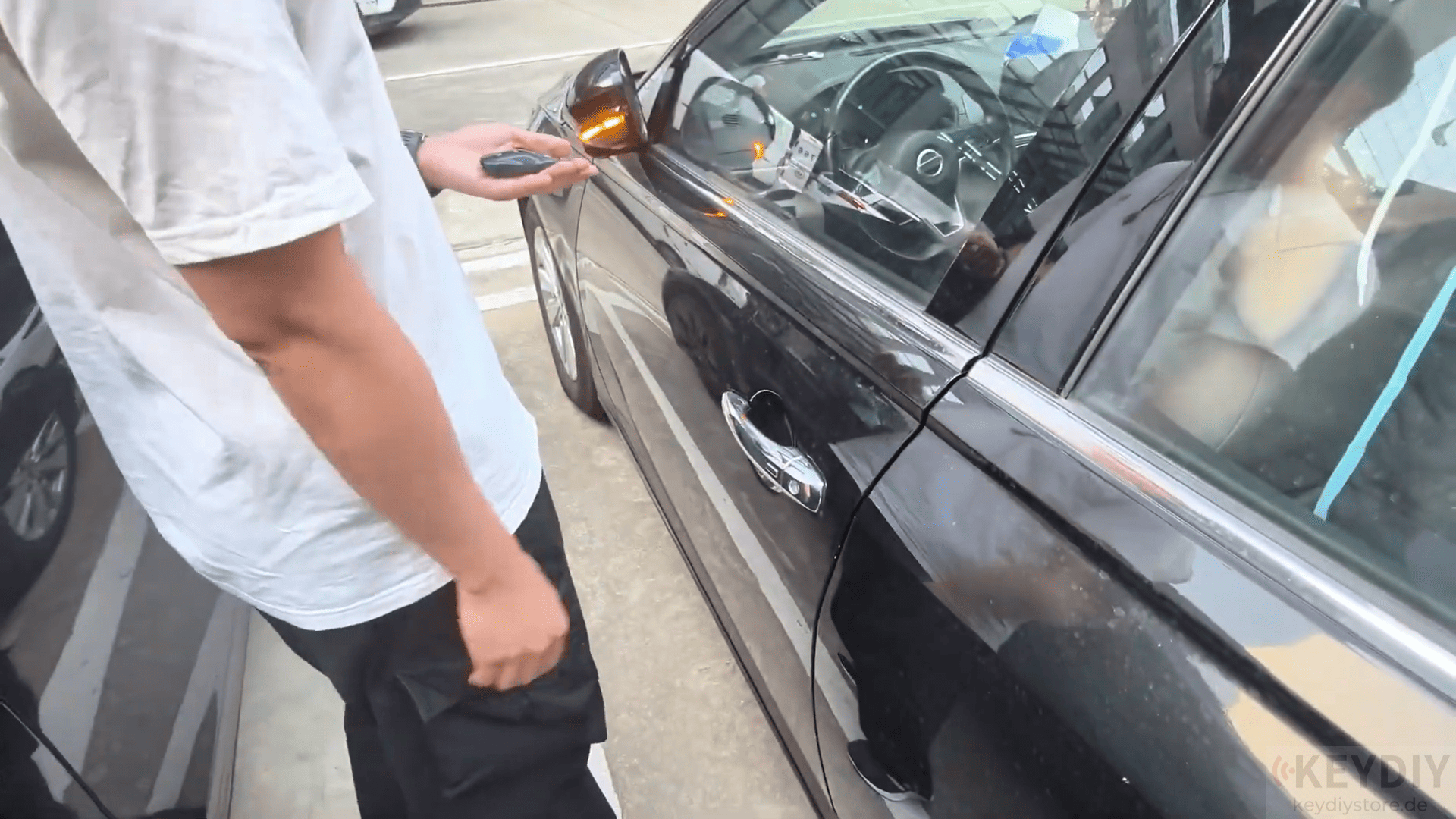
After writing the data, it’s important to test the key to make sure it works properly.
Place the newly programmed KEYDIY ZB71 remote into the ignition and check if the vehicle recognizes the key.
Ensure that the remote functions as expected for locking/unlocking, starting the vehicle, and other key functions.
Chip Types Supported: KEYDIY KD-X4 key programmer and KEYDIY KD-MAX support NCF29xx series chips, including the following:
NCF29A1/ NCF29A4/ NCF29A2/ NCF29A3/ NCF2953/ NCF2954
Contact us:
WhatsApp: +86 15271813909
E-Mail: sales@KeyDiyStore.de
Leave a Reply