




Programming MQB keys for Volkswagen vehicles requires precision and the right tools. In this guide, we’ll walk you through the process of using KEYDIY KD-X4 to safely and effectively add MQB keys, ensuring you can handle the task with confidence.
What You’ll Need:
KD-X4 key programmer
OBD Connection
Wires and Soldering Tools
Immobilizer Data Files
Original Key and Sub Key
Step 1: Enter IMMO programming
Connect the OBD and start the remote key generation process.
Choose Volkswagen → MQB Immobilizer System on KD-X4 interface.
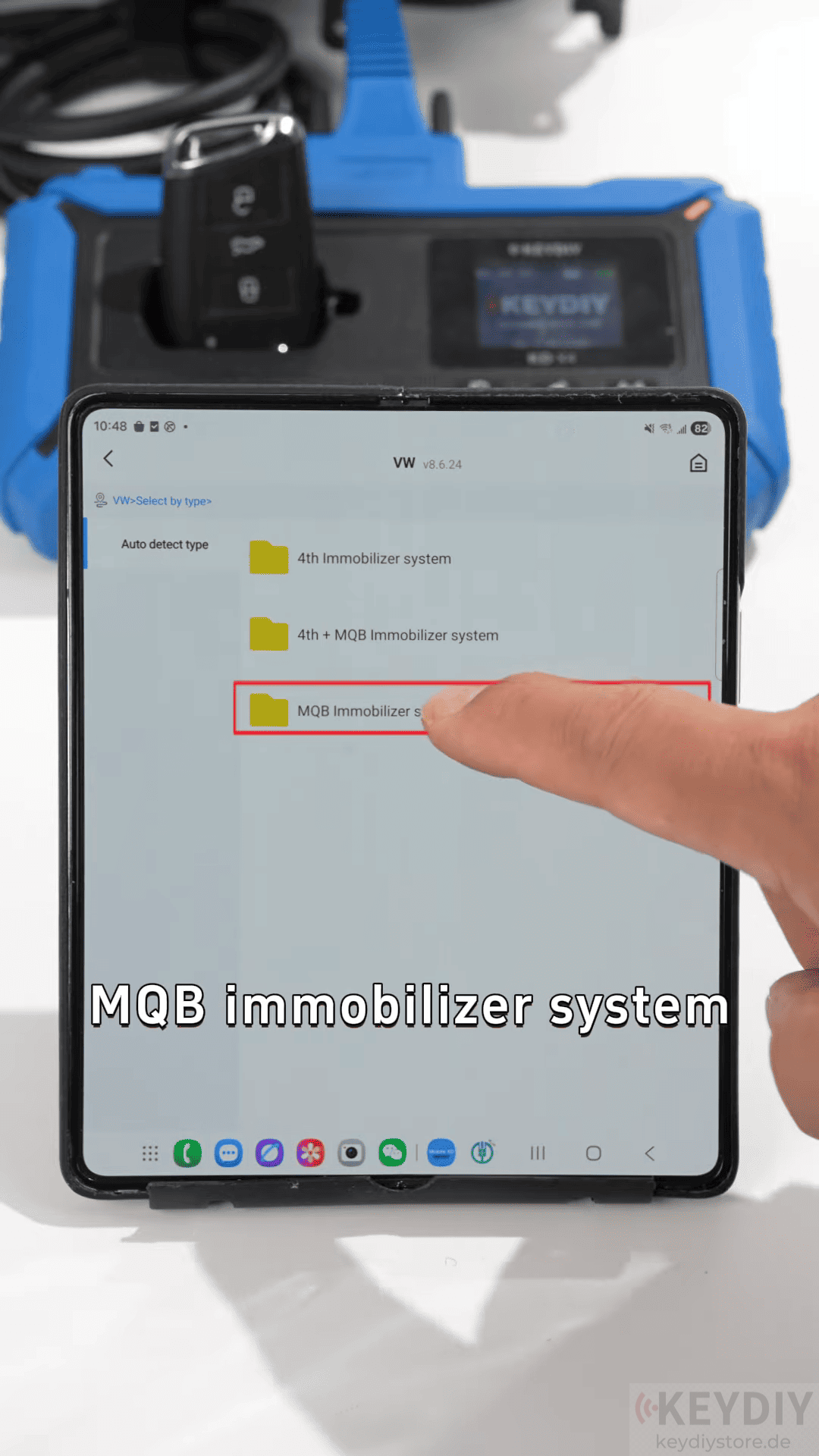
Once selected, hit Start to begin the programming sequence.
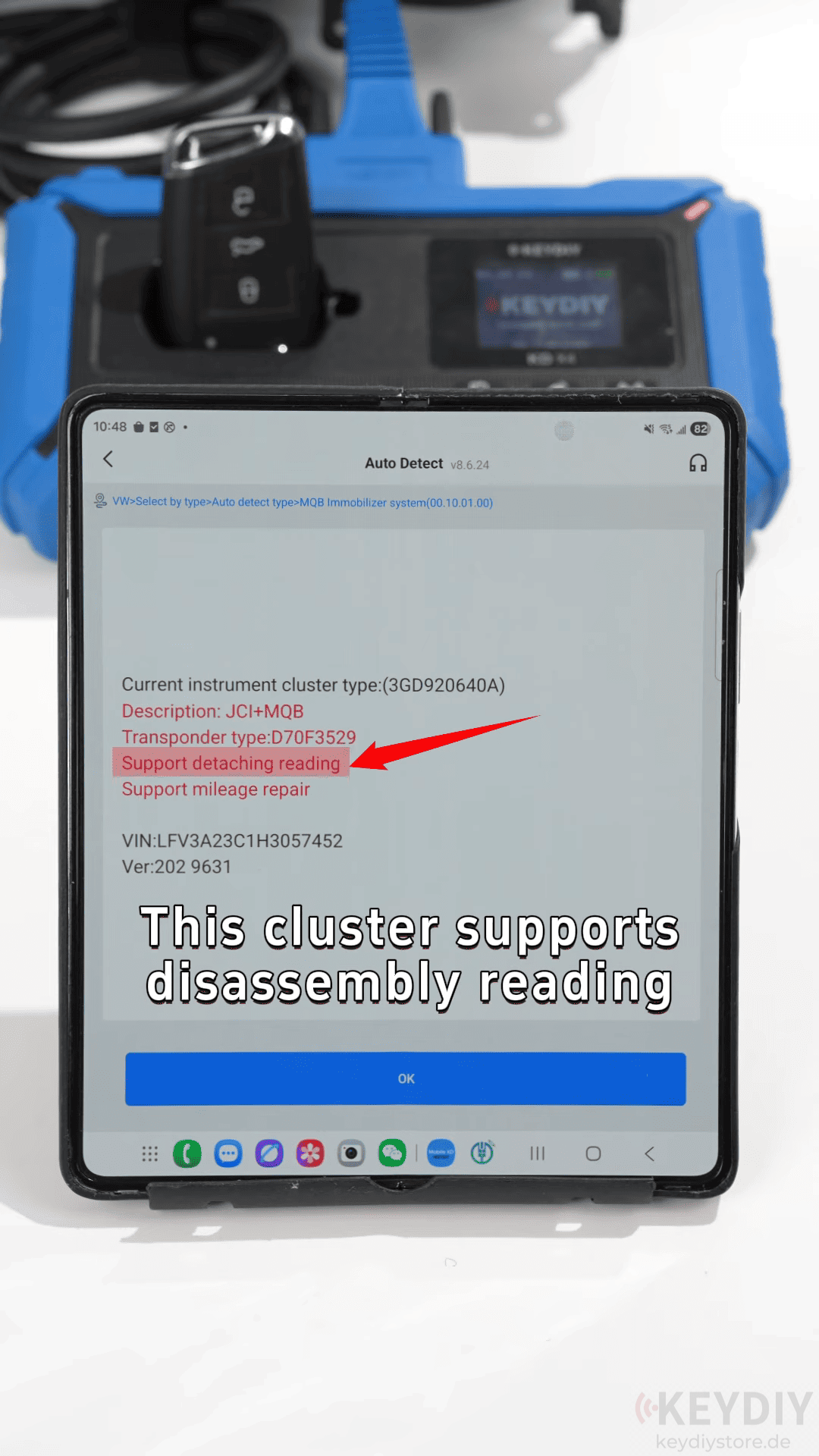
Step 2: Prepare the Vehicle and Read Data
Remove the cluster from the vehicle’s ECU to access the chip.
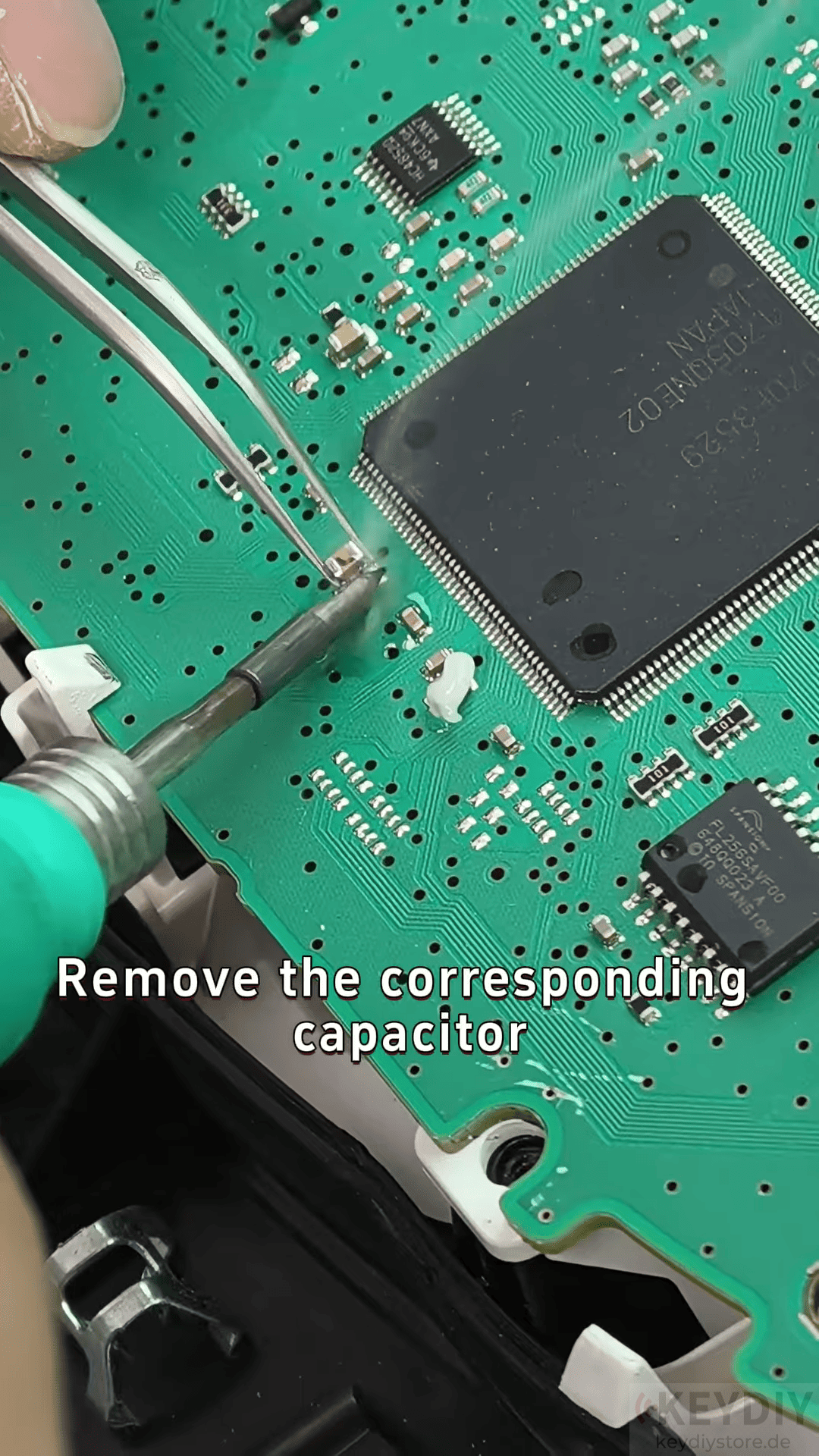
Solder the wires as per the wiring diagram provided by the tool.
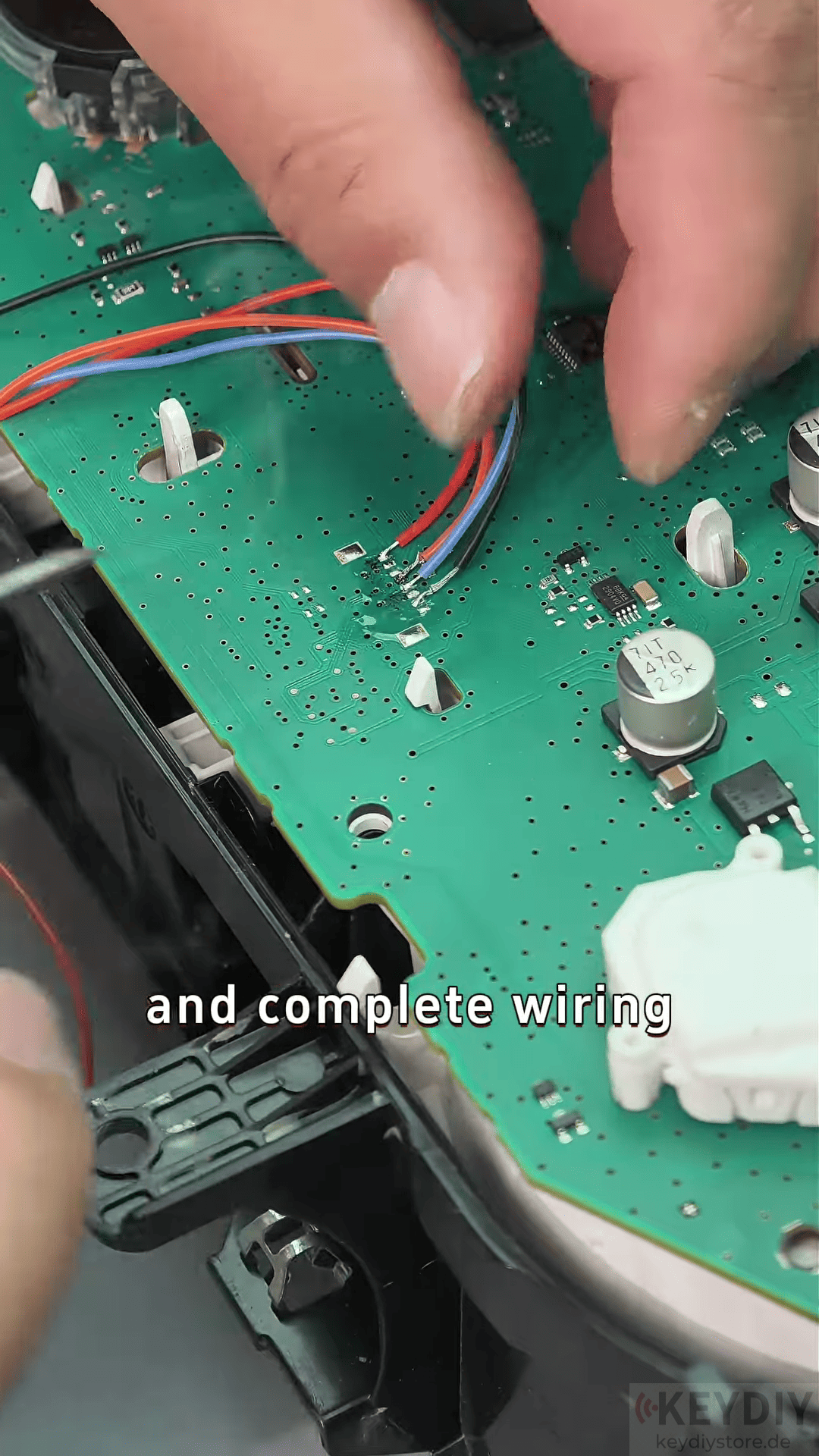
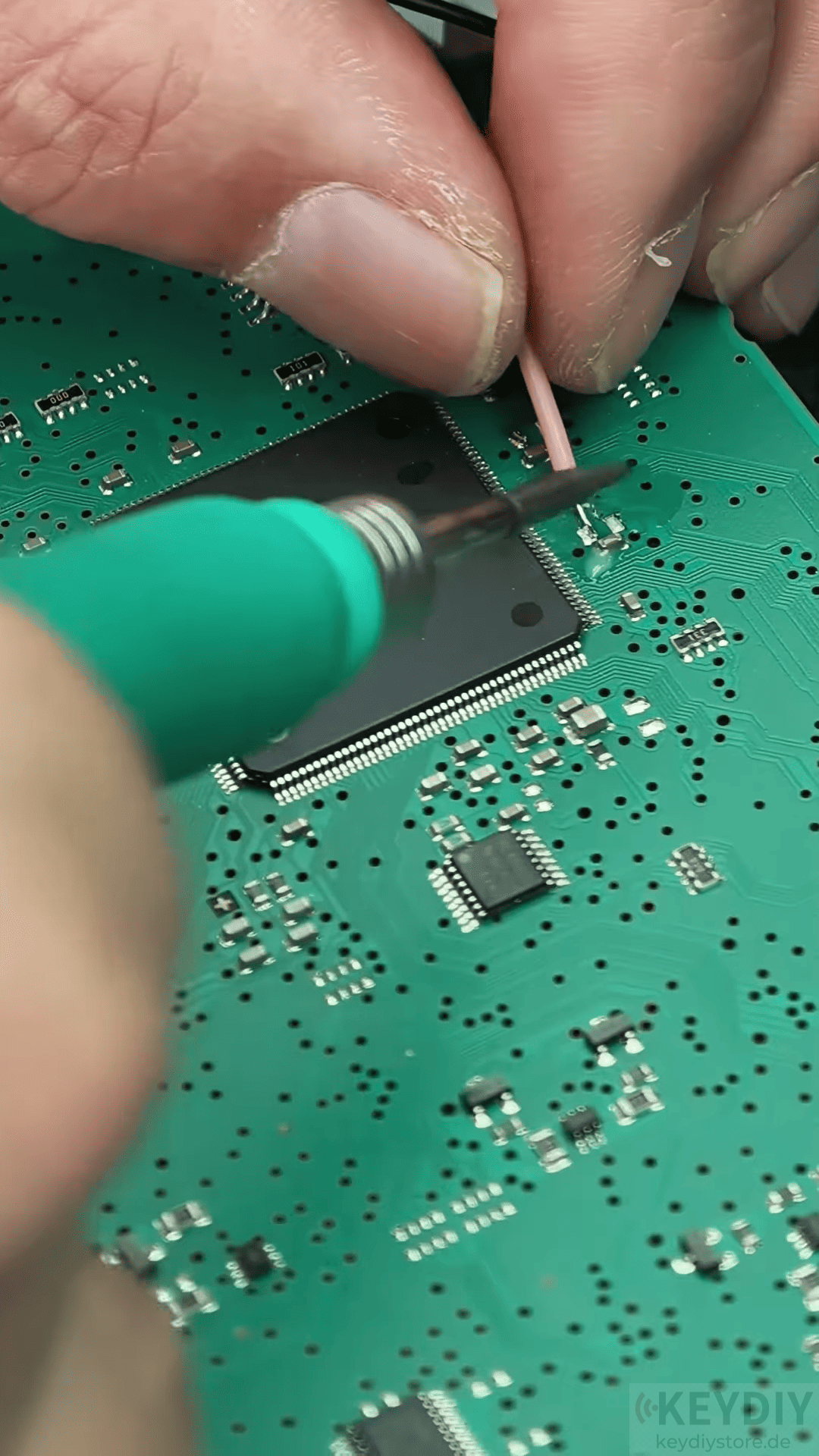
Read the chip data to retrieve the vehicle’s information. This step ensures that the right data is captured for key programming.
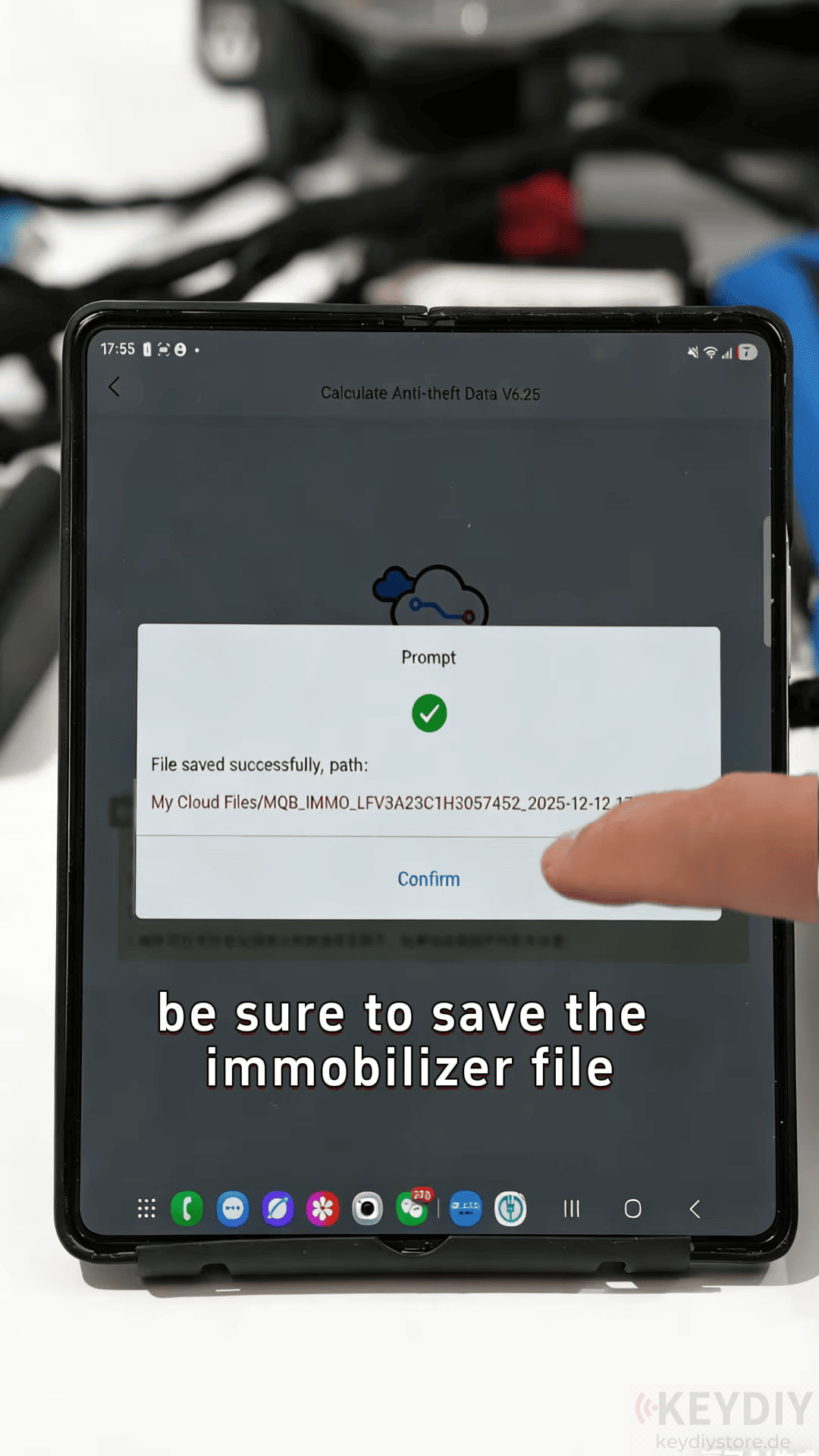
Step 3: Generate Dealer Keys
After reading the data, save the immobilizer file.
Load the saved file into the system and select the second option to begin generating the dealer key.
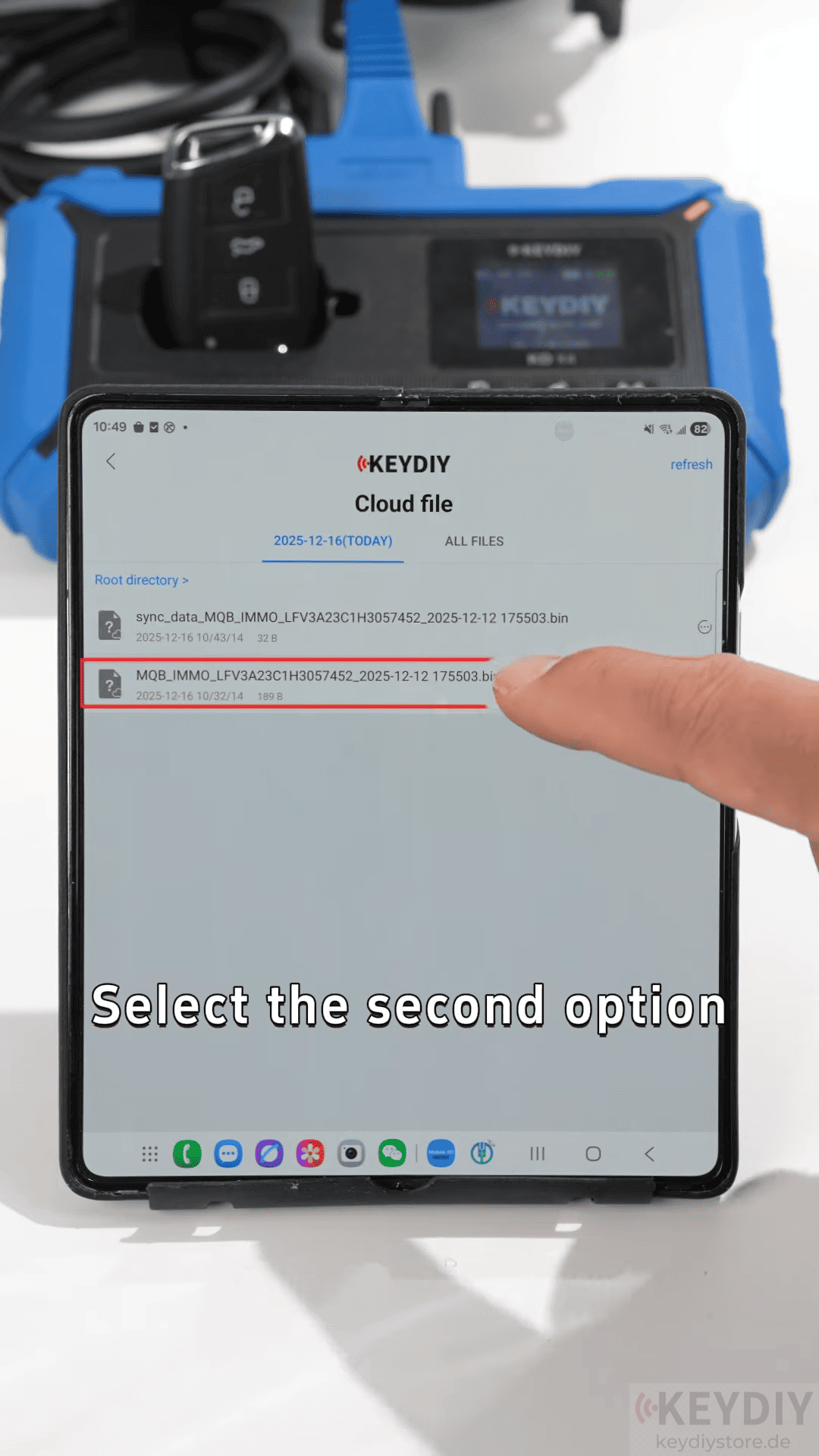
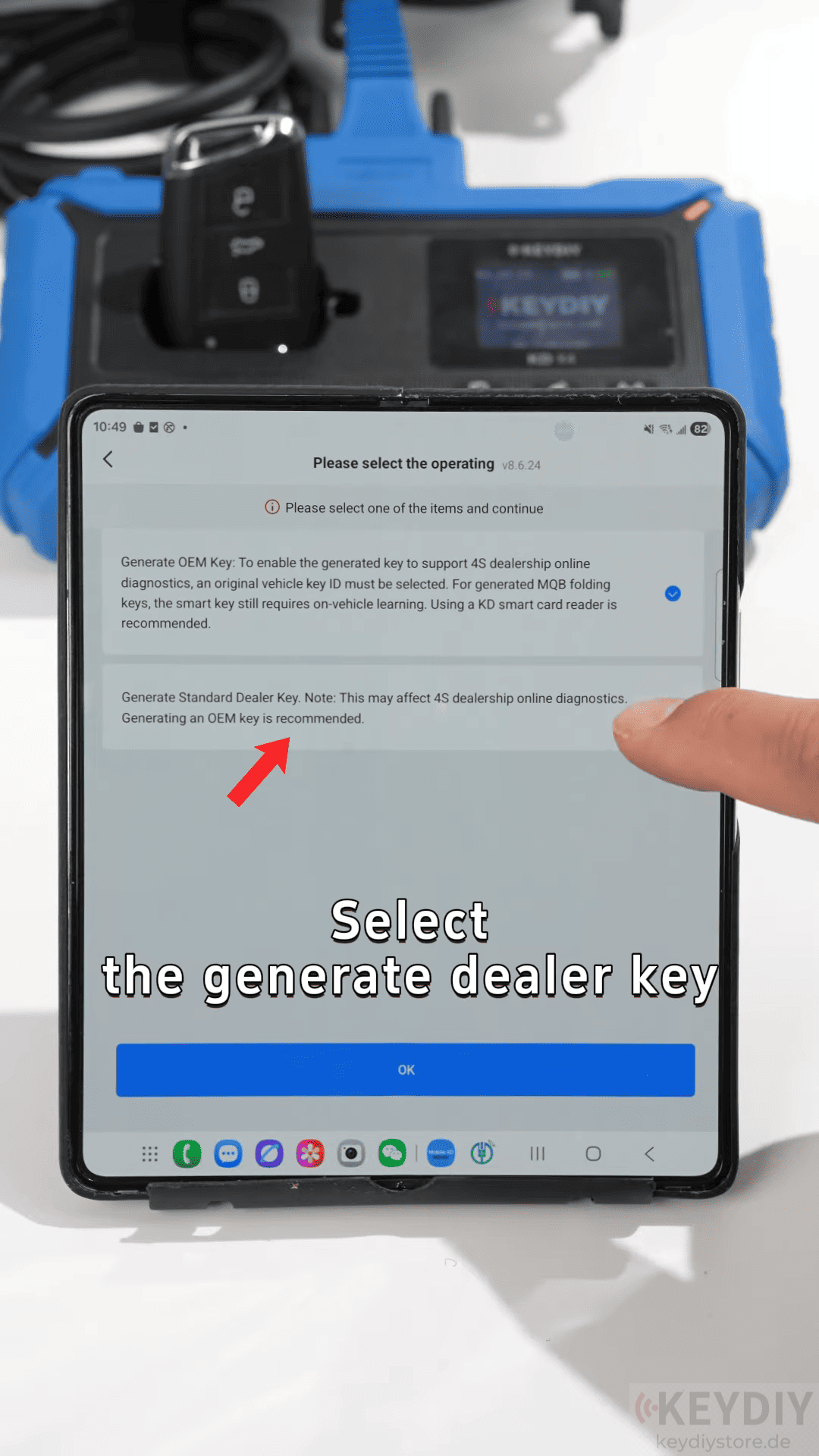
Insert the original key into KD-X4 Locksmith’s Universal Tool induction coil to synchronize the data.
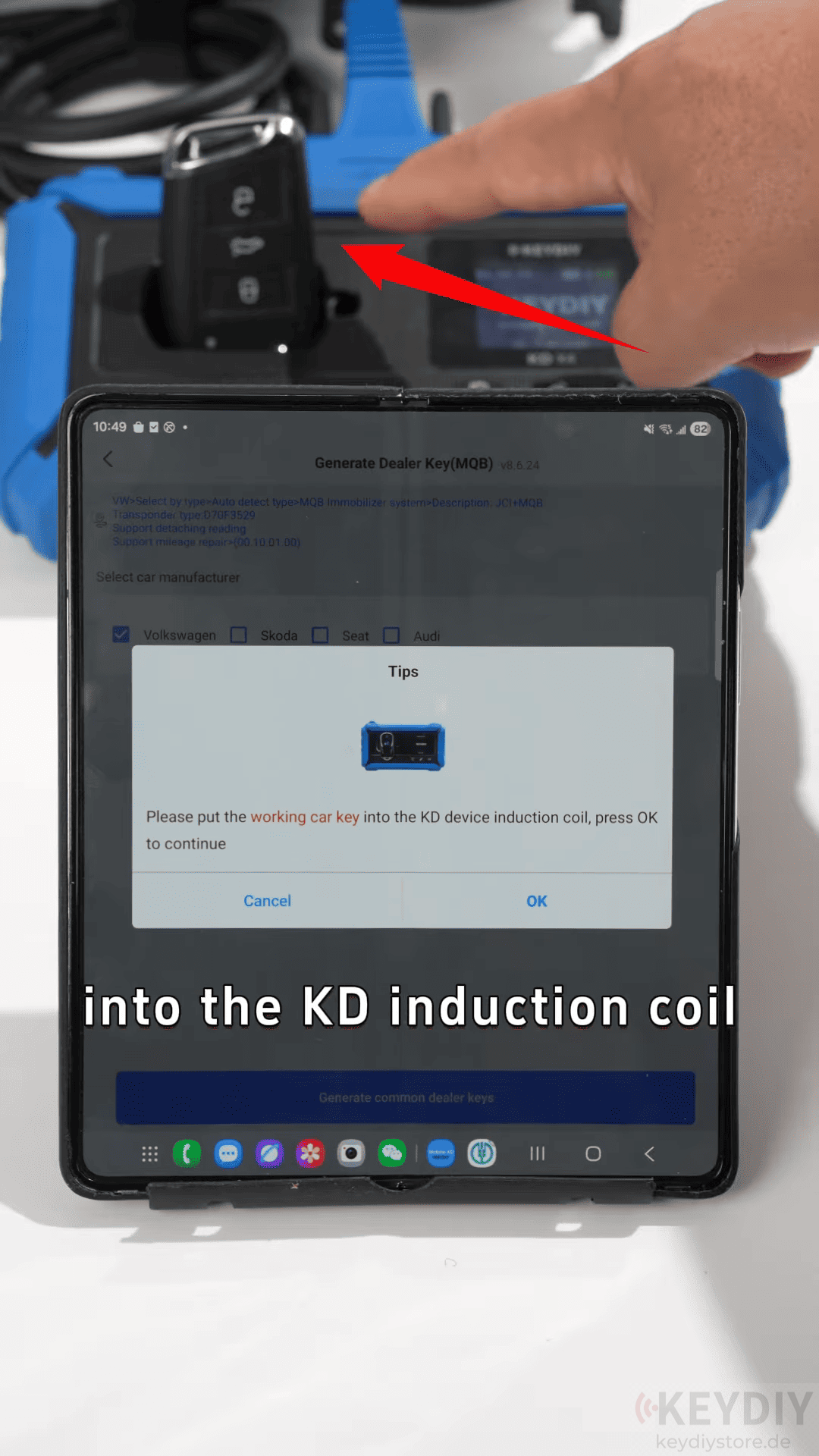
Once the synchronization is complete, the data will be uploaded to the cloud.
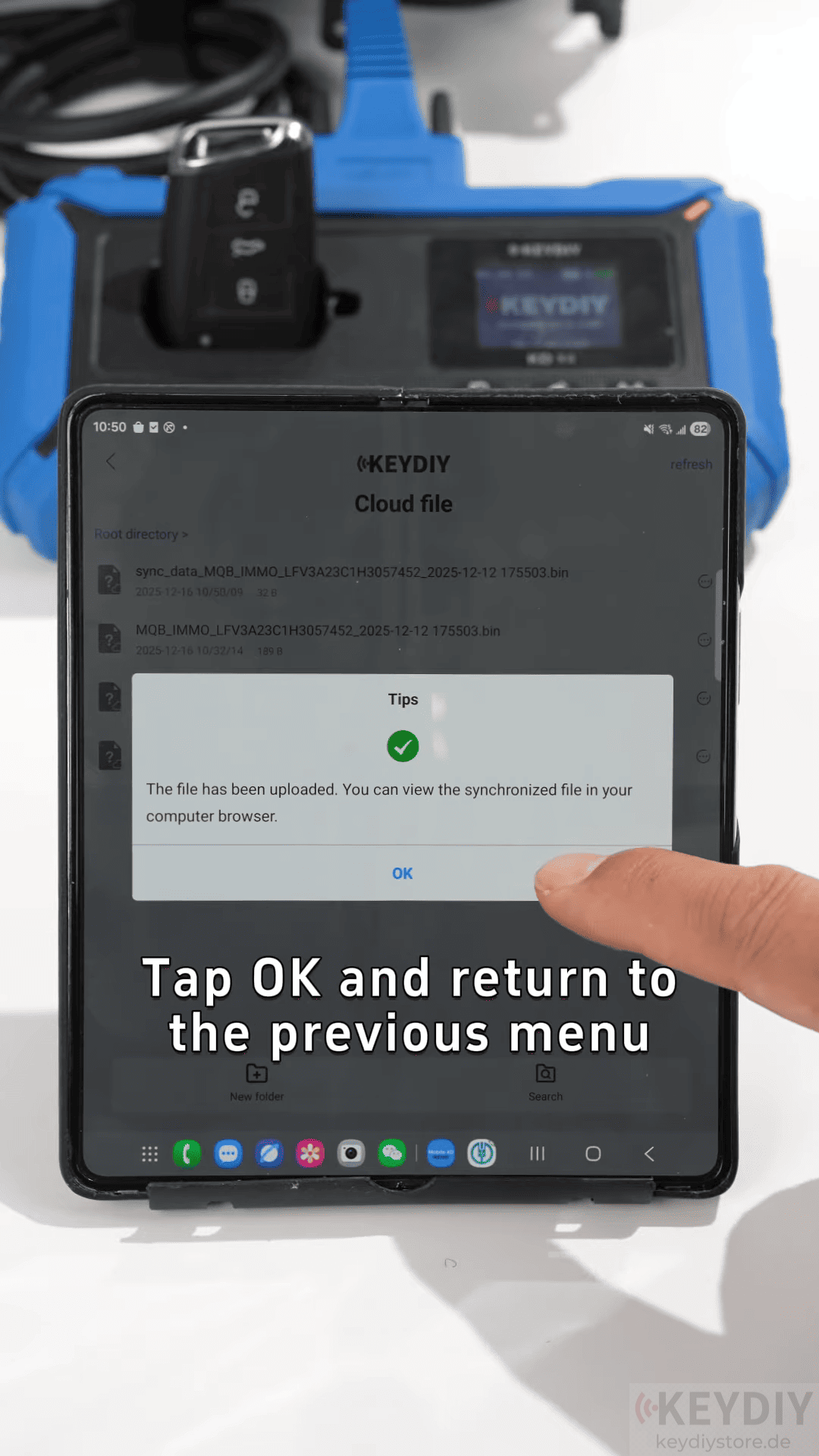
Step 4: Key Learning and Matching
Tap Learn Key on the KD-X4 and load the immobilizer file.
Select the number of keys to be learned (usually 1 or 2).

Place the original key near the induction coil and switch the ignition on and off to learn the first key.
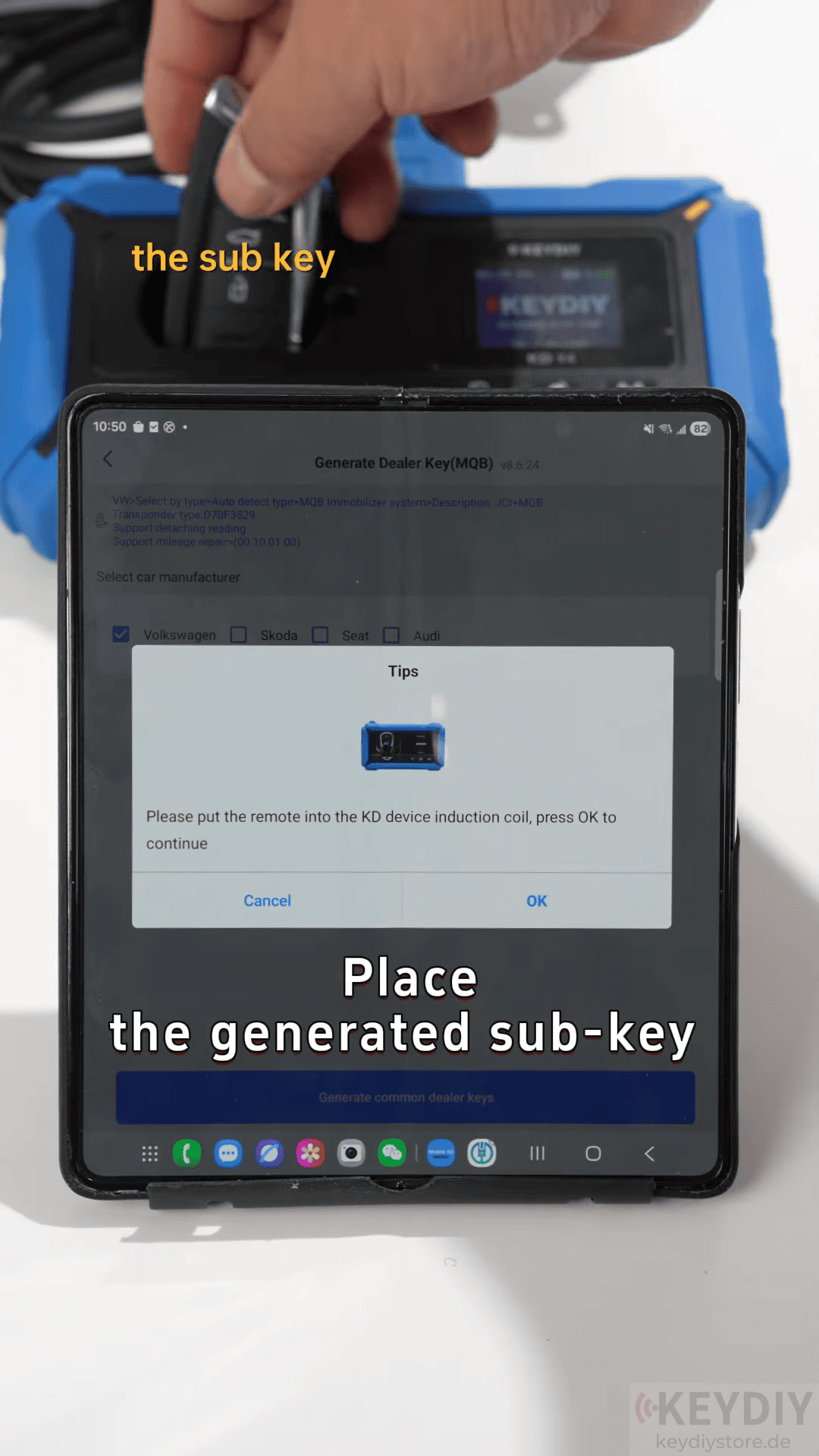
Place the new sub key in the coil to complete the learning process for the second key.

Once the cluster shows 2-2, indicating both keys are learned, the programming process is complete.

Programming MQB keys with KEYDIY KD-X4 is a straightforward process when you follow the steps carefully. Whether you’re a professional locksmith or an automotive technician, the KEYDIY KD-X4 key programmer offers an easy solution to handle key programming tasks without complications.
Read also:
KEYDIY KD-X4 Guide | Why Cars Fail During Key Programming and How to Avoid It
Leave a Reply